Turn your store into the shopping app your best customers open every week
Sync your catalogue, add Apple Pay, saved bags, back-in-stock alerts and loyalty, and launch a native iPhone app that turns one-time buyers into repeat customers.
Why your best customers want an app
Your mobile website brings in new customers. An app keeps the ones you already have. Repeat buyers want the shortest path from "I need this again" to "order placed": open from the home screen, already signed in, bag remembered, Apple Pay in one tap. They want to hear about the drop before it sells out, and they want their loyalty points in their pocket.
That is what a native shopping app does well, and it is why so many brands invest in one once they have a loyal audience. The barrier has always been cost and complexity. Muaz.io removes it: it reads your store, syncs your catalogue, designs a native app around your brand and launches it to the App Store, with your approval at every step.
See what your app would look like
Paste your site or describe your business. You get competitor research and three original concepts, free.
From store to app in five steps
- Paste your store URL. The Website Intelligence Agent maps your collections, product pages, cart, checkout and content pages, and extracts your brand: logo, colours, typography and photography style.
- Research your category. The Discovery Engine studies 5, 10 or 20 shopping apps in your niche to find the patterns that convert, from category navigation to checkout. Read more about competitor research.
- Approve the brief. Tabs for Shop, Search, Bag, Orders and Account; features like wishlists, back-in-stock alerts and loyalty; and the push notification plan.
- Choose a design. Three original concepts on your brand, previewed on a live iPhone with real product data.
- Connect and launch. Link your store's API, test checkout on TestFlight and publish through the App Store Studio.
Works with your store platform
The Backend Connector supports the common commerce stacks out of the box and any store with a documented API.
| Platform | How it connects | What syncs |
|---|---|---|
| Shopify | Storefront API | Products, collections, prices, inventory, cart, checkout, customer accounts |
| WooCommerce | REST API | Products, categories, stock, orders, customers |
| BigCommerce | Storefront and Management APIs | Catalogue, cart, checkout, orders |
| Custom store | OpenAPI or documented REST/GraphQL | Whatever your API exposes |
Keys and tokens are stored on the server and never shipped inside the app. Nothing connects to your live store until you approve it.
Native features that drive repeat purchases
Apple Pay. One-tap checkout with Apple Pay through your existing payment provider, such as Shopify Payments or Stripe. Fewer form fields means fewer abandoned checkouts.
Saved bag and wishlist. Items stay in the bag across sessions and devices. Wishlists remind customers what they loved.
Push notifications. New drops, back-in-stock alerts, price drops on wishlisted items, abandoned-bag reminders and order updates from dispatch to delivery.
Face ID sign-in. Customers stay signed in securely, so reordering takes seconds.
Home screen widget. Show the latest drop, a countdown to a launch or the status of an order.
Loyalty in the pocket. Points, tiers and rewards visible on the home screen of the app, with a digital card for in-store use if you have physical shops.
Fast, offline-friendly browsing. Catalogue images are cached, so the app opens instantly and stays usable on poor connections.
A shopping experience designed around your brand
Generic app templates make every store look the same. Muaz.io starts from your brand tokens and your photography. The three concepts typically range from a clean, editorial Minimal Apple style, ideal for premium fashion and beauty, to a bold Modern SaaS style for lifestyle and electronics brands, and a dark Premium Futuristic style for streetwear and limited drops.
You can refine anything by voice: "make product photos larger", "put New In first", "add a size guide to every product page". Every change is a version you can compare and restore.
Free: Mobile Commerce Launch Checklist
30 steps to launch a shopping app that drives repeat purchases, from catalogue sync to your first push campaign.
We’ll email the resource and a few practical tips. Unsubscribe in one click. We never sell your data.
Merchandising and content
An app is more than a catalogue. You can feature collections on the home screen, run editorial stories, highlight bestsellers, add countdowns for launches and show personalised recommendations based on browsing and order history. All of it reads from your store's existing data and content, so your merchandising team keeps working in the tools they know.
Payments and Apple's rules
A common question is whether Apple takes a cut of sales in a shopping app. For physical goods and services consumed outside the app, the answer is no: Apple's App Store Review Guidelines allow you to use your normal payment provider, with Apple Pay as a convenient option. Apple's in-app purchase system and commission apply to digital content and subscriptions consumed inside the app, such as a paid membership that unlocks digital features.
If you plan to sell a membership, Muaz.io helps you decide which benefits are physical, such as free shipping, and which are digital, and configures payments accordingly. Our paywall teardown checks membership paywalls against Apple's subscription rules.
Push campaigns that customers welcome
Push notifications are the most powerful and the most abused feature of shopping apps. Muaz.io helps you use them well:
- Ask at the right moment. The permission request appears after the first wishlist item or order, with a clear benefit, not on first launch.
- Let customers choose. A native preferences screen lets people pick drops, restocks, price drops and order updates separately.
- Automate the essentials. Abandoned-bag reminders, back-in-stock alerts and delivery updates run automatically from your store events.
- Schedule campaigns. Launch announcements and sale reminders with previews on the lock screen before they go out.
- Measure revenue. Each campaign reports opens, sessions and orders attributed to it.
Measuring success
| Metric | Why it matters |
|---|---|
| Share of revenue from the app | Shows whether loyal customers are adopting it |
| Repeat purchase rate of app users | The core reason to have an app |
| Checkout conversion in the app vs mobile web | Measures the impact of Apple Pay and saved details |
| Push opt-in rate | Determines the reach of your campaigns |
| Revenue per push campaign | Proves the value of each message |
The Growth Studio tracks these once analytics are connected and proposes experiments when one lags, such as moving the permission prompt or testing a different home screen layout.
Launching your app to existing customers
Your existing customers are your fastest growth channel. The launch plan Muaz.io drafts includes a banner on your mobile website, an email to your list with an exclusive app-only offer, an insert in parcels, social posts and App Store metadata built around the searches shoppers make. Many brands give app users early access to drops, which is a strong, low-cost reason to install.
Examples by vertical
Fashion and apparel. Editorial home screens, size guides, fit notes and early access to drops.
Beauty and skincare. Routines, reorder reminders when a product is likely to run out and shade finders using the camera.
Food and drink. Subscriptions for coffee or wine, delivery scheduling and recipes linked to products.
Home and furniture. Large product imagery, room inspiration and delivery tracking for large orders.
Electronics and accessories. Specs comparisons, compatibility checks and order tracking.
Agencies building for brands
If you are an agency building shopping apps for clients, Muaz.io gives you client workspaces, white-label previews and approvals. See Muaz.io for agencies.
How it compares with other options
Template-based shopping app builders are quick to set up but often look generic and limit customisation. WebView wrappers reuse your mobile site, which is fast but rarely delivers the speed, Apple Pay convenience and push features that make an app worth installing, and such apps can face App Review issues. A custom agency build gives full control at much higher cost and time. Muaz.io combines native code you own, original design from your brand and a launch in days. Read the website to app guide for more on the difference between native apps and wrappers.
Start with your store
Paste your store URL into the builder at the top of this page. Muaz.io maps your catalogue, extracts your brand and shows you a first concept with your real products on a live iPhone. Download the Mobile Commerce Launch Checklist below to plan your launch.
Product pages that sell on a small screen
The product page is where a shopping app earns its keep. Muaz.io designs it for thumbs: a swipeable gallery that fills the width of the screen, price and key options above the fold, a sticky Add to Bag button within reach, and details such as materials, care and delivery folded into tidy sections. Reviews and ratings appear where they help the decision, and recommended items keep the browsing going. Every element pulls from your store's product data, so the page updates automatically when your team edits a listing.
Search and discovery
Shoppers who search convert at higher rates than shoppers who browse. The app's native search supports instant suggestions, recent searches, filters for size, colour, price and availability, and sorting by newest, bestselling or price. If your store platform provides a search API, Muaz.io uses it so results match your website; otherwise it builds a fast on-device index for smaller catalogues. Search terms that return no results are logged so your merchandising team can fill the gaps.
Customer accounts and orders
Customers can sign in with Sign in with Apple or their existing store account, see their order history, track parcels, start returns and update addresses without contacting support. Account deletion is available in the app, as Apple requires for apps that support account creation. Order status updates arrive as notifications, which reduces "where is my order?" emails and frees up your customer service team.
Running sales and launches in the app
Big moments deserve special treatment. For a seasonal sale or a limited drop, the app can show a countdown on the home screen, a dedicated collection, a widget that ticks down to launch time and a notification to customers who opted in. App-only early access is a simple, powerful incentive: it rewards your most loyal customers and gives everyone else a reason to install.
Accessibility and inclusive design
Shopping should be easy for everyone. The app supports Dynamic Type so text scales with the customer's settings, VoiceOver labels on every product, colour contrast that meets accessibility guidelines and touch targets large enough for comfortable use. Product images include descriptions from your store data where available, and checkout works with assistive technologies.
A 60-day launch plan for a shopping app
Days 1 to 7: Build. Paste your store URL, run research on 10 shopping apps in your niche, approve the brief and choose a design. Connect your store's API in a sandbox and review the first build on TestFlight.
Days 8 to 14: Beta with VIP customers. Invite your best customers to a TestFlight beta with an exclusive discount. Watch how they browse, search and check out, and fix what slows them down.
Days 15 to 21: Launch. Publish to the App Store, announce to your email list with an app-only offer, add a smart banner to your mobile site and put an insert in every parcel.
Days 22 to 45: Automate. Turn on abandoned-bag reminders, back-in-stock alerts and order updates. Schedule your first campaign for a new collection.
Days 46 to 60: Optimise. Review app revenue share, repeat purchase rate and push opt-in. Test the home screen layout or the permission prompt timing, and plan an app-only early access drop.
App-only offers that work
The most effective reasons to install are offers that reward loyalty rather than discounts that train customers to wait. Early access to drops, free shipping thresholds for app orders, exclusive colourways, double loyalty points and members-only restocks all work well. Keep the offer simple and visible on your website, in emails and on parcels. Avoid permanent app-only discounts that erode margin; time-limited perks create excitement without long-term cost.
Returns, exchanges and customer service
Post-purchase experience is where loyalty is won. The app can let customers start a return, choose an exchange size, print or show a return label and track the refund without emailing support. Order updates as notifications reduce "where is my order?" contacts. If you use a help desk, the app can open a chat with order details attached. Each of these features reduces support costs while making customers more likely to buy again.
Photography and product content
Apps showcase product photography at larger sizes than most mobile websites. Use high-resolution images, consistent backgrounds and multiple angles, and add short videos for products where movement matters, such as fabric drape or a gadget in use. Muaz.io reads images and videos from your store, so the better your product content, the better the app looks. Alt text from your store data is used for accessibility.
Integrating loyalty and reviews
If you already use a loyalty or reviews platform, connect it through its API so points, tiers and reviews appear natively in the app. Customers can see their points on the home screen, redeem rewards at checkout and leave reviews after delivery with a single tap. Showing reviews on product pages builds trust; asking for them at the right moment builds your catalogue of social proof.
Common questions from store owners
Will the app slow down my store? No. The app reads from your store's APIs, which are designed for this kind of traffic.
Do I need to manage products twice? No. You keep managing products in your store platform, and the app updates automatically.
Can I run app-specific prices? Yes, if your platform supports price lists or discount codes for a channel, the app can apply them.
Can my agency build it? Yes. Agencies can use Muaz.io to build and manage shopping apps for clients. See Muaz.io for agencies.
What about Android? Muaz.io's React Native projects make an Android version possible later; the first launch focuses on iPhone, where many brands see their highest-value customers.
Measuring the return on your app
To judge whether the app pays for itself, compare app users with mobile web customers over the same period: order frequency, average order value and 90-day retention. Add the revenue from push campaigns and app-only drops. Subtract the cost of the app and any app-only perks. Most brands evaluate the app over six to twelve months, because the value comes from repeat purchases rather than first orders. The Growth Studio's dashboard shows these comparisons once analytics are connected, and our revenue calculator can model membership revenue if you add a paid tier.
Glossary for e-commerce teams
Storefront API. An API that lets apps and websites read products, collections and prices and create carts and checkouts.
Abandoned bag. A cart with items that the customer did not check out; a reminder can recover some of these sales.
Back-in-stock alert. A notification sent when a product a customer wanted is available again.
Smart banner. A banner on your mobile website that invites visitors to open or install your app.
App revenue share. The percentage of total online revenue that comes through the app, a key adoption metric.
Repeat purchase rate. The share of customers who buy again within a period; apps typically aim to raise it.
Ready to see your store as an app?
Paste your store URL in the builder above. In minutes you will see your real products on a live iPhone in three design directions, with research on the shopping apps you compete with. It is free to start, and you approve every step before anything goes live.
Five mistakes shopping apps make
Launching without a reason to install. Give customers a perk that exists only in the app.
Asking for notifications on first launch. Ask after the first wishlist item or order instead.
Hiding search. Make search one tap away on every screen.
Ignoring post-purchase. Order tracking and easy returns build loyalty.
Treating the app as a copy of the website. Design for thumbs, speed and repeat visits.
Start today: paste your store URL above and see your products in a native app within minutes.
Your best customers are waiting for a faster way to shop with you.
Still have questions about ecommerce app builder? Ask the assistant inside the Muaz.io builder. It knows your project, your competitors and every source cited in this guide, and it answers in plain language.
Questions about for e-commerce brands
Short, direct answers. Still curious? Ask in the builder; the assistant knows your project.
Does it work with Shopify?
Yes. Muaz.io connects to Shopify through the Storefront API to sync products, collections, prices, inventory and checkout. WooCommerce, BigCommerce and custom stores with a documented API work too.
Do I pay Apple a commission on physical products?
No. Under Apple's App Store Review Guidelines, sales of physical goods and services consumed outside the app use your normal payment provider, such as Shopify Payments or Stripe, with Apple Pay as a payment method. Apple's in-app purchase rules apply to digital goods and subscriptions.
Will the app stay in sync with my store?
Yes. Products, prices, stock and collections are read live from your store's API, and images are cached for speed. When you add a product on your store, it appears in the app automatically.
Can I send push notifications for sales and drops?
Yes. You can send campaigns for new collections, back-in-stock items and price drops, and automated messages for abandoned bags and order updates. Users choose which notifications they want.
How is a native app different from my mobile website?
A native app opens instantly from the home screen, remembers the customer, supports Face ID and Apple Pay with one tap, works smoothly offline and can send push notifications. These are the features that drive repeat purchases.
Who owns the customer data?
You do. Orders and customers stay in your store platform. The app uses your existing systems; Muaz.io does not sell or reuse your data.
Guides on this topic
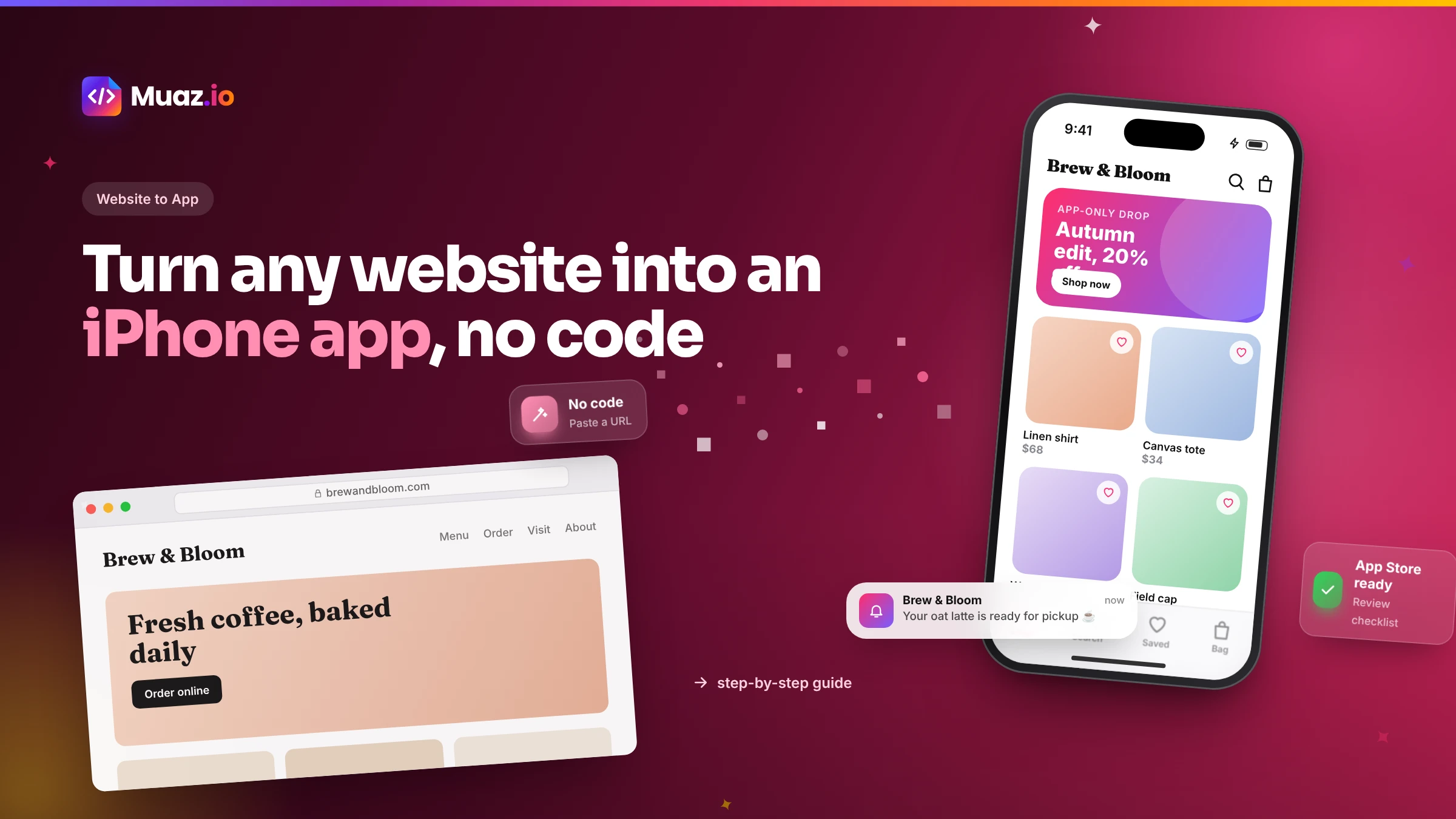 Website to App15 min readHow to Turn Any Website into an iPhone App Without Coding (Step-by-Step)
A step-by-step, no-code guide to turning your website into a real iPhone app: checking readiness, choosing native vs WebView, AI conversion, testing on TestFlight and App Store approval.
Monjur Hossain·
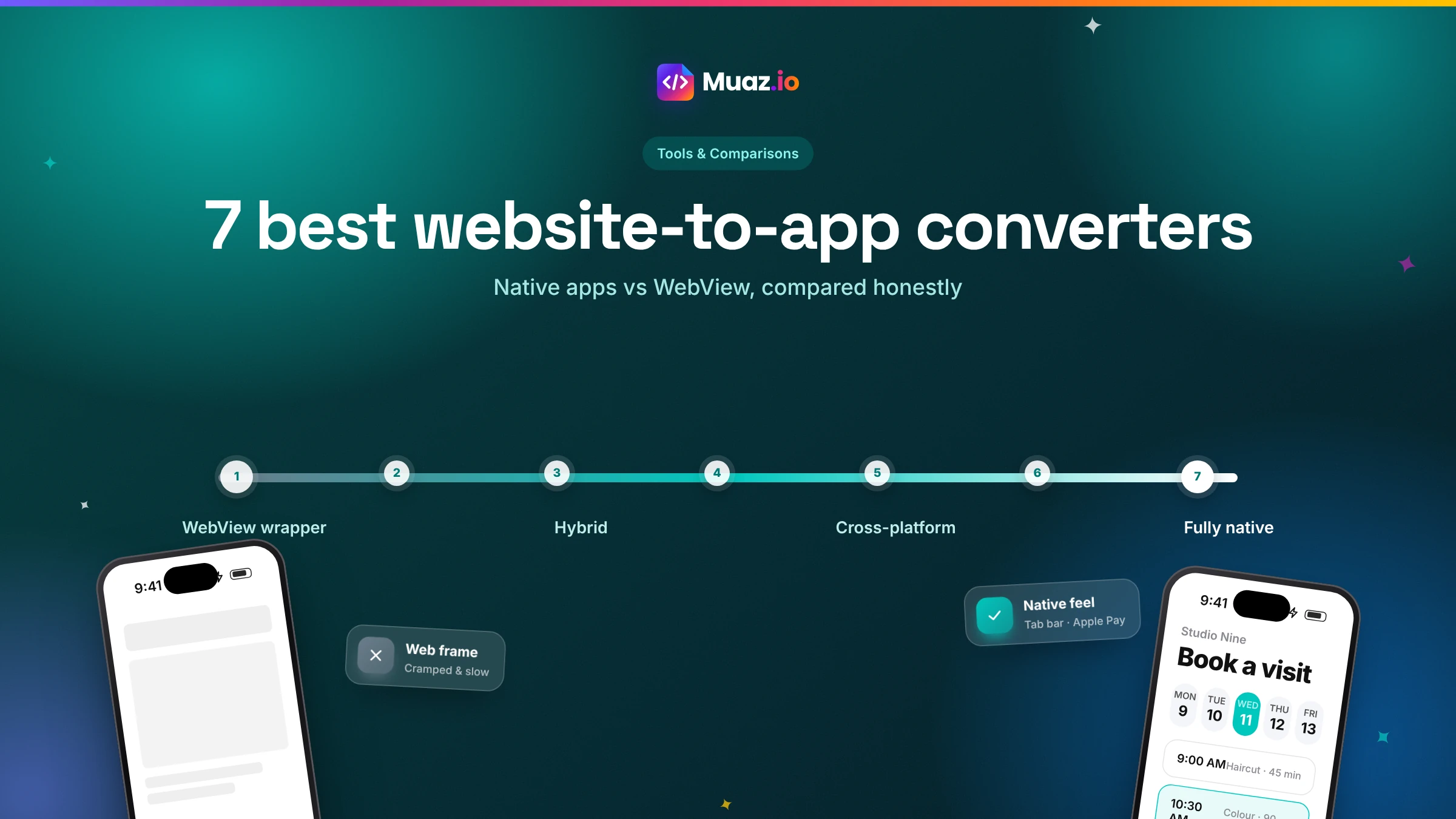 Tools & Comparisons15 min read7 Best Website-to-App Converters in 2026: Native Apps vs WebView
An honest comparison of 7 website-to-app converters in 2026, from WebView wrappers to native AI rebuilds: how each works, App Review risk, features, ownership and published pricing.
Monjur Hossain·Related guides and tools
Convert your website into a native iPhone app with AI. Muaz.io reads your brand, pages and flows, then builds real native screens, not a WebView wrapper.
Read the guide Solutions · 13 min readDeliver client apps in days and keep the marginDeliver native iPhone apps to clients in days, not months. Client workspaces, approvals, white-label previews, audit logs and code you can hand over.
Read the guide Product · 13 min readPublish to the App Store without the busyworkEverything you need to publish an iPhone app: signing, TestFlight, screenshot sizes, metadata, privacy labels and an App Review readiness checklist.
Read the guide Free tools · 13 min readFind out why your paywall is not convertingScore your subscription paywall against conversion patterns from top-grossing apps and Apple's subscription rules. Get priority fixes in seconds, free.
Use the free tool Product · 13 min readResearch the apps already winning your categoryResearch the iOS apps winning your category before you design. Screenshots, onboarding, paywalls, pricing and ASO, with licensed estimates clearly labelled.
Read the guide Guide · 13 min readThe AI app builder that researches, designs, builds and launches your iPhone appHow an AI app builder turns a website, prompt or voice note into a native iPhone app. Research, design, code, testing, App Store launch and growth, explained.
Read the guideWhere our numbers come from
Third-party figures are estimates published by the sources below. Prices and rules change; check the source before you decide.
- Shopify Storefront APIshopify.dev/docs/api/storefront
- WooCommerce REST APIwoocommerce.github.io/woocommerce-rest-api-docs
- Apple Pay for developersdeveloper.apple.com/apple-pay
- Apple App Store Review Guidelinesdeveloper.apple.com/app-store/review/guidelines
- Apple User Notificationsdeveloper.apple.com/documentation/usernotifications
- Stripe: Apple Paydocs.stripe.com/apple-pay
Your app is one sentence away.
Paste your site or describe your business. You get competitor research and three original concepts, free.