How to turn any website into an iPhone app without writing a line of code
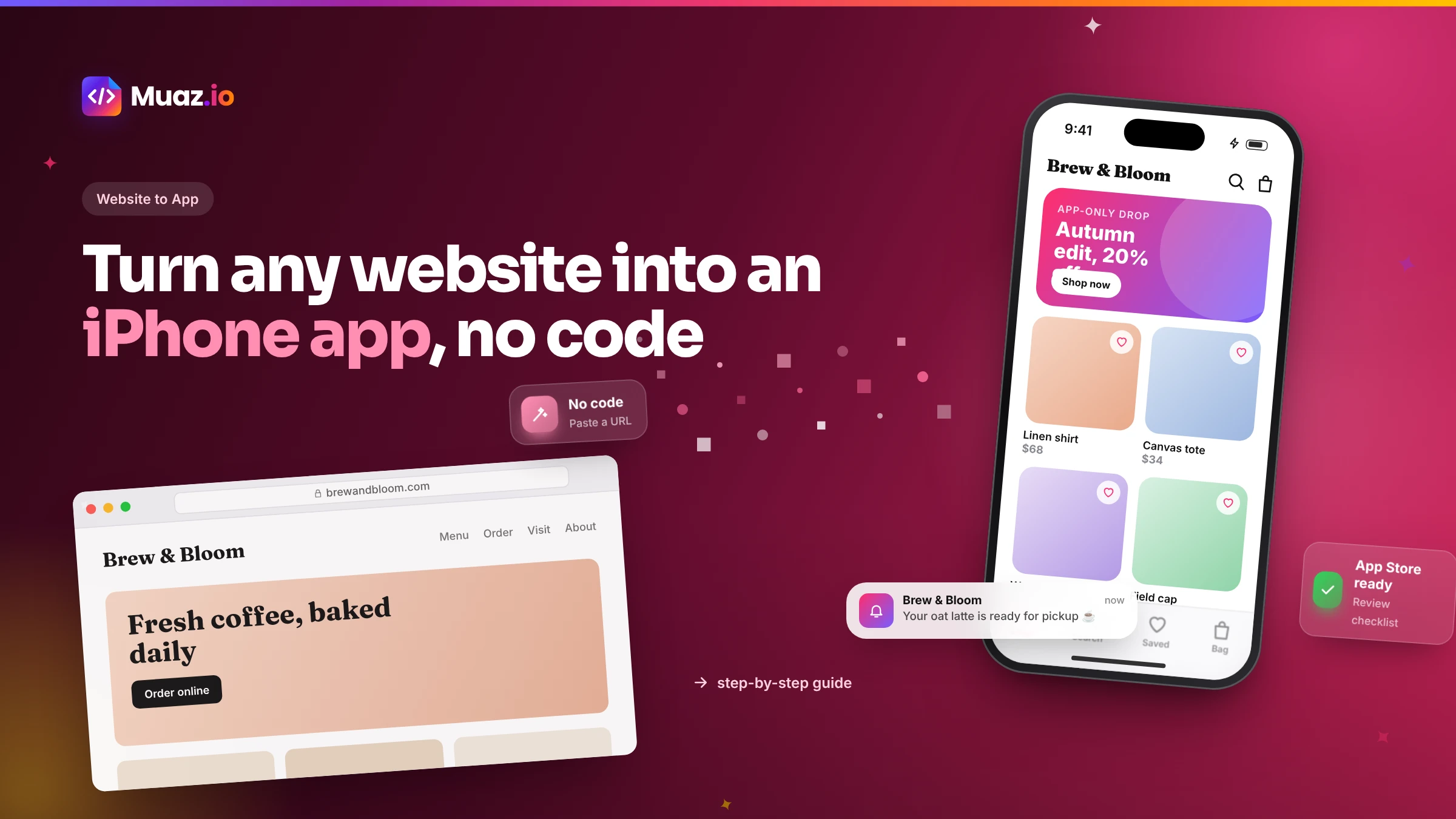
You already have the hardest part: a website that explains what you do. This guide walks you through turning it into a native iPhone app, from a ten-minute readiness check to your first App Store approval.
You can explore it for free: Muaz.io's research and design concepts cost nothing, and some wrapper services have free tiers with their branding. To publish on the App Store you need Apple's Developer Program, which costs $99 per year, plus whatever your chosen tool charges for builds.
- Apple rejects apps that are only a repackaged website under guideline 4.2.
- No. With an AI builder you paste your URL, approve the research and brief, choose a design and test on your iPhone.
- If the app reads your content through an API, such as WordPress, Shopify or a headless CMS, new posts, products and prices appear automatically.
- A first native concept takes minutes. A TestFlight build you can install on your iPhone typically takes a few days, depending on how much data needs connecting.
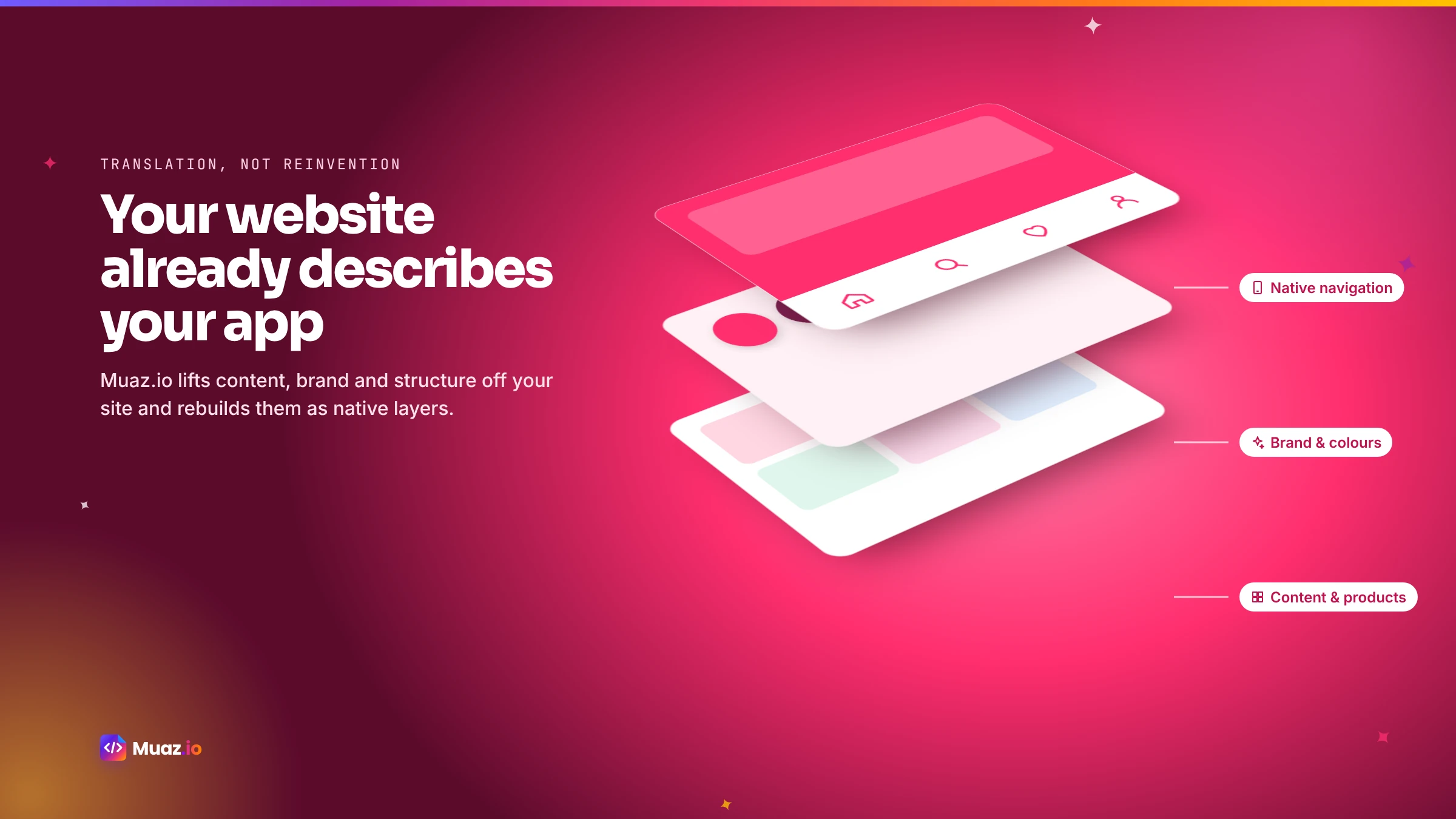
Here is a secret most app agencies will not tell you: if you have a decent website, you have already done most of the thinking an app needs. Your site explains who you serve, what you sell, how much it costs and how people get started. It has your brand, your tone of voice and the questions customers ask most. Turning that into an iPhone app is less about inventing something new and more about translating what already works into a form that lives on your customers' home screens.
This guide shows you how to do that without writing code. It covers a quick readiness check, the big decision between packaging your site and rebuilding it as native screens, the step-by-step process with an AI builder, testing on your own iPhone and getting through App Review. It is written for business owners, marketers and founders, not engineers.
First, a ten-minute readiness check
Not every website needs an app, and the ones that benefit most share a few traits. Before you do anything else, answer these honestly.
- Do people come back regularly? Shops, booking sites, communities, learning platforms and SaaS products have repeat visitors. A one-off brochure site usually does not need an app.
- Is there something worth a notification? Order updates, appointment reminders, new content, price drops or messages give you a reason to reach people.
- Do customers have accounts? Logins make apps far more useful, because the app can remember people and their history.
- Is there a transaction? Bookings, purchases or subscriptions are where native features like Apple Pay shine.
- Is most of your traffic mobile? If so, your customers are already telling you where they want to use you.
If you answered yes to three or more, an app is very likely worth it. You can run a more detailed version of this check with the free readiness tool on our website to app page, which scores your site on twelve factors and suggests the native features worth building.
The big decision: package your website or rebuild it as native screens
There are two fundamentally different ways to turn a website into an iPhone app, and it is worth understanding both before you choose a tool.
Packaging (WebView). The app is a native shell that displays your existing web pages. It is fast and cheap, and every change to your website shows up in the app immediately. But the experience is only as good as your mobile website, and Apple's guideline 4.2 asks for apps that offer more than a repackaged website. Developers regularly discuss 4.2 rejections on Apple's developer forums.
Rebuilding as native screens. Your website becomes the specification, and the app is built with real native components: a tab bar, native lists, swipe gestures, Face ID and Apple Pay. Content still comes from your website's data, so it stays in sync, but the experience is designed for the phone.
| Packaging (WebView) | Native rebuild | |
|---|---|---|
| Time to first version | Hours to days | Days |
| Feels like an iPhone app | Depends on your site | Yes |
| Push, Face ID, widgets, Apple Pay | Partly, through plugins | Fully |
| App Review risk | Higher | Lower |
| Content stays in sync | Yes | Yes, through your API |
| Best for | Excellent mobile sites, content-heavy publishers | Shops, bookings, SaaS, memberships |
For most businesses that want an app customers actually keep, the native rebuild is worth it. AI has made it nearly as fast as packaging. If you want to compare specific tools, our guide to the best website-to-app converters goes through seven of them.
See your app before you pay for anything
Paste your website or describe your idea. Muaz.io researches your competitors and designs an original app you can try on your iPhone.
Step 1: Paste your website URL
With an AI builder like Muaz.io, everything starts with your URL. The Website Intelligence Agent reads your public pages and builds a map of your site: what pages exist, how they link together and which flows matter, such as booking, checkout, sign-up or contact. It extracts your brand tokens, which are your colours, fonts, corner styles and tone of voice, so the app looks like you rather than a template.
It only reads pages anyone can see, and it is designed to ignore internal network addresses for safety. If parts of your site are behind a login, it notes them as areas that will need access later.
Step 2: Let the AI study your competitors
This is the step that makes the biggest difference to the final app, and most website-to-app tools skip it. Muaz.io researches 5, 10 or 20 apps in your category on the App Store: how they are laid out, how they onboard new users, what they charge, what their reviews praise and complain about and which search keywords they target.
Why does that matter? Because your customers will compare your app with those apps. If every competitor lets people book without creating an account, you should too. If reviews of the leading app complain that notifications are spammy, you have an opportunity. You save the patterns you like as inspiration, never the actual screens, and the design engine creates its own original version. Our guide to iOS app competitor analysis explains the method in more depth.
Step 3: Approve a simple brief
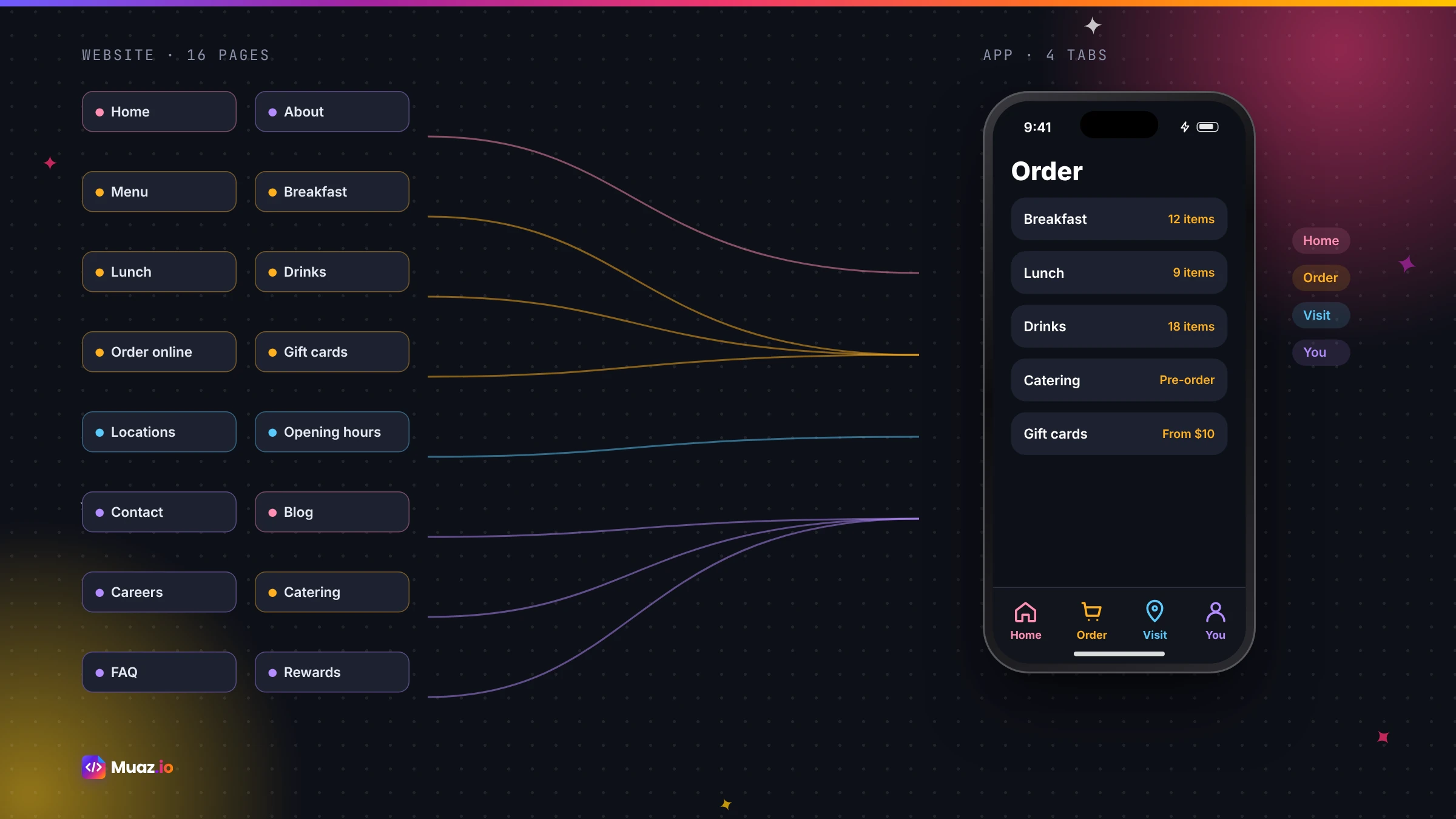
Next, the Product Architect Agent turns your website and the research into a one-page brief. It answers the questions that shape the app: who it is for, what the main journey is, which features are in version one and which come later, which tabs the app has and how it makes money. A website with fifty pages might become an app with four tabs, and that is a good thing. Apps are focused; websites are broad.
You can edit the brief by voice or text. "Leave the blog out of version one." "Add a loyalty tab." "Guests should be able to book without signing up." When you approve it, everything else is built from it.
Step 4: Choose a design that looks like you
The design engine produces three original concepts built on your brand: a clean Minimal Apple style, a bold Modern SaaS style and a darker Premium Futuristic style. Each is shown on a live iPhone preview with a real lock screen, notifications and Dynamic Island, so you judge the design the way your customers will see it.
Refine it the way you would brief a designer. "Make the photos bigger." "Use our deep wine for the buttons." "Put the booking button at the bottom." You can do this by speaking, which is often faster than typing; see the voice editor for how that works. Every change becomes a version you can compare with or undo.
Step 5: Connect your content and data
To keep the app in sync with your website, it reads your content through an API rather than copying it. If your site runs on a common platform, this is usually quick.
| Your website runs on | How the app gets content |
|---|---|
| WordPress | The WordPress REST API for posts, pages and custom content |
| Shopify | The Storefront API for products, collections, cart and checkout |
| WooCommerce | The WooCommerce REST API for products, orders and customers |
| Webflow or a headless CMS | The CMS API for collections and items |
| A booking platform | Its API for services, availability and appointments |
| A custom site | An OpenAPI definition or documented API |
Keys and passwords are stored on the server, never inside the app, and nothing connects to your live systems until you approve it. If something is missing, the builder lists exactly what it needs instead of guessing.
Step 6: Add the native features that make it worth installing
This is where your app becomes more than your website. Pick the features that fit your business.
- Push notifications for orders, reminders, new content or messages.
- Face ID so returning customers sign in with a glance.
- Apple Pay for one-tap checkout through your existing payment provider.
- A home screen widget showing the next appointment, order status or today's offer.
- Offline access to saved items and recently viewed content.
- Camera for scanning, uploading documents or sharing photos.
Each feature is added with the permission text Apple requires, and permission prompts are placed at the moment they make sense, such as asking about notifications after someone books, which also improves acceptance.
Step 7: Test it on your own iPhone
Before anyone else sees the app, install it on your phone through Apple's TestFlight. Use it for a day the way a customer would. Book something, buy something, sign in and out, turn on airplane mode and see what happens. Then invite five to ten real customers and ask them to try the main tasks. Their confusion is gold; fix it before launch.
Changes are quick. Say or type what you want changed, review the new version and install the next build, usually within minutes.
Step 8: Prepare your App Store listing and submit
To publish, you need an Apple Developer Program membership, which costs $99 per year, in your or your company's name. Then you need a listing: an app icon, screenshots in the sizes Apple requires, a name and subtitle of up to 30 characters each, a keyword field, a description, privacy labels and a privacy policy link. Apple's screenshot specifications are precise, so let the tool generate them from your real app.
Muaz.io's App Store Studio prepares all of this and runs a readiness checklist covering the most common rejection reasons. You approve the upload and the submission, and Apple usually reviews within a day or two.
Start free. Approve every step.
- Research 5, 10 or 20 competitors
- Original design, never copied
- Test on your iPhone today
- You own the code
How to avoid the most common rejections
Most rejections of website-based apps come from a handful of issues.
"Your app is a repackaged website." Guideline 4.2. Avoid it with native screens and at least two native features.
"We could not sign in." If your app needs an account, give the reviewer a working demo login.
"Users cannot delete their account." If people can sign up in the app, they must be able to delete their account in the app too.
"The permission request is unclear." Every camera, location or notification prompt needs a plain explanation of why.
"Screenshots do not match the app." Generate screenshots from the real app, not mock-ups.
What about WordPress, Shopify and other platforms?
The process is the same for every platform; only the connection changes.
WordPress sites connect through the REST API, so posts, pages and custom post types appear as native lists and articles. Membership plugins can be connected so members sign in with their existing accounts.
Shopify stores connect through the Storefront API for products, collections and checkout, with Apple Pay and saved bags. Our e-commerce page covers shopping apps in detail.
Membership and course sites connect to their membership platform so paying members keep access, and new digital subscriptions in the app use Apple's in-app purchase system as Apple requires.
SaaS products connect to their API and login for a focused companion app. Read our dedicated guide to converting a SaaS website into a native iOS app.
How much does it cost?
The honest answer is that it depends on the approach. Traditional agency development can cost tens of thousands of dollars or more. Wrapper services cost much less but give you a packaged website. AI builders bring native quality much closer to wrapper prices, because research, design and code are automated. You will always pay Apple's $99 per year developer fee. For a detailed breakdown, read how much it costs to convert a website into an iOS app.
After launch: getting people to download it
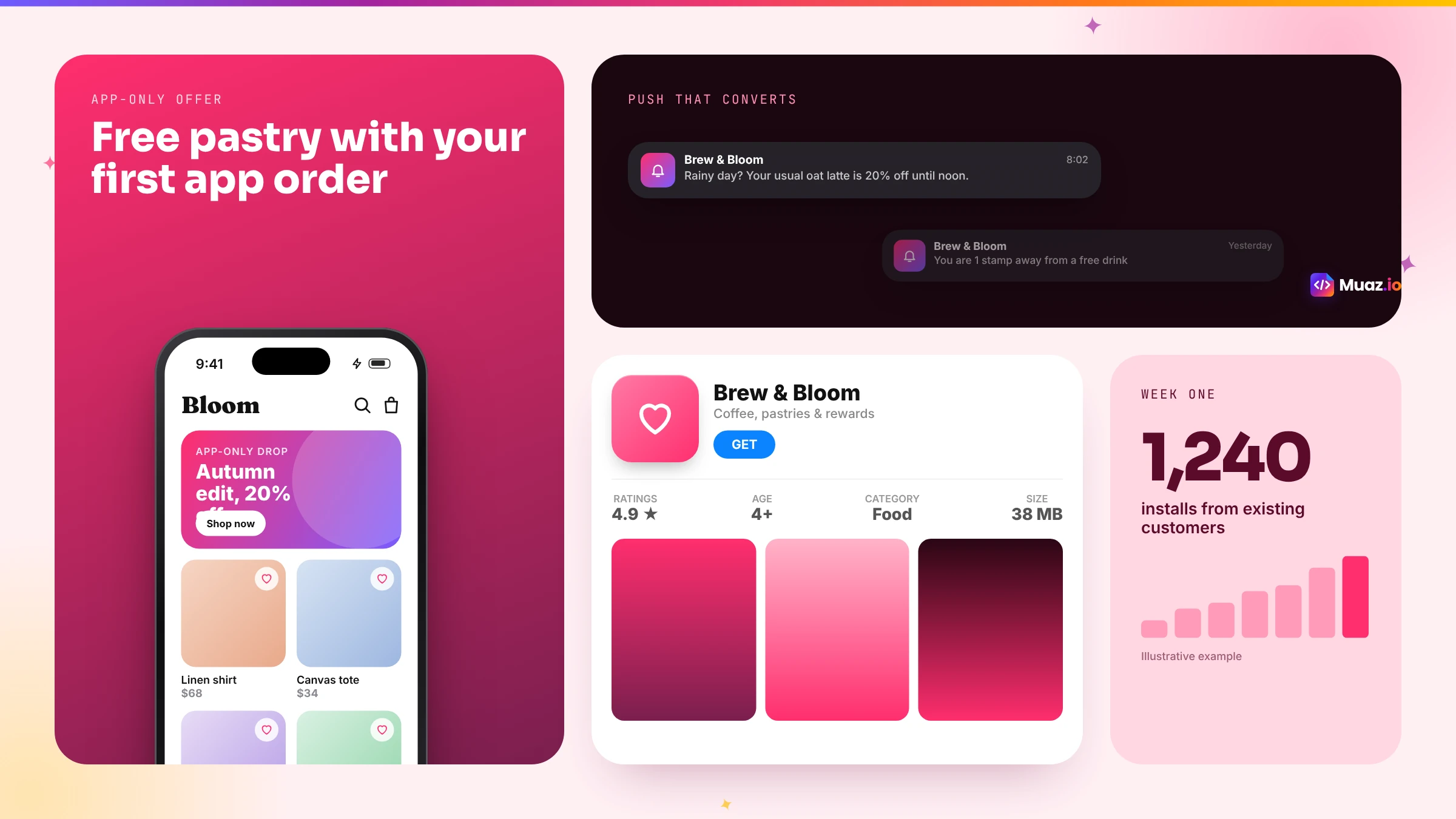
Your existing customers are your fastest source of downloads. Add a banner to your mobile website inviting visitors to open the app. Email your list with an app-only perk, such as early access or free delivery on the first app order. Mention it on receipts, invoices and in-store signage. And make sure your App Store listing is built around the words people search for, using a tool like our free ASO keyword tool.
Then watch three numbers: how many people install, how many come back within a week and how many complete your main action in the app. Improve whichever is lowest first.
Free: Website-to-App Readiness Report
Score your site on 12 factors that decide how well it converts into a native app.
We’ll email the resource and a few practical tips. Unsubscribe in one click. We never sell your data.
Mistakes to avoid
Copying every page. An app with fifty menu items is harder to use than your website. Choose the jobs that matter.
Launching without a reason to install. Give people something the website does not: speed, notifications, a perk.
Asking for every permission on first launch. Ask at the moment each one helps.
Forgetting the App Store page. Your icon, first screenshot and subtitle decide whether people tap install.
Treating launch as the finish line. Plan your first three updates before you submit the first version.
Your next step
If your website passed the readiness check, the fastest way to see what your app could look like is to try it. Paste your URL into the builder at the top of this page and you will get competitor research and three design concepts on a live iPhone in minutes, free. You approve every step from there, and you own everything that is built.
A real-world walkthrough
To make this concrete, imagine a small yoga studio with a WordPress website. The site has a class timetable, a pricing page, teacher profiles, a blog and a contact form. Members book through a third-party booking plugin.
The studio owner pastes the URL. The Website Intelligence Agent maps twelve pages, finds the booking flow and extracts the studio's soft green and cream colours. She runs research on ten fitness and wellness booking apps and learns that the best-rated ones let people book a class in two taps and send a reminder the morning of the class. Several competitors' reviews complain about having to log in every time.
The brief proposes four tabs: Classes, My Bookings, Passes and Profile. Guests can browse the timetable; booking requires a quick sign-up with Sign in with Apple; members stay signed in with Face ID. A reminder is sent at 7 a.m. on class days. Class packs are sold through her existing payment provider with Apple Pay, because the classes are physical services, not digital content.
She picks the Minimal Apple concept, asks for larger class photos and moves Passes to the second tab by voice. The booking plugin's API is connected in a sandbox, and the first TestFlight build is on her phone two days later. Ten regulars test it for a week. Their main feedback is that they want to see which teacher is leading each class, which she adds with one sentence. The app is submitted on day nine and approved two days later.
Keeping the app useful long after launch
Apps that thrive are apps that keep improving. Plan a light rhythm: a small update every few weeks, a new feature every couple of months and a review of your App Store listing every quarter. Read every review and reply to the critical ones. Watch which screens people use most and make those faster. And keep an eye on the questions customers still ask by email; each one is a hint about something the app could answer.
Frequently overlooked details
A few small things make a big difference to how professional your app feels. A proper launch screen in your brand colours. An empty state that explains what to do when there is nothing to show yet, such as "No bookings yet, find a class". Error messages written in plain language. Haptic feedback on key actions. Support for larger text sizes for people who need them. Dark mode, which many iPhone users prefer at night. None of these require code from you; ask for them in the brief and the builder includes them.
Is it worth it for a small business?
For many small businesses, yes, especially those with repeat customers. An app on a customer's home screen is a constant, gentle reminder that you exist. Notifications reach people more reliably than email. And the convenience of Face ID and Apple Pay removes friction from every repeat purchase or booking. The question used to be whether the cost was justified. With AI bringing native apps within reach of small budgets, the question is now mostly whether you have a reason for customers to come back. If you do, an app is one of the best investments in loyalty you can make.
Glossary of terms used in this guide
WebView. A component that displays web pages inside an app.
Native app. An app built with the platform's own interface components, running on the device.
API. A way for the app to request content and data from your website or platform.
TestFlight. Apple's service for installing test versions of your app before release.
Guideline 4.2. Apple's App Review rule on minimum functionality, which expects more than a repackaged website.
Brand tokens. The named colours, fonts and styles that make the app look like your business.
Questions to ask any website-to-app tool
Before you sign up anywhere, ask four questions. Does the app use native screens or display my web pages? Do I own the code if I leave? Who handles the App Store listing, screenshots and privacy labels? And what happens when Apple rejects the app? The answers tell you whether you are buying a shortcut to the store or a product your customers will love. For a side-by-side view of the main options, read our guide to the best website-to-app converters, and for the full process inside Muaz.io, see how it works.
Checklist before you start
Gather a few things before your first session and the whole process will move faster. Your website URL and, if you have one, a list of the pages that matter most. Admin or API access for your website platform. Your logo in high resolution. A short description of your best customers. Two or three apps you admire, even from other industries. A privacy policy that reflects how you handle data. And an Apple Developer Program account, or a note to create one, because organisation accounts can take a few days to verify. With those ready, most businesses go from URL to a TestFlight build on their own iPhone within a week.

Monjur builds Muaz.io and incorporated MotionTrust Digital in September 2022, where he leads Amazon strategy across the client base. Eight years in e-commerce and marketplace marketing taught him how much growth a great mobile app unlocks, so every guide here is tested against the real product and current App Store rules before it goes live.
Questions about step-by-step
Short, direct answers. Still curious? Ask in the builder; the assistant knows your project.
Can I turn my website into an iPhone app for free?
You can explore it for free: Muaz.io's research and design concepts cost nothing, and some wrapper services have free tiers with their branding. To publish on the App Store you need Apple's Developer Program, which costs $99 per year, plus whatever your chosen tool charges for builds.
Will Apple reject an app made from my website?
Apple rejects apps that are only a repackaged website under guideline 4.2. Apps that add native value, such as native navigation, push notifications, Face ID, offline use or widgets, are approved routinely. Converting your site into native screens rather than wrapping it is the safest route.
Do I need to know how to code?
No. With an AI builder you paste your URL, approve the research and brief, choose a design and test on your iPhone. The agents write the code. You only need a developer if you want custom features beyond what the builder offers.
Will my app update when I change my website?
If the app reads your content through an API, such as WordPress, Shopify or a headless CMS, new posts, products and prices appear automatically. Layout changes to the app itself require a new build, which AI builders generate for you.
How long does it take?
A first native concept takes minutes. A TestFlight build you can install on your iPhone typically takes a few days, depending on how much data needs connecting. App Review usually takes a day or two after you submit.
What is the difference between a native app and a PWA?
A progressive web app is a website that can be added to the home screen and work partly offline. It does not appear in the App Store search results the way an app does and has more limited access to iOS features. A native app is installed from the App Store and can use notifications, Face ID, widgets and Apple Pay fully.
Can I make an Android app at the same time?
If the app is built with React Native or Flutter, an Android version is possible from the same codebase. Many businesses launch on iPhone first, where their highest-value customers often are, and add Android later.
Your website, in your customers’ pockets.
Paste your URL. Muaz maps your pages, brand and features into a native iPhone app you can edit by voice.
Keep reading
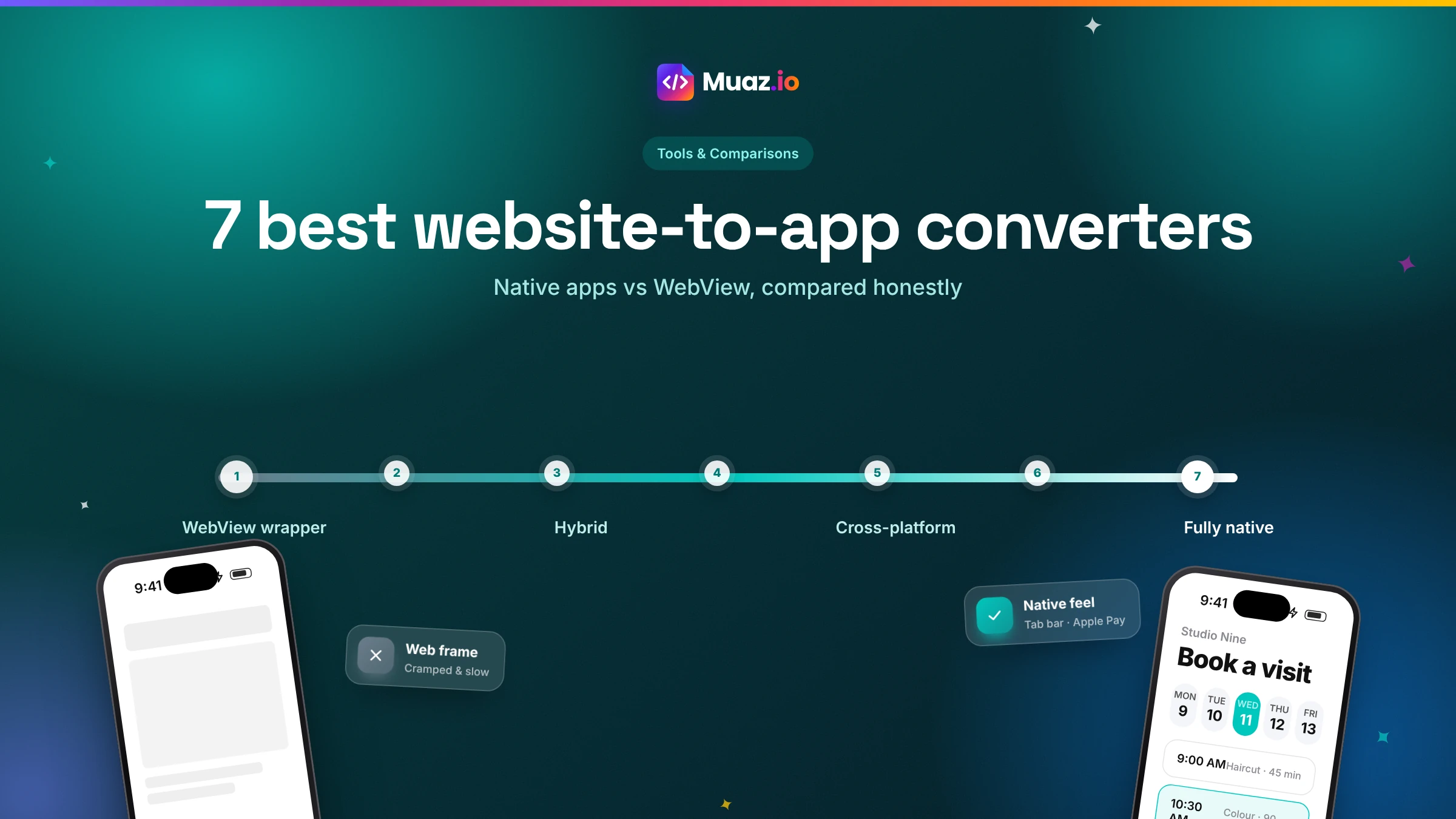 Tools & Comparisons15 min read7 Best Website-to-App Converters in 2026: Native Apps vs WebView
An honest comparison of 7 website-to-app converters in 2026, from WebView wrappers to native AI rebuilds: how each works, App Review risk, features, ownership and published pricing.
Monjur Hossain·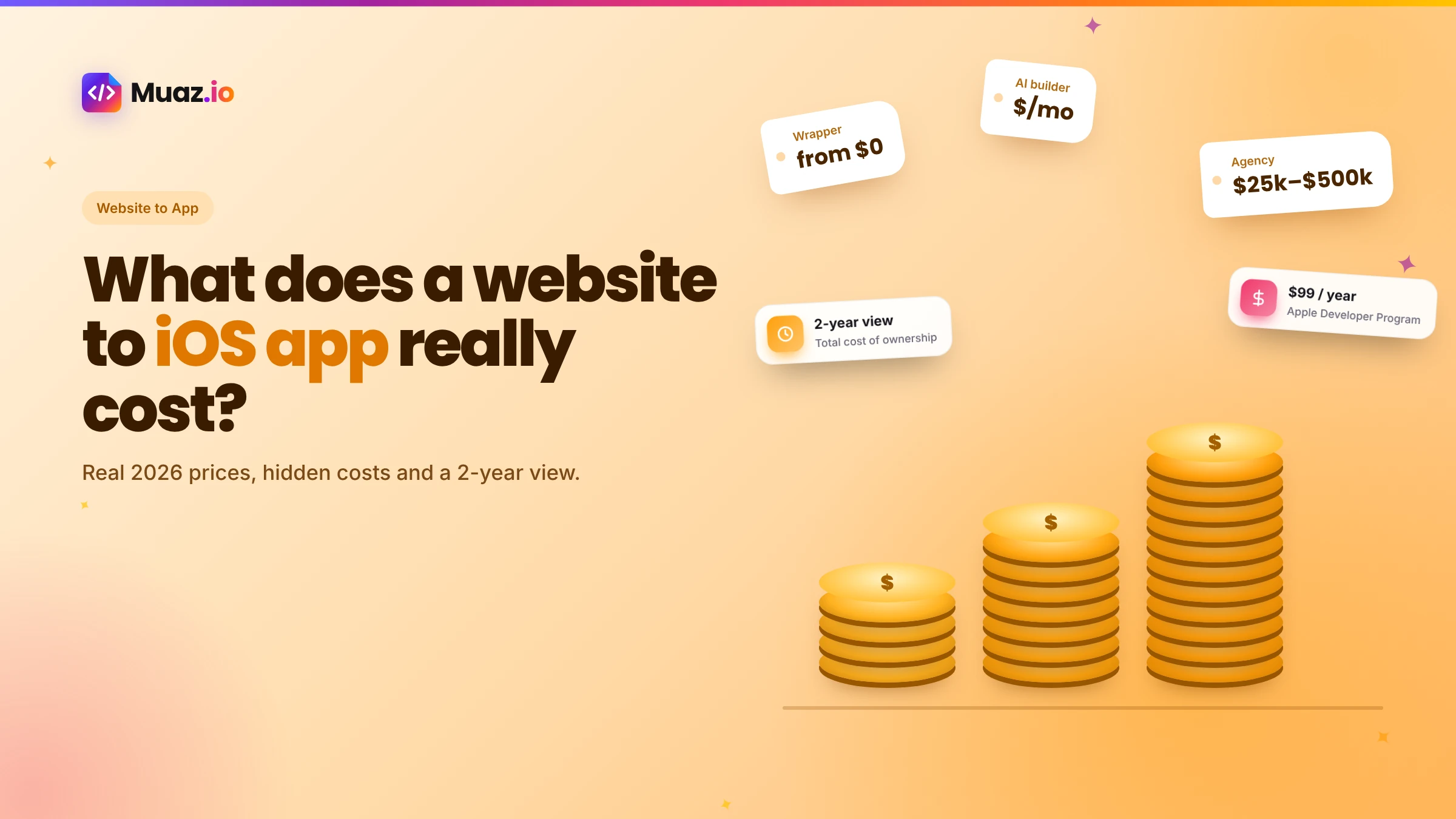 Website to App15 min readHow Much Does It Cost to Convert a Website into a Native iOS App in 2026?
Real 2026 costs for turning a website into an iPhone app: agencies, freelancers, wrappers, no-code and AI builders, plus Apple fees, maintenance and the hidden costs most guides skip.
Monjur Hossain·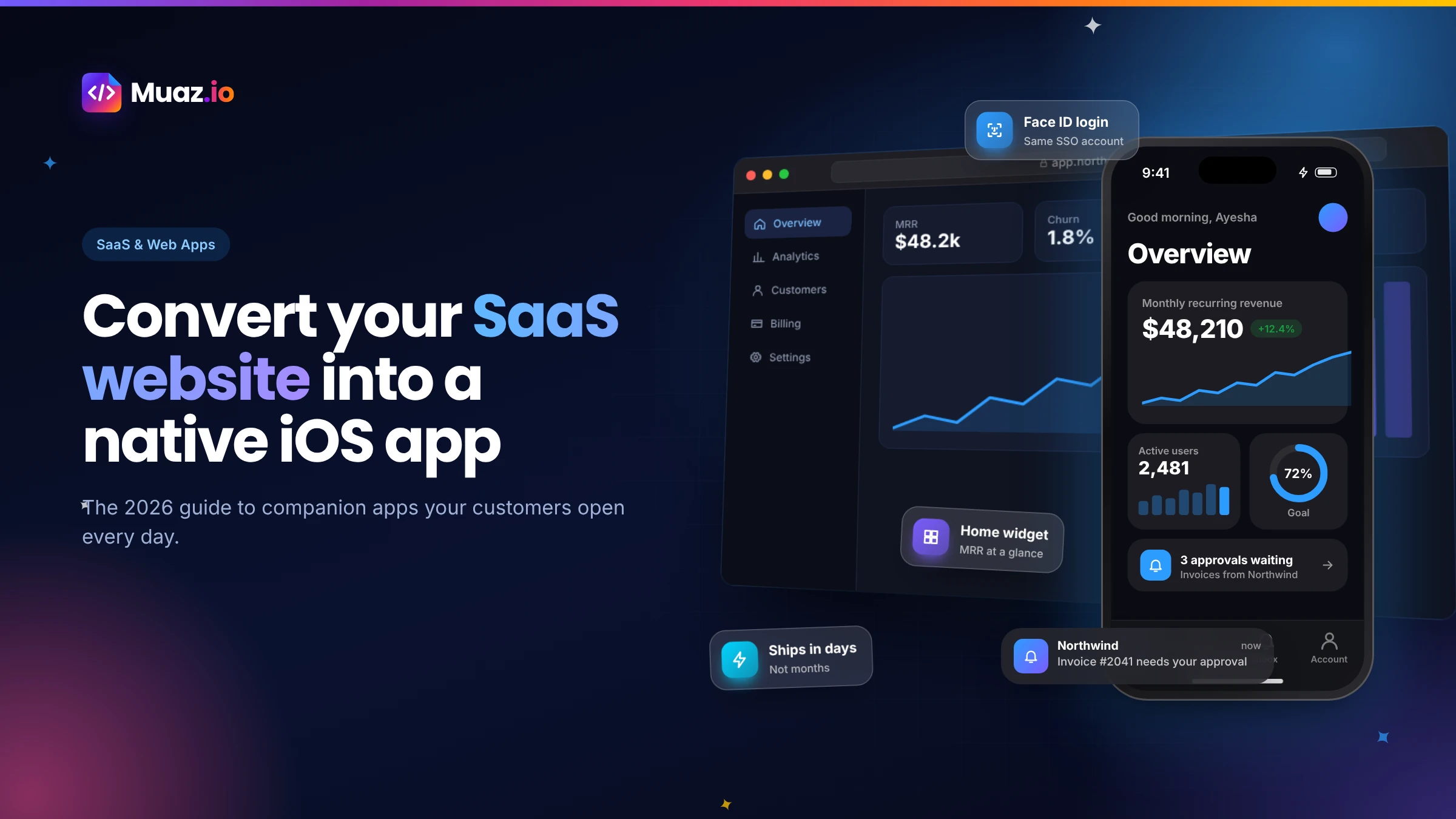 SaaS & Web Apps18 min readHow to Convert a SaaS Website into a Native iOS App Using AI (2026 Guide)
A practical, step-by-step guide to turning your SaaS web app into a native iPhone app with AI: what to build, how to connect your API and login, push alerts, App Review and cost.
Monjur Hossain·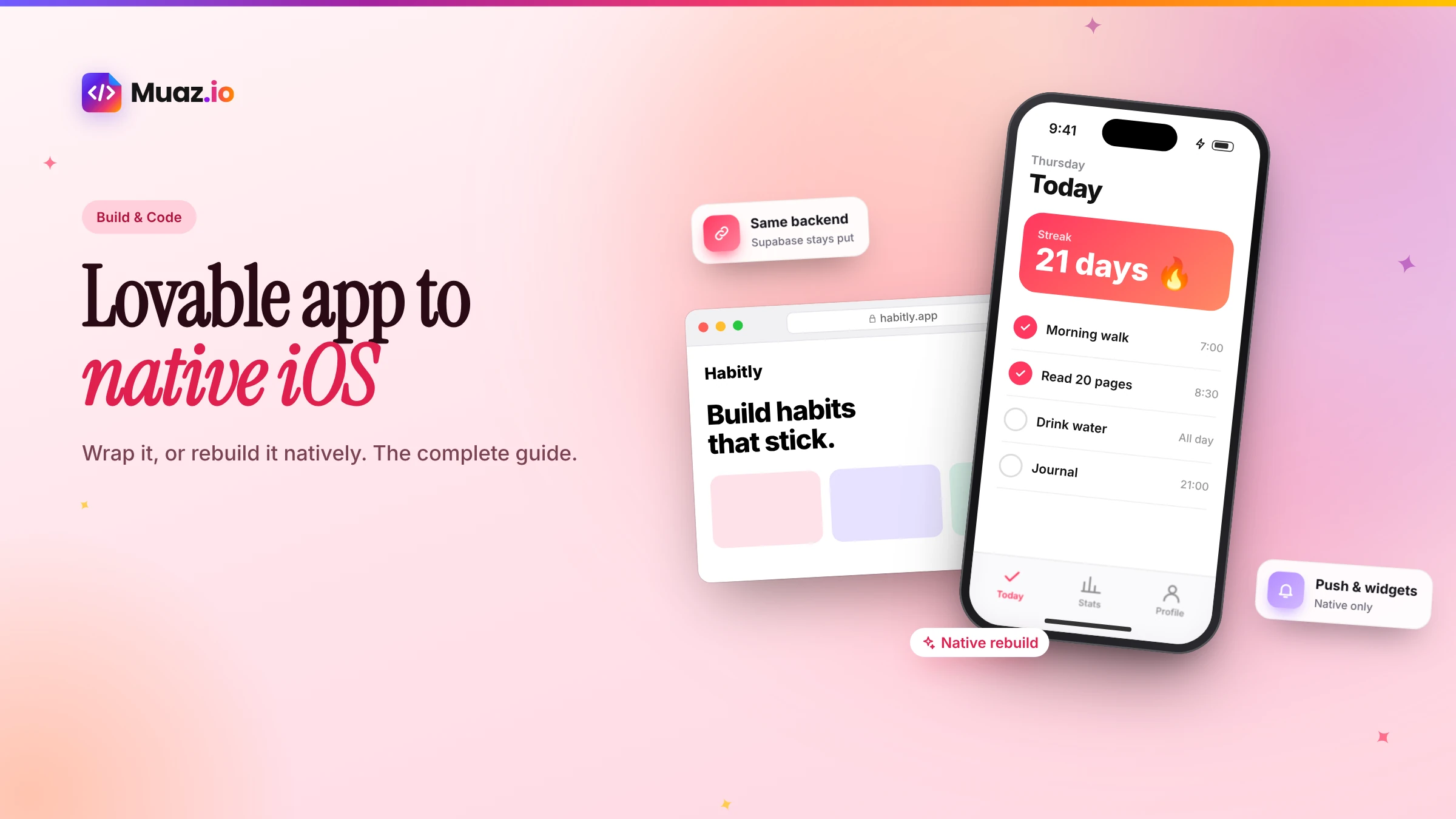 Website to App15 min readHow to Convert a Lovable App into a Native iOS App: Complete Guide
Lovable builds web apps, not native apps. Here are the two real ways to get a Lovable project onto the App Store, wrapping it with Capacitor or rebuilding it natively, with steps, pitfalls and costs.
Monjur Hossain·Tools and products for the next step
- Paste a URL, get three original designs
- Free research before you pay
- Screenshots, metadata and privacy labels
- TestFlight and submission checklist
- 5, 10 or 20 App Store rivals analysed
- Review themes, pricing and gaps
Where our numbers come from
Third-party figures are estimates published by the sources below. Prices and rules change; check the source before you decide.
- Apple App Store Review Guidelines 4.2: Minimum functionalitydeveloper.apple.com/app-store/review/guidelines/#minimum-functionality
- Apple Developer Programdeveloper.apple.com/programs
- Apple TestFlightdeveloper.apple.com/testflight
- App Store Connect: screenshot specificationsdeveloper.apple.com/help/app-store-connect/reference/app-information/screenshot-specifications
- WordPress REST API handbookdeveloper.wordpress.org/rest-api
- Shopify Storefront APIshopify.dev/docs/api/storefront
- Apple Developer Forums: Guideline 4.2 discussionsdeveloper.apple.com/forums/thread/806726