How to convert a Lovable app into a native iOS app
You built something people love with Lovable, and now they want it on their iPhones. Lovable itself publishes to the web. This guide shows the two routes to the App Store and how to pick the right one.
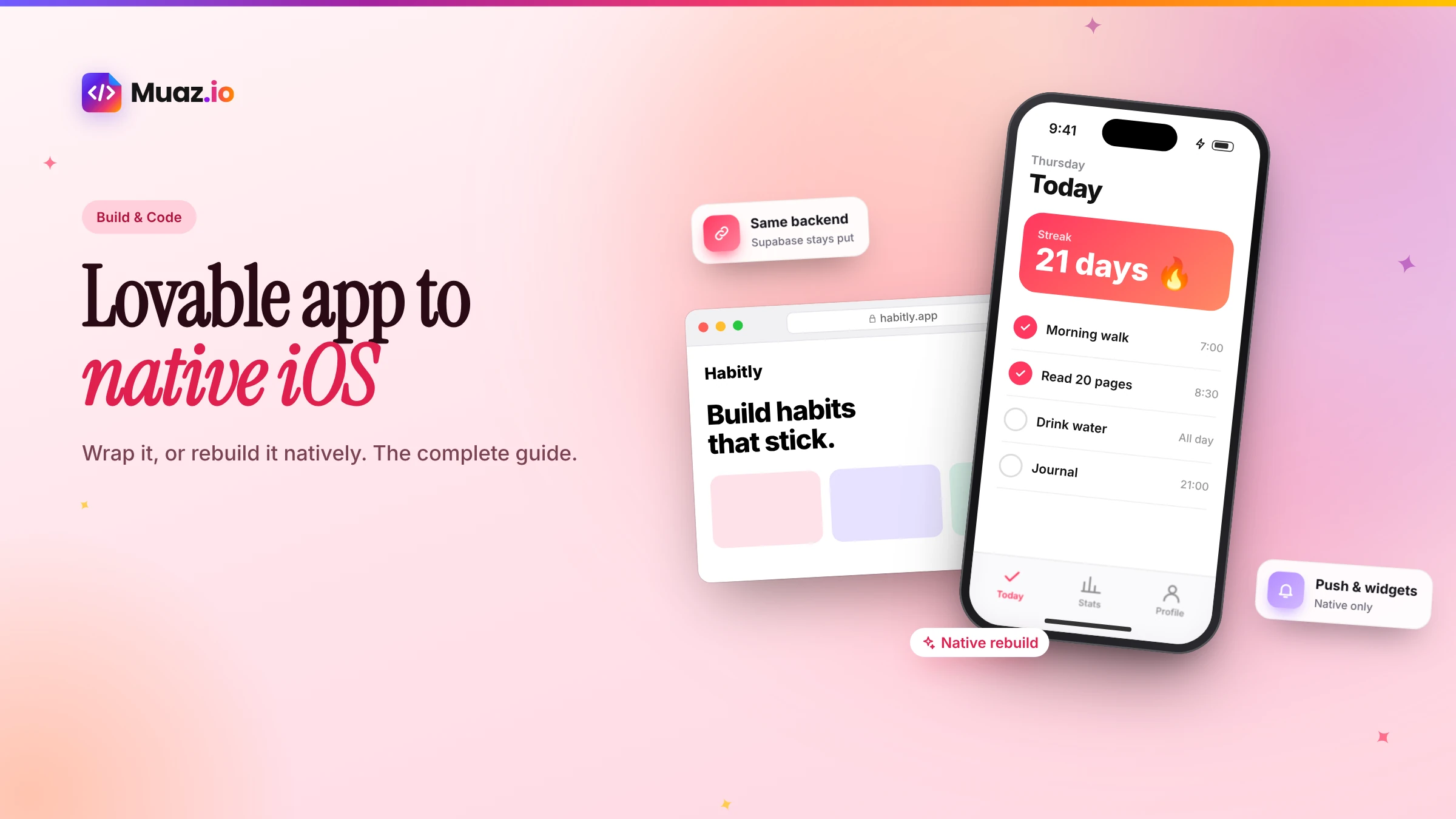
Not a native one. Lovable's documentation says it builds web applications, not native apps, and does not generate React Native projects. A published Lovable app can be installed as a progressive web app, and its official route to the App Store is to wrap the published URL with a tool such as Capacitor, outside Lovable.
- Yes, by wrapping it with Capacitor or a similar tool, or by rebuilding it as a native app.
- Often, yes. According to Capawesome's guide, new Lovable apps since May 13, 2026 use server rendering by default, which Capacitor cannot package directly, so you ask Lovable for a single-page app build first.
- Yes. Lovable apps use a PostgreSQL database through Lovable's built-in backend or a connected Supabase project.
- A wrapper is faster and keeps one codebase, which suits internal tools and simple apps.
Lovable is one of the fastest ways to turn an idea into a working product. You describe what you want, it builds a real web app with a database, and within an afternoon you can share a link. So it is no surprise that a common next question in the community is: "How do I get this on the App Store?"
The honest answer starts with a clarification. According to Lovable's own documentation, Lovable builds web applications, not native apps, and it does not generate React Native projects. A published Lovable app can be installed as a progressive web app, and Lovable's suggested route to the app stores is to wrap your published app with a tool such as Capacitor, outside Lovable.
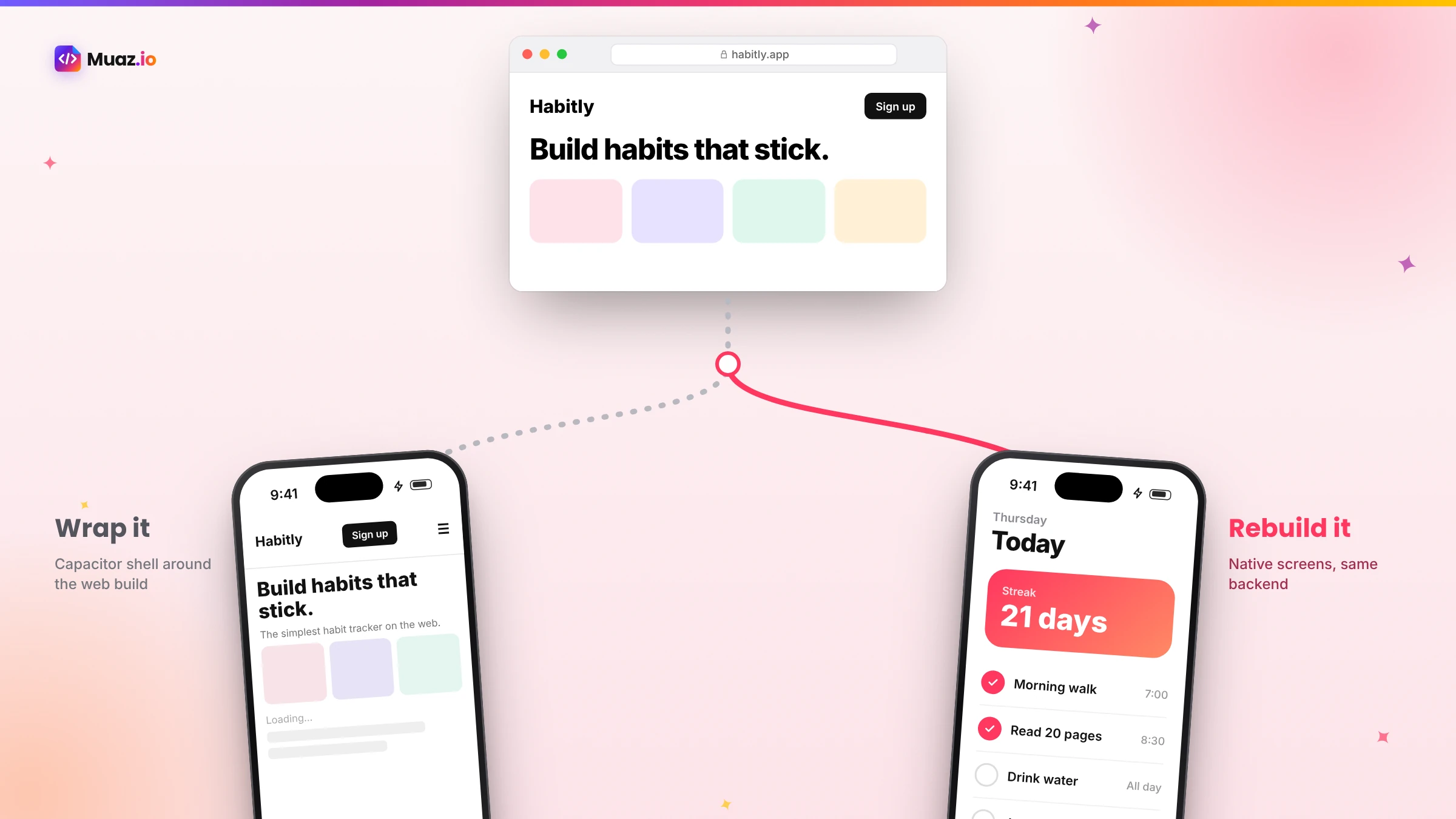
That leaves two real paths: wrap your Lovable web app so it runs inside a native shell, or rebuild it as a native iOS app that keeps your backend and data. This guide walks through both, step by step, with the pitfalls people hit and a clear way to decide.
First, understand what you have
Before choosing a path, it helps to know what is inside a Lovable project.
The front end. Lovable's documentation explains that apps created from May 13, 2026 (June 22, 2026 for Enterprise workspaces) use TanStack Start, which renders pages on the server, while older apps use React and Vite and render in the browser. Every project uses the same stack; Lovable does not offer a choice of framework.
The backend. A PostgreSQL database, provided through Lovable's built-in backend or a connected Supabase project, plus authentication and, often, edge functions.
The code. Lovable's Git sync creates a new GitHub repository from your project that you can keep in sync and work on elsewhere. On paid plans you can also download the whole codebase as a zip. The database is exported separately, and that export does not include stored files, edge function code or secrets.
Knowing this matters because the wrapper route works best with a client-rendered single-page app, and the native route mostly cares about your backend and data model.
Path 1: Wrap your Lovable app with Capacitor
Capacitor is an open-source runtime that packages a web app as a native iOS and Android app and gives it access to device features through plugins. It is the most common way people get Lovable apps into the stores, and several detailed guides exist, including from Capawesome and Capgo.
Here is the process in plain language, based on those guides.
- Make it a single-page app. Capawesome's guide notes that new Lovable apps use server rendering by default, which Capacitor cannot package. Ask Lovable to produce a single-page app that builds into a static folder.
- Export to GitHub with Lovable's Git integration, then clone it locally and confirm it runs.
- Add Capacitor, initialise it with your build folder as the web directory and add the iOS platform.
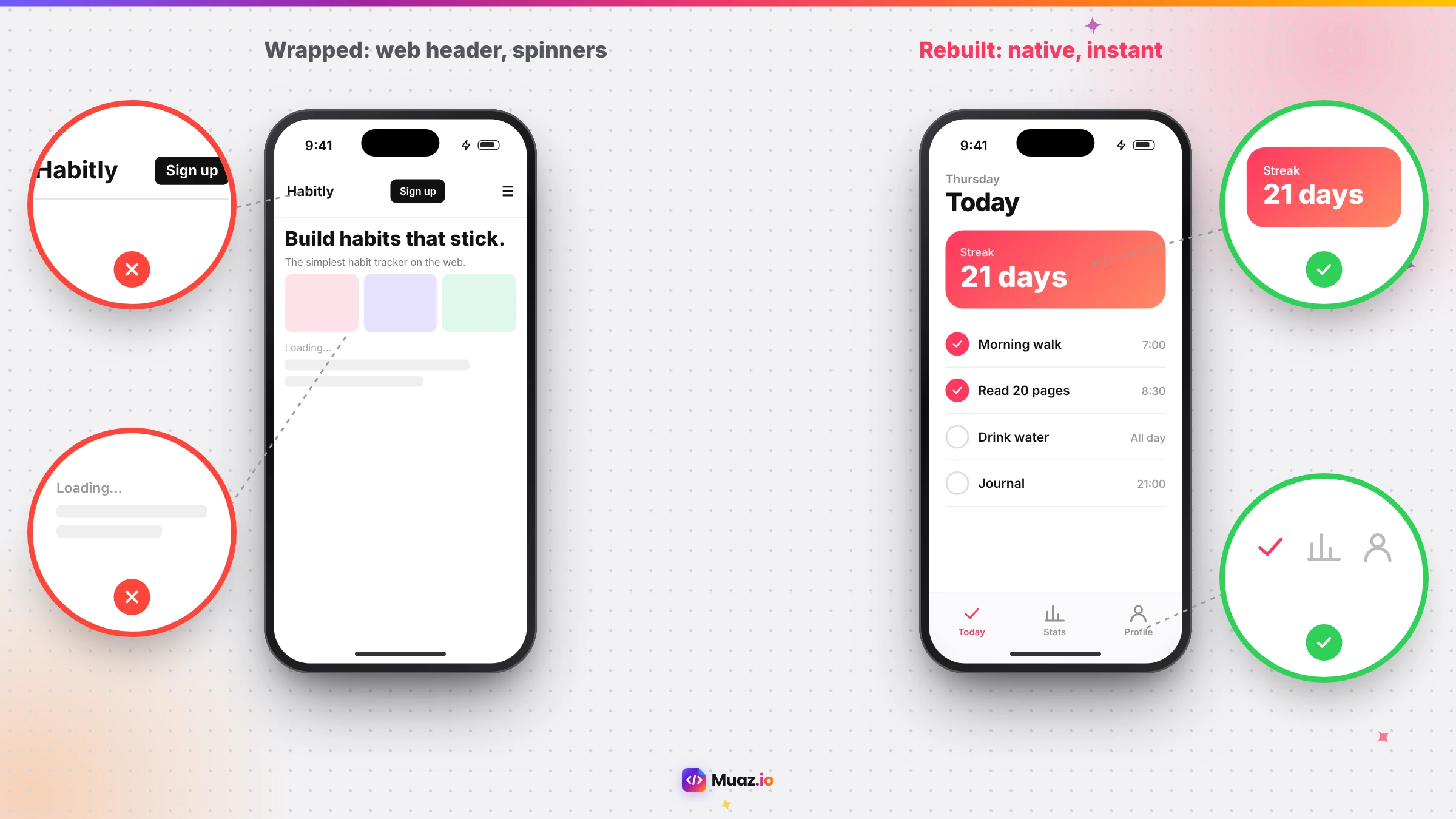
- Fix safe areas. Headers can hide under the status bar and Dynamic Island; use CSS environment variables for safe-area insets.
- Add native touches. An app icon, splash screen, status bar styling and, if relevant, plugins for push notifications, camera or haptics, each with the permission text Apple requires.
- Build and sign. Use Xcode on a Mac, or a cloud build service that builds iOS without one. Capawesome's guide describes cloud builds taking a few minutes once certificates are set up.
- Test on TestFlight, then prepare your App Store listing and submit.
What you get. Your Lovable app, running inside a native shell, with access to some device features. Web changes can often be shipped quickly, and Capawesome describes live updates for the web layer, while native plugin changes require a new store build.
What to watch. The interface is still your web UI, so scrolling, transitions and gestures feel like a mobile website. And Apple's guideline 4.2 expects apps to offer more than a repackaged website, so a bare wrapper can be rejected. Add genuinely native value, such as push notifications that open specific screens, offline content and device features.
See your app before you pay for anything
Paste your website or describe your idea. Muaz.io researches your competitors and designs an original app you can try on your iPhone.
Path 2: Rebuild your Lovable app as a native iOS app
The second path keeps what makes your Lovable project valuable, the idea, the data model, the backend and the users, and rebuilds the interface as native iPhone screens. Your Supabase or Lovable backend stays exactly where it is; the native app talks to it with official client libraries.
With Muaz.io, the process looks like this:
- Paste your published Lovable URL and describe the screens behind your login. The Website Intelligence Agent maps your pages, flows and brand tokens.
- Connect your backend. Point the Backend Connector at your Supabase project or API documentation. It maps tables and endpoints to screens and generates a typed client, never inventing endpoints that are not there.
- Run competitor research. See how the leading apps in your category handle onboarding, navigation and pricing, so your native version competes on more than speed.
- Approve the brief. Decide which features belong on the phone, which tabs the app has and which native features to add.
- Choose a design. Three native concepts on your brand, on a live iPhone, refined by voice or text.
- Generate and test. A React Native and Expo project is generated, tested by the QA agent and installed on your phone through TestFlight, using cloud builds so no Mac is needed.
- Publish with the App Store Studio's readiness checklist.
What you get. A real iPhone app: native tab bar, lists, gestures, Face ID, Apple Pay where relevant, offline behaviour and notifications that open the right screen, with standard React Native code you own.
What to watch. You now have two front ends, your Lovable web app and your native app, sharing one backend. That is the normal setup for most successful products, but plan how features will be added to both.
Wrapper or native: how to decide
| Question | If yes, lean towards |
|---|---|
| Is the app mainly for internal use or a small group? | Wrapper |
| Is your mobile web experience already excellent? | Wrapper |
| Do you need to ship this week with minimal changes? | Wrapper |
| Will customers use it daily? | Native |
| Do you want the App Store to be a growth channel? | Native |
| Do you need Face ID, widgets, Apple Pay or reliable offline? | Native |
| Has your wrapper been rejected under guideline 4.2? | Native |
A useful middle ground: wrap first to get early users and feedback, then rebuild natively once you know the app is worth investing in. If you do, publish the native version as an update to the same App Store record so you keep your ratings and reviews.
The five problems people hit most
1. Server rendering and the wrapper
Newer Lovable apps render on the server. Capacitor serves static files from inside the app, so it needs a client-rendered build. If you skip this step, the wrapped app will not load correctly. Ask Lovable for a single-page app build, as the Capawesome guide recommends.
2. The status bar and Dynamic Island
Web layouts assume the whole screen is available. On iPhone, the status bar and Dynamic Island cover the top of the screen. Without safe-area padding, your header and buttons hide behind them. It is a small CSS fix but an obvious problem if missed.
3. Authentication and redirects
Many Lovable apps use Supabase authentication with email links or OAuth redirects. In a wrapped app, redirects need to return to the app, not a browser tab, which means configuring deep links or universal links. In a native app, use the Supabase client libraries and Sign in with Apple, which Apple expects if you offer other third-party sign-in options.
4. Guideline 4.2 rejections
The most common reason Lovable wrappers are rejected is that they look like a website. Add native features with real value, write clear review notes explaining them and make sure the reviewer can see useful content, using a demo account if login is required.
5. Account deletion and privacy
If people can create accounts in your app, Apple requires that they can delete them in the app. You also need accurate privacy labels and a privacy policy. These are easy to forget when your app started life as a quick web project.
Keeping your Supabase backend secure on mobile
Lovable apps often call Supabase directly from the browser using a public key, with row-level security protecting data. That pattern works on mobile too, but it makes your security policies critical: anyone can inspect a mobile app and see the public key. Before publishing, review your Supabase row-level security policies, make sure service-role keys never ship in the app and move privileged operations into edge functions or a server. Muaz.io's generated apps keep secrets server-side and route privileged calls through a proxy by default.
Start free. Approve every step.
- Research 5, 10 or 20 competitors
- Original design, never copied
- Test on your iPhone today
- You own the code
What about other AI web builders?
The same two paths apply to apps built with other AI web builders and no-code tools that produce web apps. Replit-built web apps, Bubble apps and Supabase-backed apps built with other tools can all be wrapped with Capacitor or similar services, or rebuilt natively on top of the same backend. The decision framework above works for all of them. If your app is built with React or Next.js, our guide to converting a Next.js or React app into a native iOS app goes deeper on code reuse.
Costs, honestly
| Item | Wrapper route | Native rebuild with Muaz.io |
|---|---|---|
| Apple Developer Program | $99 per year | $99 per year |
| Build tooling | Free with a Mac and Xcode, or a cloud build plan (Capawesome lists plans from $19/month) | Included in Muaz.io build plans |
| Setup effort | A developer for a day or more, or a freelancer | Research and design free; builds on paid plans |
| Ongoing | Web updates plus native builds when plugins change | Updates generated and tested for you |
Freelancers on marketplaces commonly offer Lovable-to-iOS conversions, but quality and ongoing support vary. Whatever you choose, budget time for the App Store listing, screenshots and privacy details. For the bigger picture, read how much it costs to convert a website into an iOS app.
A worked example
Imagine a habit-tracking app built in Lovable over a weekend. It has accounts, daily check-ins, streaks and a simple dashboard, backed by Supabase. Friends love it and ask for an app.
Week one, wrapper. The founder asks Lovable for a single-page build, exports to GitHub and wraps it with Capacitor. Safe areas need fixing, and Supabase email links need to open the app. A cloud build produces a TestFlight version. Friends install it, and it works, but they notice it feels like a website: swipes do not go back, the keyboard covers inputs and there are no reminders.
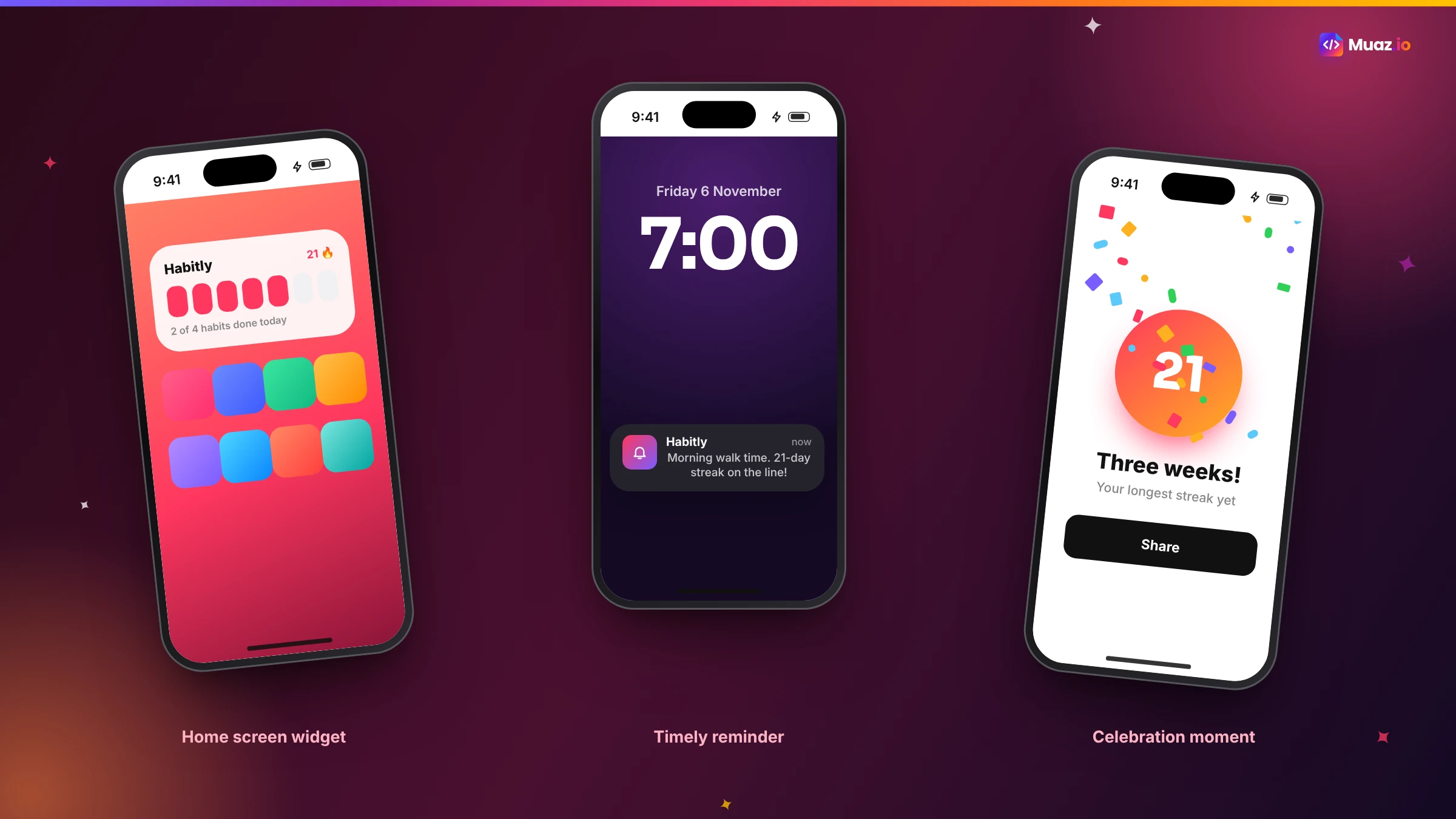
Week two, native. The founder pastes the Lovable URL into Muaz.io and connects the same Supabase project. Research on ten habit apps shows that the top-rated ones use a home screen widget, a morning reminder and a celebration when a streak grows. The brief adds all three. The founder picks the Minimal Apple concept and asks for a bigger check-in button by voice. The native app is on TestFlight in days, using the same accounts and data, and friends' main feedback becomes feature requests rather than complaints.
The founder submits the native version as the first public release and keeps the Lovable web app for desktop users.
Preparing for App Review
Whichever path you choose, prepare the same essentials: a 1024 by 1024 icon without transparency, screenshots in the required sizes, a name and subtitle within 30 characters, a keyword field, a description, privacy labels, a privacy policy link, a support URL, account deletion if you support sign-up and a demo account with review notes. Muaz.io's App Store Studio prepares these and runs a readiness check; if you are wrapping, use the same checklist manually.
Free: Lovable-to-iOS Checklist
Every step from Lovable export to App Store approval, for both the Capacitor and native routes.
We’ll email the resource and a few practical tips. Unsubscribe in one click. We never sell your data.
What the community asks most
Browse community threads and freelancer listings about Lovable and iOS and the same questions keep coming up. "Can I just submit my Lovable URL to Apple?" No; you need an app binary, either a wrapper or a native build. "Why does my app show a white screen?" Usually because a server-rendered build was wrapped, or the web directory points to the wrong folder. "Why did Apple reject it?" Most often guideline 4.2, missing account deletion or a reviewer who could not sign in. "Do I need to pay a developer?" Not if you are comfortable following a guide or using a native AI builder, but many people do hire help for the first submission. "Will my users have to sign up again?" No, as long as both the web app and the iPhone app use the same backend and authentication.
Push notifications for a Lovable app
Notifications are often the reason users want an app in the first place, and they need some backend work in both paths. You need to register each device's push token, store it against the user in your database and send messages when something happens, such as a new message, a reminder or a status change. In a Capacitor wrapper, a push plugin handles registration; in a native rebuild, Expo's notification tools or Apple's push service do. In both cases, use your Supabase database or edge functions to decide when to send, and make every notification open the right screen, not just the home page.
Offline and performance
Web apps built quickly often assume a constant connection. On a phone, that assumption breaks in lifts, on trains and in rural areas. A wrapper shows whatever your web app shows offline, which is often a blank page or an error. A native rebuild can cache the last loaded data, show it with an "updated" time and queue actions until the connection returns. If your users will open the app on the go, this alone can justify the native route.
Payments and subscriptions
If your Lovable app charges users, check how. Physical goods and services used outside the app, such as bookings or deliveries, can keep using your existing payment provider, ideally with Apple Pay. Digital subscriptions or content consumed inside the app must use Apple's in-app purchase system, under Apple's guidelines. That often means adding StoreKit or a service like RevenueCat to the iPhone version while keeping web payments for the web app, and making sure both unlock the same access in your database. Our free paywall teardown helps you check the iPhone paywall against Apple's subscription rules before you submit.
How long it really takes
For a wrapper, expect a day or two for someone comfortable with code to export, configure Capacitor, fix safe areas and produce a TestFlight build, plus time for App Store preparation and review. For a native rebuild with Muaz.io, expect research and design in an afternoon, a first TestFlight build within a few days once your backend is connected and a week or so of testing and refinement before submission. In both cases, App Review usually takes a day or two, and a rejection adds a round trip.
Our recommendation
If your Lovable app is a prototype, an internal tool or something you want in a small group's hands quickly, wrap it with Capacitor and move on. If it is a product you want customers to use every day and find through the App Store, rebuild it natively on the same backend. AI has made the native route fast enough that it is worth seeing before you decide.
Paste your published Lovable URL into the Muaz.io builder above to see a native concept of your app on a live iPhone in minutes, free. For a broader comparison of approaches, read our guide to the best website-to-app converters.
Keeping both versions in sync
Once you have a Lovable web app and a native iPhone app sharing a backend, a few habits keep them aligned. Treat your database schema and API as the contract: add fields rather than renaming them, and update both front ends when a new feature lands. Keep your brand tokens, colours, fonts and radii, in one place and apply them to both. Decide which features are web-only and which are mobile-only, and write that down so nobody wonders why something is missing. And release on a predictable rhythm, because mobile users update at their own pace and some will be on an older version for weeks.
When Lovable is still the right place to build
Rebuilding natively does not mean leaving Lovable. Many teams keep using it to iterate quickly on the web app, admin dashboards and internal tools, while the native app serves customers on iPhone. Lovable's speed for web work and a native app's experience on the phone complement each other. The key is a shared backend and clear ownership of each front end.
Glossary
Capacitor. An open-source runtime that packages a web app as a native app with plugins for device features.
Single-page app. A web app that renders in the browser and can be served as static files.
Server rendering. Rendering pages on a server for each request, which wrappers cannot package directly.
Safe area. The part of the iPhone screen not covered by the status bar, Dynamic Island or home indicator.
Row-level security. Database rules in Supabase that control which rows each user can read or change.
Guideline 4.2. Apple's App Review rule on minimum functionality.
Final checklist
Decide your path using the table above. If wrapping: request a single-page build, export to GitHub, add Capacitor, fix safe areas, configure deep links for auth, add native features and test on TestFlight. If rebuilding: paste your URL into Muaz.io, connect your Supabase project, approve the brief and design and test on TestFlight. In both cases, review your database security, add account deletion, prepare privacy labels and your listing and write clear review notes. Then submit, and start planning your first update.
You built something people want in a weekend. Getting it onto their home screens is the next step, and now you know exactly how to take it.
Whichever route you choose, keep your Lovable project as the source of truth for the web, and treat the iPhone app as a product of its own, with its own reviews, release notes and roadmap. That mindset is what turns a quick conversion into an app people keep.

Monjur builds Muaz.io and incorporated MotionTrust Digital in September 2022, where he leads Amazon strategy across the client base. Eight years in e-commerce and marketplace marketing taught him how much growth a great mobile app unlocks, so every guide here is tested against the real product and current App Store rules before it goes live.
Questions about lovable guide
Short, direct answers. Still curious? Ask in the builder; the assistant knows your project.
Can Lovable make an iOS app?
Not a native one. Lovable's documentation says it builds web applications, not native apps, and does not generate React Native projects. A published Lovable app can be installed as a progressive web app, and its official route to the App Store is to wrap the published URL with a tool such as Capacitor, outside Lovable.
Can I publish a Lovable app on the App Store?
Yes, by wrapping it with Capacitor or a similar tool, or by rebuilding it as a native app. Either way you need an Apple Developer Program membership, an App Store listing and an app that meets Apple's review guidelines, including guideline 4.2 on minimum functionality.
Do I need to change my Lovable app before wrapping it?
Often, yes. According to Capawesome's guide, new Lovable apps since May 13, 2026 use server rendering by default, which Capacitor cannot package directly, so you ask Lovable for a single-page app build first. You also need to fix safe areas so headers do not hide under the status bar.
Will my Supabase backend still work?
Yes. Lovable apps use a PostgreSQL database through Lovable's built-in backend or a connected Supabase project. A wrapped app keeps calling it as before, and a native rebuild can connect to the same Supabase project with the official client libraries.
Is a Capacitor wrapper or a native rebuild better?
A wrapper is faster and keeps one codebase, which suits internal tools and simple apps. A native rebuild feels like a real iPhone app, unlocks native features fully and carries lower App Review risk, which suits consumer products and anything you want to grow through the App Store.
Do I need a Mac?
Not necessarily. Cloud build services can build Capacitor apps, and Expo's EAS Build can build React Native apps, without a Mac. You still need an Apple Developer account and, ideally, an iPhone to test on.
How much does it cost?
Apple charges $99 per year for the Developer Program. Cloud build services for Capacitor have their own plans; Capawesome lists plans from $19 per month in its guide. Freelancers charge for setup. With Muaz.io, research and native design concepts are free so you can compare before paying.
Built it on Lovable? Ship it on iPhone.
Keep your Supabase backend. Muaz rebuilds the front end natively and handles TestFlight and App Store prep.
Keep reading
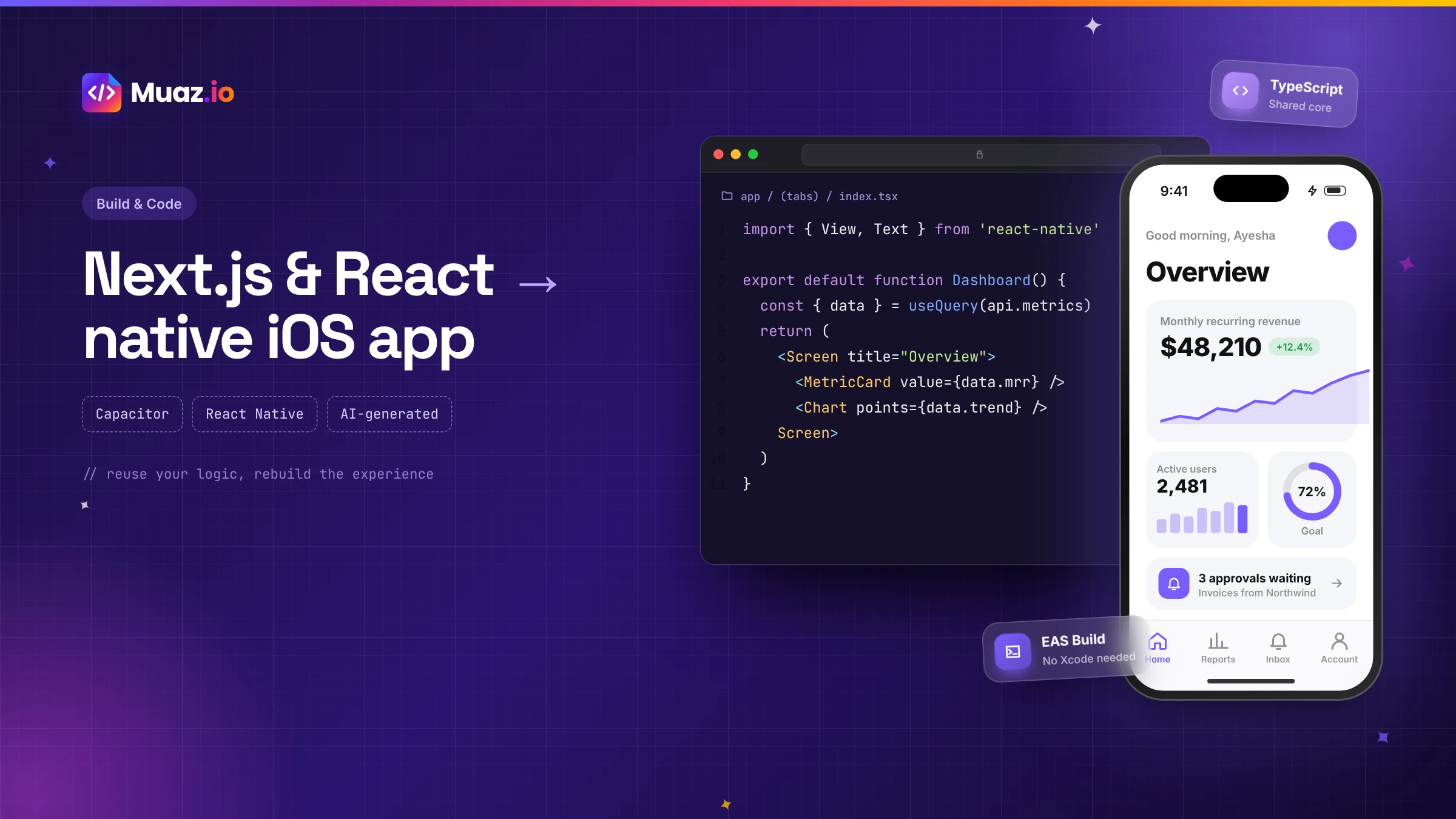 SaaS & Web Apps15 min readHow to Convert a Next.js or React Web App into a Native iOS App
Three proven ways to turn a Next.js or React web app into an iPhone app: Capacitor with a static export, a React Native rebuild sharing your logic, or an AI-generated native app. Pros, cons and steps.
Monjur Hossain·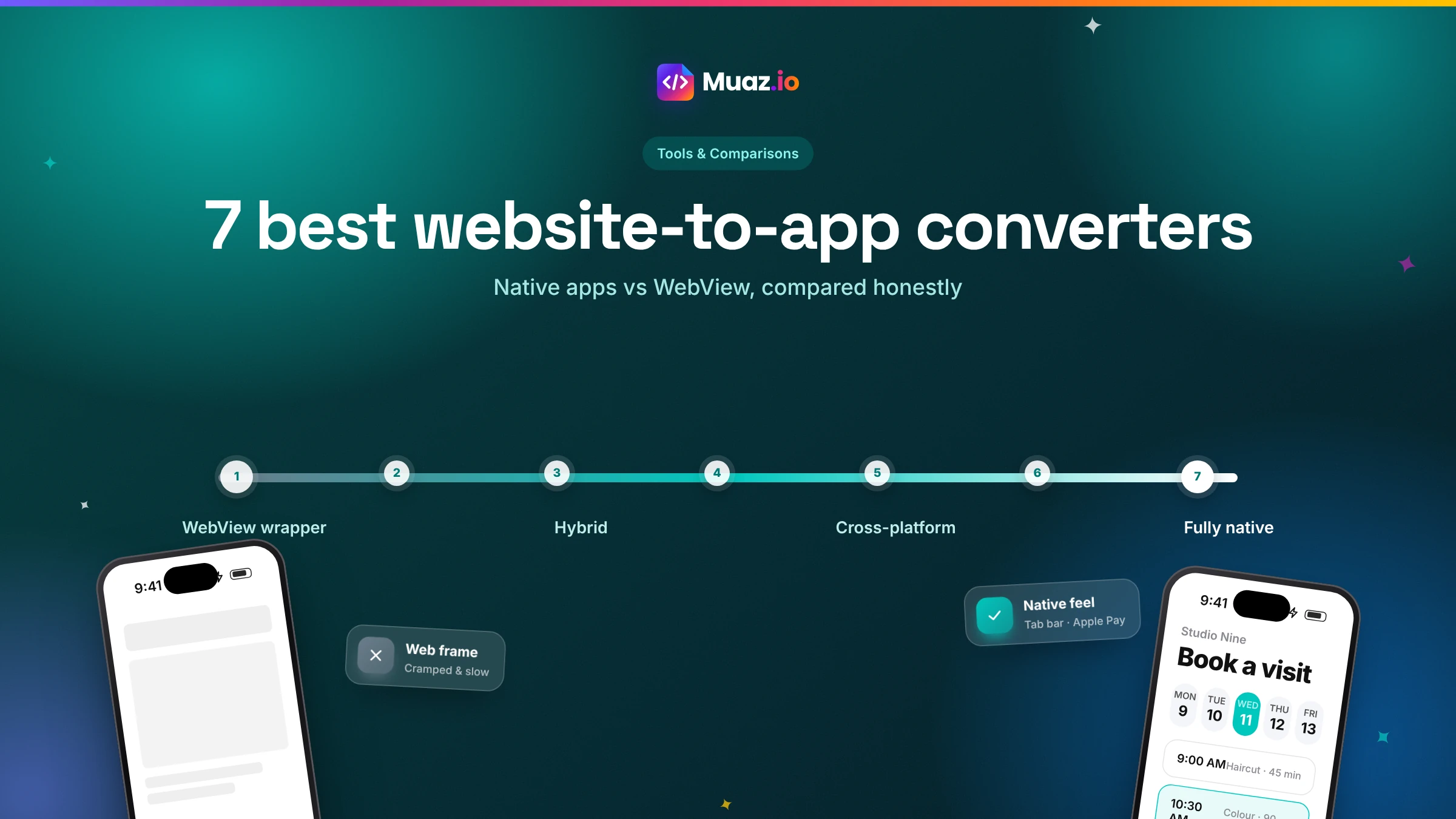 Tools & Comparisons15 min read7 Best Website-to-App Converters in 2026: Native Apps vs WebView
An honest comparison of 7 website-to-app converters in 2026, from WebView wrappers to native AI rebuilds: how each works, App Review risk, features, ownership and published pricing.
Monjur Hossain·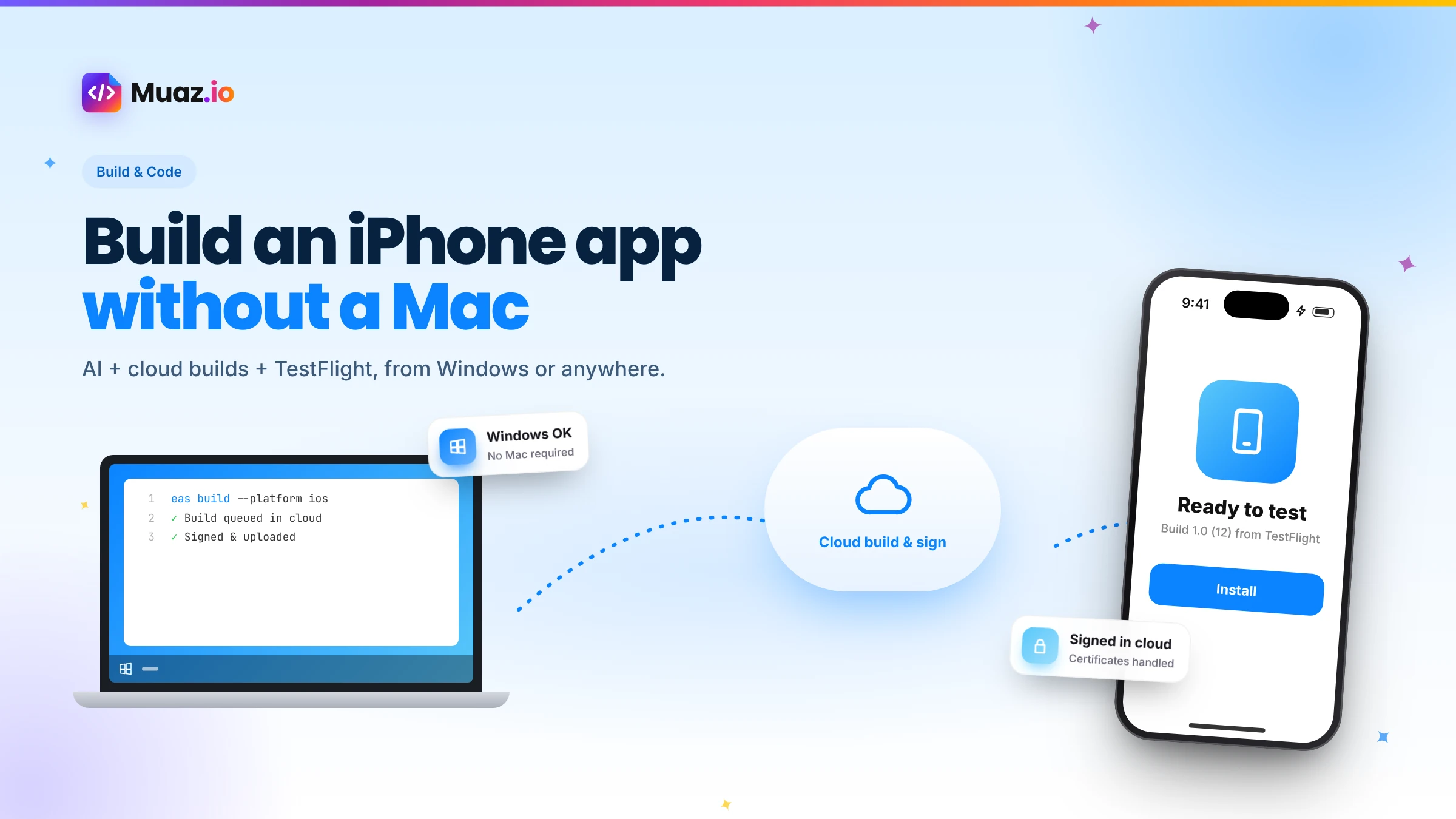 Build & Code15 min readHow to Build an iPhone App Without a Mac Using AI and Cloud Builds
You do not need a Mac to build and publish an iPhone app in 2026. Here is how AI builders and cloud services like Expo EAS compile, sign, test and submit iOS apps from Windows or Linux.
Monjur Hossain·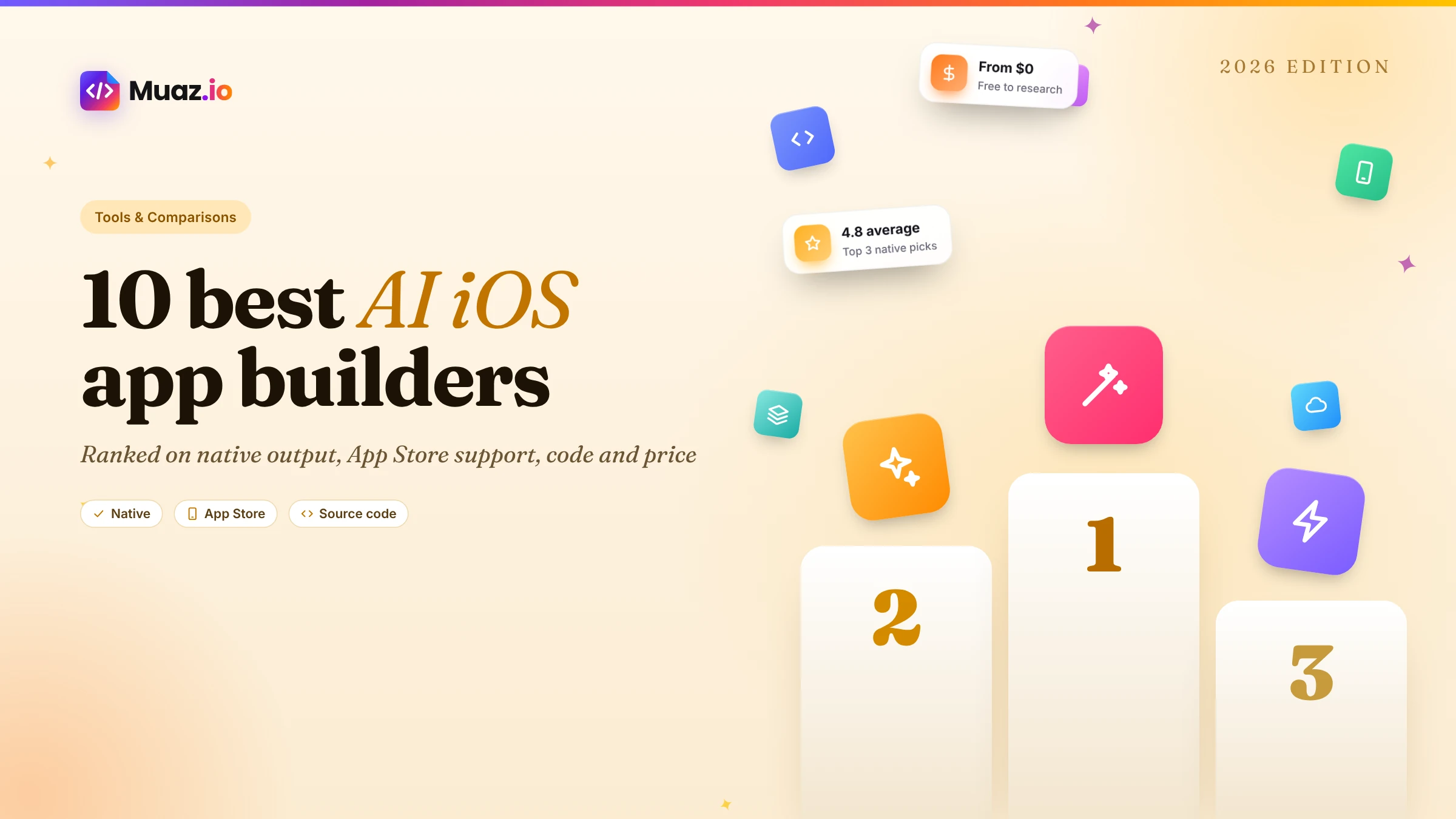 Tools & Comparisons16 min read10 Best AI iOS App Builders in 2026: Features, Pricing & Native Support
We compared 10 AI app builders specifically for iPhone apps: native output, App Store publishing, code ownership, design quality and 2026 pricing, with honest picks by use case.
Monjur Hossain·Tools and products for the next step
- Paste a URL, get three original designs
- Free research before you pay
- Screenshots, metadata and privacy labels
- TestFlight and submission checklist
- 5, 10 or 20 App Store rivals analysed
- Review themes, pricing and gaps
Where our numbers come from
Third-party figures are estimates published by the sources below. Prices and rules change; check the source before you decide.
- Lovable documentation FAQdocs.lovable.dev/introduction/faq
- Capawesome: convert a Lovable app to a mobile appcapawesome.io/blog/convert-lovable-app-to-mobile-app
- Capgo: transform a Lovable app with Capacitorcapgo.app/blog/transform-lovable-dev-app-to-mobile-with-capacitor
- Median: converting a Lovable web app into a native appmedian.co/blog/how-to-convert-your-lovable-web-app-into-a-native-app-a-complete-guide
- Capacitor documentationcapacitorjs.com/docs
- Supabase documentationsupabase.com/docs
- Apple App Store Review Guidelines 4.2developer.apple.com/app-store/review/guidelines/#minimum-functionality