Give your SaaS the mobile app your customers keep asking for
Connect your existing API and login, choose the jobs your users need on the go and ship a native iPhone companion app with push alerts, widgets and Face ID, without pulling your engineers off the roadmap.
Why SaaS products need a native app now
Your customers live on their phones. They want to approve a request from the train, check yesterday's numbers before a meeting and get an alert the moment something important happens. A responsive web app helps, but it cannot send reliable push notifications, sit on the home screen as a widget, unlock with Face ID or work smoothly offline. Those are exactly the moments that make a product feel indispensable.
The problem is priority. Building a mobile app usually means hiring mobile engineers or pulling your web team off the roadmap for months. Muaz.io removes that trade-off. It connects to the API and login you already have, designs a focused mobile experience around the jobs your users need on the go and ships a native iPhone app, while your team keeps building the core product.
See what your app would look like
Paste your site or describe your business. You get competitor research and three original concepts, free.
Start from the jobs, not the screens
The most common mistake with SaaS mobile apps is trying to fit the whole web product onto a phone. The best companion apps do a handful of things extremely well. The Product Architect Agent starts by asking which jobs matter on mobile, using your website, your documentation and competitor research to suggest candidates:
- Stay informed: alerts and a summary of what changed since yesterday.
- Decide quickly: approve, reject or reply in one tap.
- Check the numbers: key metrics as cards and a home screen widget.
- Capture on the go: photos, notes, receipts or voice memos that sync back.
- Stay secure: fast Face ID access to sensitive data.
You choose the jobs for version one, and the brief turns them into a screen map with clear navigation.
Connect your API in minutes
The Backend Connector reads an OpenAPI definition, a GraphQL schema or a documented REST API and maps the endpoints to screens. You choose the authentication method, test a few calls with a sandbox account and approve the connection. Muaz.io generates a typed API client so every request and response is checked at compile time.
Two rules keep this safe. Muaz.io never guesses or invents endpoints that are not in your documentation; if something is missing, such as an endpoint to register push tokens, it lists it as a request for your team. And nothing connects to production systems until someone with the right role approves it.
Native features that make a companion app worth installing
Push notifications. The app registers for user notifications and Muaz.io provides a small service or integration guide so your backend can send alerts on product events. Users choose which alerts they want in a native settings screen.
Home screen widgets. A widget showing today's key metric or pending approvals keeps your product visible dozens of times a day. Widgets follow Apple's widget guidelines for sizes and refresh schedules.
Face ID. Sensitive dashboards unlock with Apple's Local Authentication framework, with a passcode fallback and the permission text Apple requires.
Offline mode. Recently viewed data is cached so the app opens instantly and stays useful on a flight or in a basement meeting room.
Deep links. Links in your emails and notifications open the right screen in the app, not a login page in the browser.
Designed like a native app, branded like your product
Muaz.io reads your website and product to extract your brand tokens: colours, typography, radii and tone of voice. It then offers three design concepts, Minimal Apple, Modern SaaS and Premium Futuristic, each on a live iPhone preview. Most SaaS teams choose a clean, data-forward direction with bold numbers, clear cards and calm colours, but you can push it as far as you like by voice: "make the metrics larger", "use our navy for the tab bar", "show the approvals first".
Designs follow Apple's Human Interface Guidelines, so the app feels at home on iOS while still looking unmistakably like your product.
Free: SaaS Mobile Companion Playbook
Which features to put on mobile, how to measure them and how to ship without distracting your core team.
We’ll email the resource and a few practical tips. Unsubscribe in one click. We never sell your data.
Security your customers' IT teams will ask about
B2B buyers care about security, and a mobile app adds new surfaces. Muaz.io generates code that follows OWASP mobile security guidance:
- Access and refresh tokens are stored in the iOS Keychain, never in plain storage.
- API keys and secrets live on the server behind a proxy and are never embedded in the app binary.
- Certificate pinning can be enabled for high-security deployments.
- Sessions can be revoked from your backend, and the app responds immediately.
- Sensitive screens can require Face ID each time they open.
- Every agent action during development is recorded in an audit log.
For enterprise customers who need single sign-on, mobile device management or data residency, see Muaz.io for enterprise.
Keep your engineers on the roadmap
Your engineering team's time is the scarcest resource you have. Muaz.io keeps their involvement small and well defined: provide API access and documentation, review the list of any missing endpoints, approve the production connection and, if you like, review the generated code in your own repository. Everything else, design, mobile engineering, testing and App Store preparation, is handled by the agents.
When the app is live, your team can extend it with custom modules or take over the codebase entirely. It is a standard React Native and Expo project with typed APIs, so there is no proprietary runtime to learn.
Measuring the impact of mobile
A companion app should move your core metrics. The Growth Studio helps you track the ones that matter for SaaS:
| Metric | Why it matters | What to aim for |
|---|---|---|
| Mobile weekly active users | Shows the app is part of the routine | A growing share of your web actives |
| Notification opt-in rate | Determines how many alerts land | Ask in context, after value is shown |
| Time to action | How fast users respond on mobile | Faster than the same task on the web |
| Retention of mobile users | Whether mobile users churn less | Compare cohorts with and without the app |
| Expansion and upgrades | Whether mobile drives revenue | Track upgrades started from the app |
Pair these with your existing product analytics to see whether customers who install the app retain better and expand faster.
Rolling out to your customers
A mobile launch is a great reason to talk to your customers. Muaz.io's Growth Studio drafts the launch plan: an in-product banner on the web, an email to active users, a help-centre article and App Store metadata built around the searches your customers already make. You can stage the rollout with TestFlight for a group of design partners before the public release.
For B2B products, consider a soft launch to your most engaged accounts first. Their feedback in the first two weeks will tell you which alerts and widgets matter most.
Examples of SaaS companion apps
Analytics and reporting. A morning summary notification, a widget with the key number and drill-down cards for the metrics that changed.
Project and task management. Approvals, comments and status changes from anywhere, with a widget for today's tasks.
Field service and operations. Job lists, photos, signatures and offline forms that sync when back online.
Finance and spend management. Approve expenses, capture receipts with the camera and receive alerts for unusual transactions.
Customer support. Reply to urgent tickets, see queue status and get alerts for breached service levels.
Sales and CRM. Update deals after meetings by voice, see the day's meetings and get alerts when key accounts engage.
How Muaz.io compares with building in-house
Building a native app in-house gives you full control but requires mobile expertise, design time and ongoing maintenance, usually months before the first release. Wrapping your web app in a WebView is quick but rarely delivers the native value that makes a companion app worth installing, and such apps can struggle in App Review. Muaz.io sits in between: native code you own, designed around mobile jobs, delivered in days, with your team free to take over at any point. For a broader view, read the website to app guide and our comparison with Median.
Get started with your API
Paste your website into the builder at the top of this page to see a first concept based on your brand. Then add your API documentation in the dashboard, choose the mobile jobs for version one and approve the brief. Most SaaS teams have a TestFlight build in the hands of design partners within their first week.
Choosing what not to build
Saying no is as important as saying yes. Settings pages with dozens of options, complex reporting builders, bulk data editing and admin consoles usually belong on the web. The brief makes those decisions explicit: each web feature is marked as mobile, web only or later, with a reason. That keeps version one focused and gives your product team a clear rationale to share with customers who ask why a feature is not on mobile yet.
Handling multiple workspaces and accounts
Many SaaS products let users belong to several organisations or workspaces. Muaz.io's generated apps support account and workspace switching with a native picker, remember the last workspace used and keep notifications scoped correctly so users only see alerts for the workspaces they choose. For agencies and consultants who work across many client accounts, this is often the feature that makes the app indispensable.
Localisation and accessibility for global customers
If your SaaS serves customers worldwide, the app can ship with the same languages as your web product. Copy is separated from code, dates, numbers and currencies follow the user's locale and right-to-left layouts are supported where needed. Accessibility is built in: Dynamic Type, VoiceOver labels, sufficient contrast and generous touch targets, which matters for enterprise buyers with accessibility requirements in their procurement process.
Keeping web and mobile in sync
As your product evolves, the app should keep up. When your API adds a field or endpoint, the typed client flags the change and Muaz.io proposes an update to the affected screens. When your brand changes, updating the design tokens restyles the whole app. Release notes are drafted from the version history, and the QA agent re-runs its checks on every update so regressions are caught before your customers see them.
A 30-day rollout plan for a SaaS companion app
Week 1: Define and design. Run research on the mobile apps of your competitors, choose the mobile jobs for version one and approve the brief. Pick a design concept and refine it with your product designer by voice.
Week 2: Connect and build. Provide sandbox API access and documentation, review the list of any missing endpoints and approve the sandbox connection. The agents build the app and run the QA suite.
Week 3: Design partners. Invite five to ten engaged customer accounts to a TestFlight beta. Watch how they use alerts and widgets, and collect feedback in short calls.
Week 4: Launch. Approve the production connection, prepare the App Store listing and launch with an in-product banner, an email to active users and a help-centre article.
After launch, review mobile adoption weekly for the first month, then monthly alongside your other product metrics.
Designing alerts people do not mute
Push notifications are the reason many customers install a companion app, and the fastest way to lose them if they are noisy. Design alerts around decisions and changes that matter: an approval waiting, a threshold crossed, a payment failed, a deal won. Group low-priority updates into a daily summary. Let users choose alert types in a native settings screen, and respect quiet hours. Every notification should open the exact screen needed to act. Measure opt-in rates and the share of alerts that lead to an action, and remove alert types that people ignore.
Widgets that keep your product visible
A well-designed widget is free attention many times a day. The best SaaS widgets show one number or one list that users check often: today's revenue, open tickets, tasks due or pending approvals. Keep them glanceable, update them on a sensible schedule and make tapping them open the relevant screen. Offer small and medium sizes so users can choose. Muaz.io generates widgets following Apple's guidelines and connects them to the same typed API as the app.
Offline and poor-connection behaviour
Your customers use their phones in lifts, trains and basements. A companion app should handle that gracefully: show the last loaded data with a clear "last updated" time, queue actions such as approvals or notes and send them when the connection returns, and avoid blank screens. Muaz.io's generated apps cache recent data and queue writes by default, with conflict handling for cases where data changed on the server while the user was offline.
Pricing and packaging mobile access
Most SaaS companies include the mobile app in existing plans, because it increases engagement and retention. Some reserve advanced mobile features, such as offline mode or custom widgets, for higher tiers. Subscriptions for your SaaS are usually sold on your website rather than in the app; if you do sell digital subscriptions inside the app, Apple's in-app purchase rules apply. The paywall teardown explains the rules, and the revenue calculator helps you model app-specific plans if you choose to offer them.
Common objections from engineering teams
"We will have to maintain another codebase." The app is a standard React Native project with a typed client generated from your API schema, and Muaz.io handles updates when the API changes. Your team can review every change through pull requests.
"Security will block it." Tokens live in the Keychain, secrets on the server and every action in the audit log. The security brief on the enterprise page answers the questions security teams usually ask.
"Our API is not ready." Muaz.io lists exactly which endpoints are missing. Often it is only one or two, such as push token registration, which are quick to add.
Measuring mobile's effect on churn
The strongest business case for a companion app is retention. After launch, compare two cohorts of accounts with similar size and tenure: those where at least one user installed the app and those where nobody did. Track logo churn, seat expansion and product engagement for each over three to six months. The comparison is not a perfect experiment, because engaged customers are more likely to install, but a consistent gap is a meaningful signal. Many teams also survey mobile users after their first month to learn which jobs they now do on the phone, which guides the next version.
Your next step
Paste your website into the builder at the top of this page to see a first concept on your brand. Add your API documentation in the dashboard when you are ready, and most teams have design partners testing within a week. For the full process, read how it works; for broader options, read the best AI app builders in 2026.
Companion app FAQ in brief
Will customers need a new account? No, they sign in with their existing credentials. Can admins disable mobile access for their organisation? Yes, if your backend supports it, the app respects it. Can we brand the app per customer? For enterprise customers who need it, white-label builds are possible from the same codebase. Will the app work on iPad? Yes, layouts adapt to iPad, which many field and operations teams prefer.
Glossary for SaaS teams
Companion app. A mobile app focused on the mobile jobs of an existing web product.
Typed API client. Generated code that checks every request and response against your API schema at compile time.
Deep link. A link that opens a specific screen in the app instead of the website.
Design partner. A customer who tests early builds and gives structured feedback before a wider launch.
Cohort. A group of accounts compared over the same period, such as accounts with and without mobile users.
Still have questions about mobile app for saas? Ask the assistant inside the Muaz.io builder. It knows your project, your competitors and every source cited in this guide, and it answers in plain language.
Questions about for saas teams
Short, direct answers. Still curious? Ask in the builder; the assistant knows your project.
Does the app use our existing login?
Yes. Muaz.io connects to your existing authentication, whether that is OAuth, OpenID Connect, a session API or a provider such as Auth0, Clerk or Supabase. Users sign in with the same account they use on the web, and can add Face ID for quick access.
Do our engineers need to build anything?
Usually only access. If your API is documented with OpenAPI or a clear REST or GraphQL schema, the Backend Connector maps it to screens. If you need a new endpoint, such as one for push notification tokens, Muaz.io lists exactly what is missing so your team can add it quickly.
Can we send push notifications from our product events?
Yes. The app registers devices for notifications, and Muaz.io can generate a small webhook-based service or a guide for your backend to send alerts when events happen, such as a deal closing, a report finishing or a payment failing.
What about security and compliance?
Secrets stay on the server, tokens are stored in the iOS Keychain, Face ID uses Apple's Local Authentication framework and every agent action is recorded in an audit log. Muaz.io follows OWASP mobile security guidance in the code it generates.
Will Apple accept a companion app?
Companion apps are common and accepted when they provide real value on the device, such as notifications, widgets and fast access to key workflows. Muaz.io designs for native value rather than mirroring your web app.
Can we keep the code in our own repository?
Yes. The project can be exported or synced to your Git repository so your engineers can review, extend and deploy it with your normal processes.
Guides on this topic
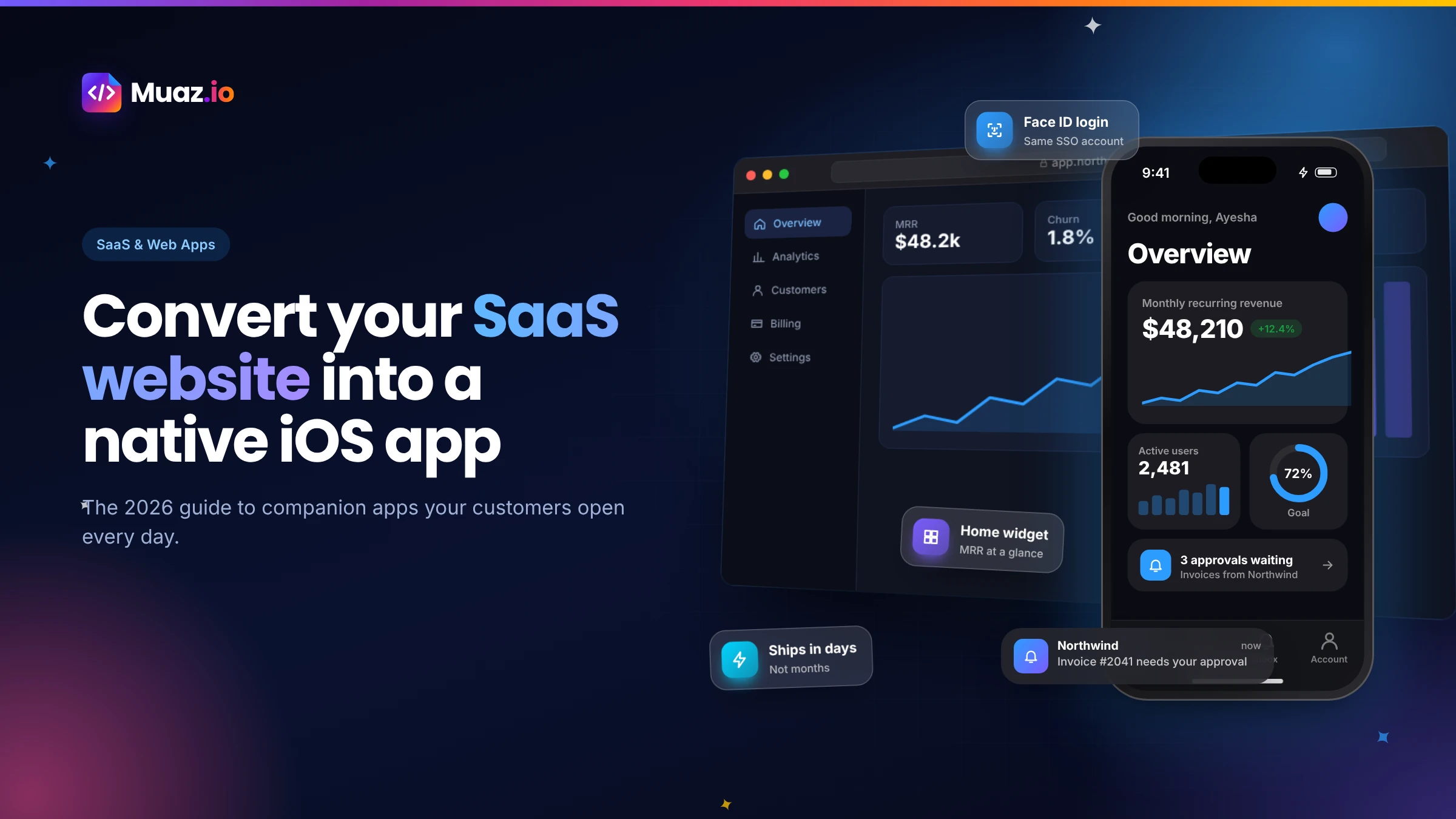 SaaS & Web Apps18 min readHow to Convert a SaaS Website into a Native iOS App Using AI (2026 Guide)
A practical, step-by-step guide to turning your SaaS web app into a native iPhone app with AI: what to build, how to connect your API and login, push alerts, App Review and cost.
Monjur Hossain·
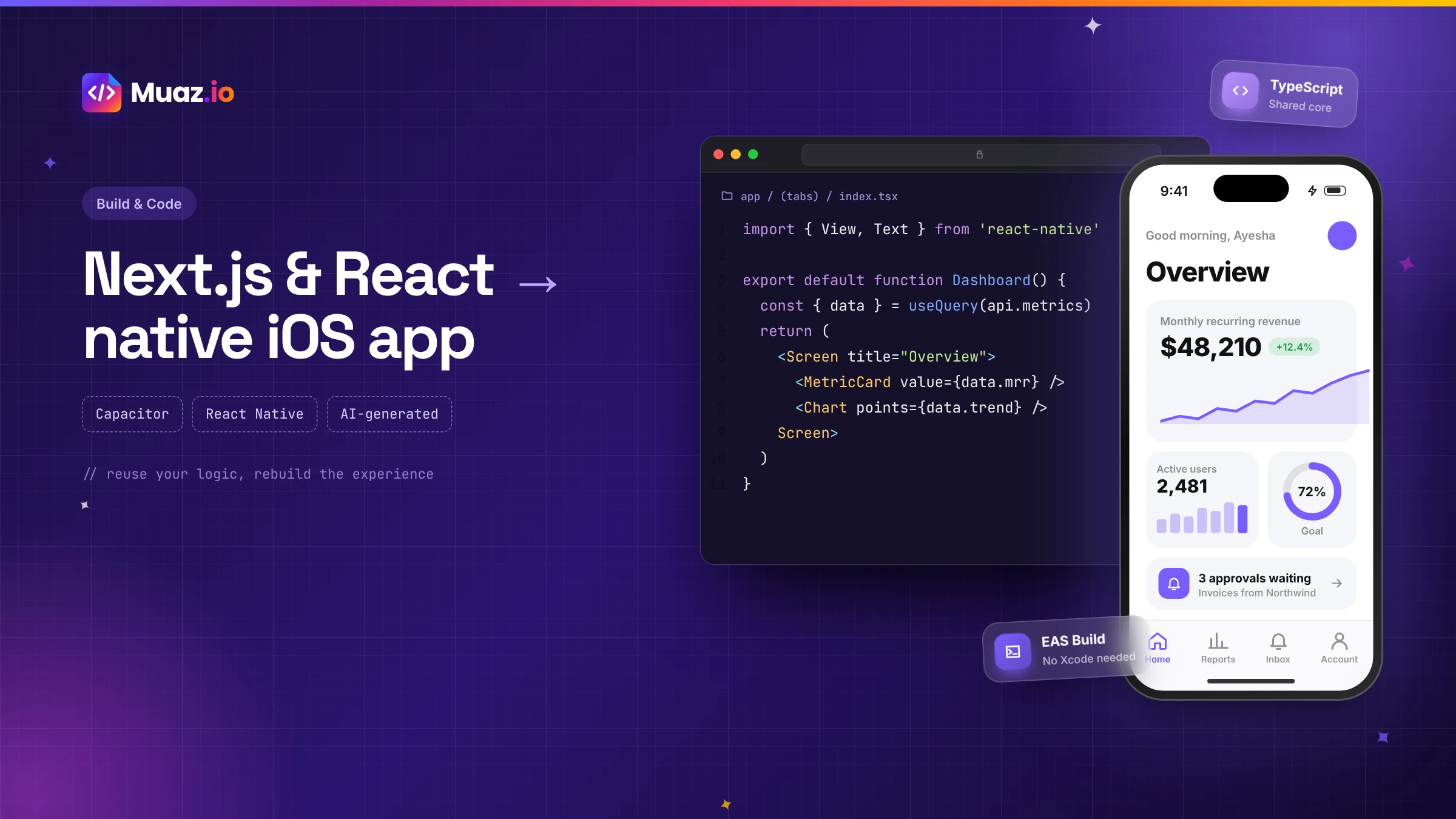 SaaS & Web Apps15 min readHow to Convert a Next.js or React Web App into a Native iOS App
Three proven ways to turn a Next.js or React web app into an iPhone app: Capacitor with a static export, a React Native rebuild sharing your logic, or an AI-generated native app. Pros, cons and steps.
Monjur Hossain·Related guides and tools
Convert your website into a native iPhone app with AI. Muaz.io reads your brand, pages and flows, then builds real native screens, not a WebView wrapper.
Read the guide Guide · 13 min readThe AI app builder that researches, designs, builds and launches your iPhone appHow an AI app builder turns a website, prompt or voice note into a native iPhone app. Research, design, code, testing, App Store launch and growth, explained.
Read the guide Solutions · 13 min readEnterprise-grade app delivery, at AI speedBuild secure native iOS apps for customers and employees with SSO, role-based approvals, audit logs, scoped API keys, data residency and private deployment.
Read the guide Product · 13 min readHow to build an iOS app with AI, from first sentence to App StoreThe 10-step process Muaz.io uses to turn a website or idea into a published iPhone app: research, brief, design, build, testing, App Store launch and growth.
Read the guide Product · 13 min readPublish to the App Store without the busyworkEverything you need to publish an iPhone app: signing, TestFlight, screenshot sizes, metadata, privacy labels and an App Review readiness checklist.
Read the guide Product · 13 min readResearch the apps already winning your categoryResearch the iOS apps winning your category before you design. Screenshots, onboarding, paywalls, pricing and ASO, with licensed estimates clearly labelled.
Read the guideWhere our numbers come from
Third-party figures are estimates published by the sources below. Prices and rules change; check the source before you decide.
- Apple Human Interface Guidelines: Widgetsdeveloper.apple.com/design/human-interface-guidelines/widgets
- Apple User Notifications documentationdeveloper.apple.com/documentation/usernotifications
- Apple LocalAuthenticationdeveloper.apple.com/documentation/localauthentication
- Expo documentationdocs.expo.dev
- OWASP Mobile Application Securitymas.owasp.org
- Apple App Store Review Guidelinesdeveloper.apple.com/app-store/review/guidelines
Your app is one sentence away.
Paste your site or describe your business. You get competitor research and three original concepts, free.