How to convert a SaaS website into a native iOS app using AI
Your customers keep asking for an app. Here is how to give them a real native one, built around the mobile jobs that matter, connected to the API and login you already have, without pulling your engineers off the roadmap.
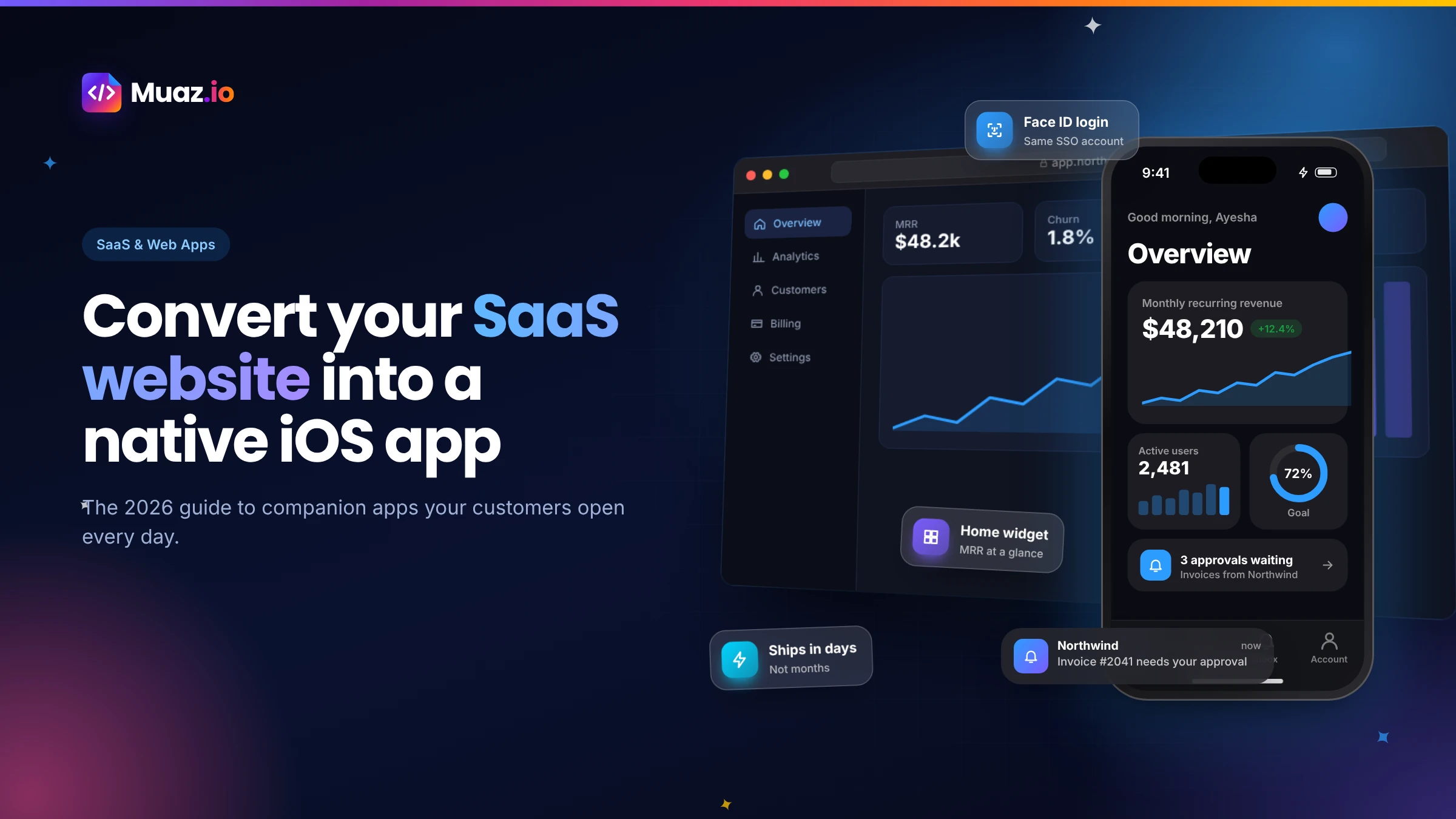
You can reuse almost everything that matters: your API, your login, your data and your brand. What you rebuild is the interface, as native screens designed for the phone. With an AI builder like Muaz.io, that rebuild is generated from your website and API documentation, so it takes days rather than months.
- Sometimes, but usually not. A wrapper reuses your web interface, which is quick, but SaaS dashboards rarely feel good on a phone, and Apple's guideline 4.2 expects apps to offer more than a repackaged website.
- No. A well-built companion app signs users in with the same account they use on the web, through your existing OAuth, OpenID Connect or session API, and can add Face ID for quick access.
- With AI, a first TestFlight build is typically ready within a week for a focused companion app.
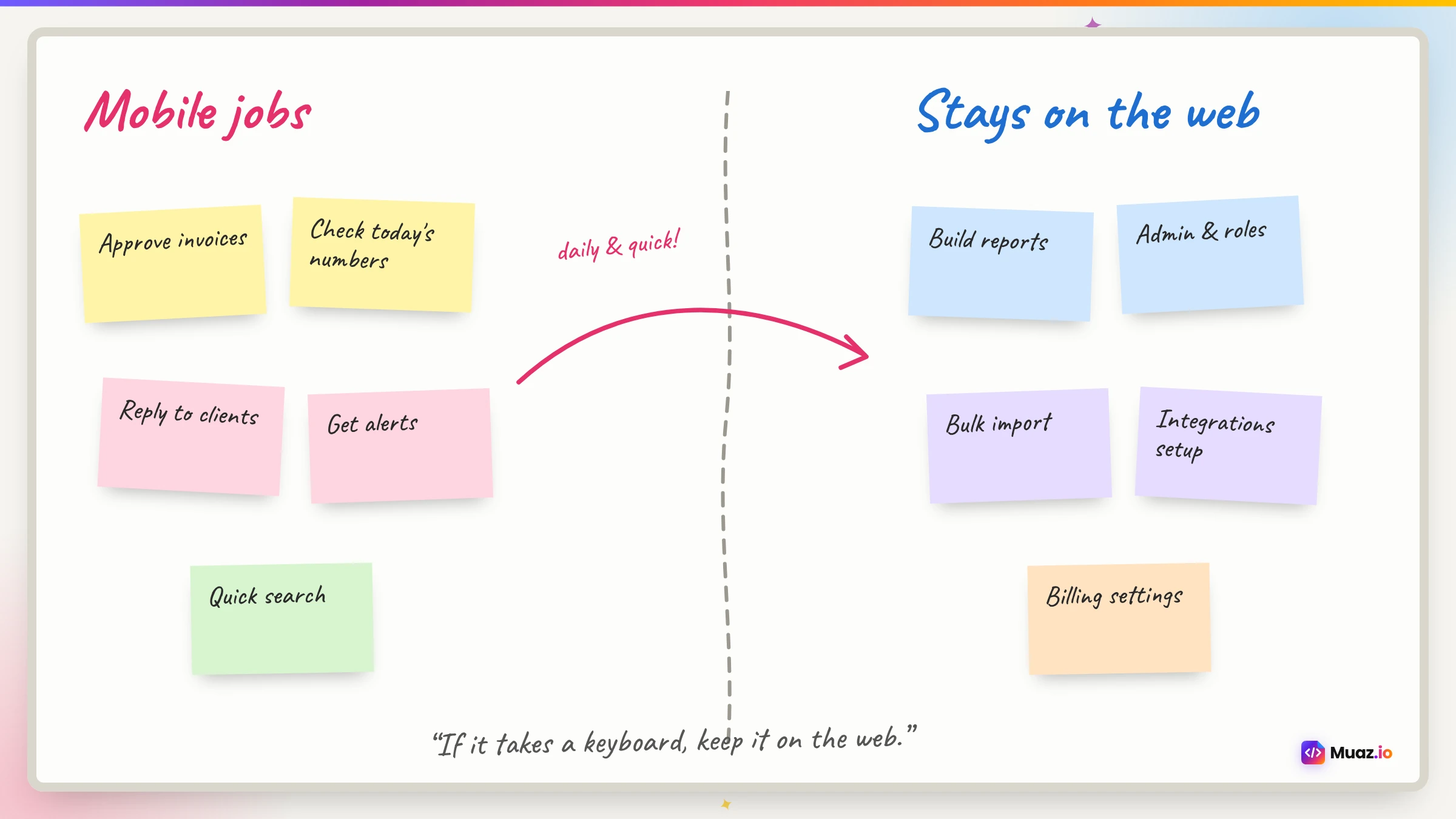
- Start with the jobs people do on the go: alerts for important changes, quick approvals or replies, a glanceable summary of key numbers and fast, secure access.
Every SaaS founder hears it eventually. A customer is on a call, the demo is going well, and then the question lands: "Is there an app?" Sometimes it is a nice-to-have. Sometimes it is the reason a bigger account picks a competitor. Either way, it rarely arrives at a convenient time, because your engineering team is already busy building the product people pay for.
This guide is for that moment. It explains, in plain language, how to convert a SaaS website into a native iOS app using AI: what to put on the phone, what to leave on the web, how to connect your existing API and login, how to avoid an App Store rejection and what it really costs. It is written from the experience of building companion apps with Muaz.io, but the principles apply whatever tool you use.
If you only remember one thing, make it this: a great SaaS app is not your web app squeezed onto a small screen. It is a focused tool for the handful of jobs your customers do away from their desks. Get that right and the rest is surprisingly mechanical.
Why your SaaS needs a native app, not just a responsive website
Most SaaS products already work in a mobile browser. So why bother? Because a responsive website and a native app solve different problems.
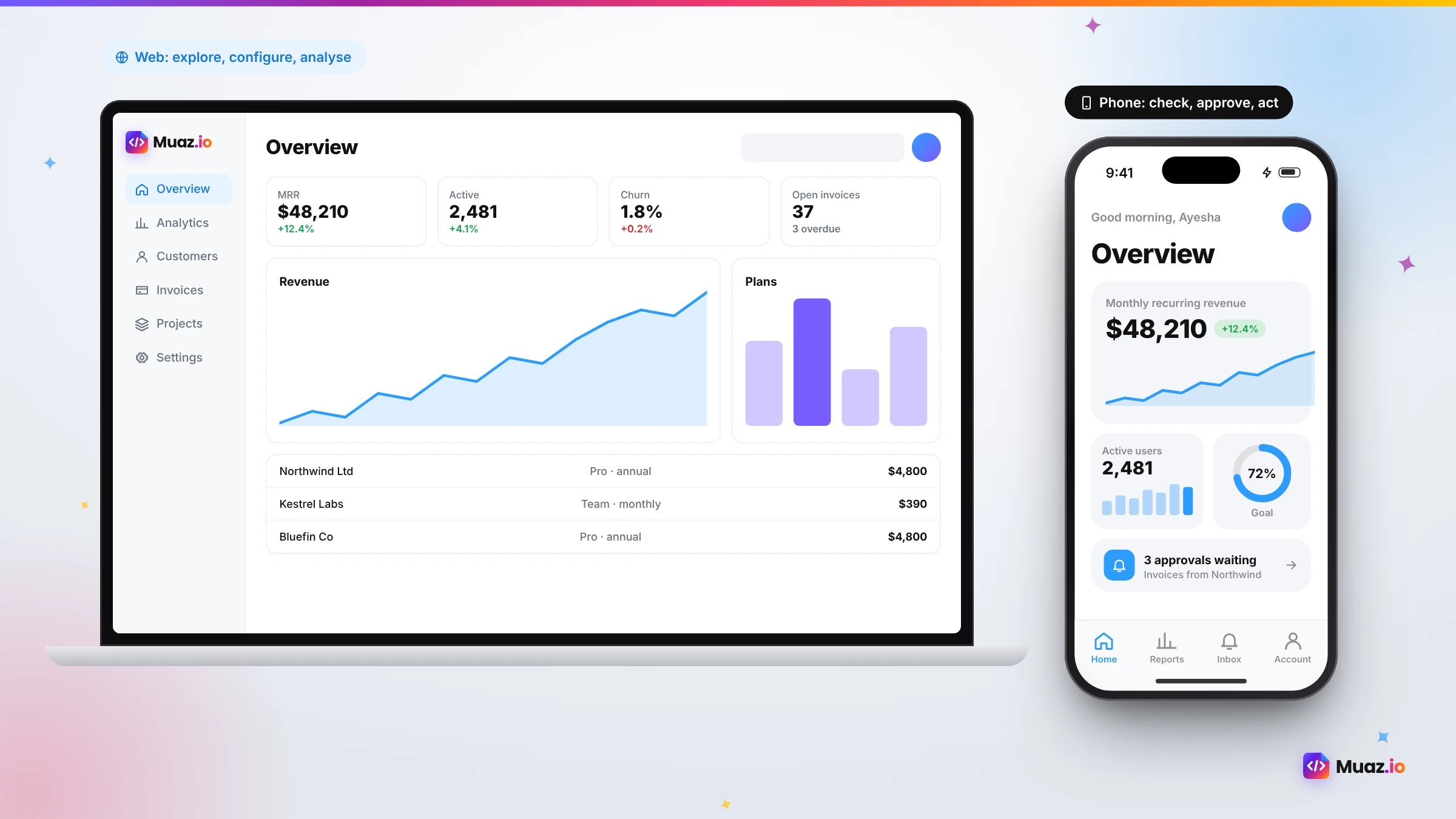
A responsive website is about access. It lets someone open your product on a phone when they have to. A native app is about presence. It lives on the home screen, sends a notification the moment something important happens, unlocks with Face ID, shows today's numbers in a widget and opens straight to the screen that needs attention. Those are the moments that turn a tool people use into a tool people rely on.
There is also a commercial argument. Mobile access is increasingly part of procurement checklists, especially for products used by managers, field teams and executives. An app signals maturity. And in our experience, accounts where several users install the companion app tend to be the accounts that renew and expand, because the product is woven into more of their day.
Finally, there are things the web simply cannot do well on iPhone: reliable push notifications with rich actions, home screen widgets, Live Activities, background refresh, the Keychain for secure token storage and smooth offline behaviour. If any of those would make your product better, you need native.
Wrapper, cross-platform or native: the three ways to do it
Before choosing a tool, it helps to understand the three broad approaches, because they lead to very different results.
| Approach | How it works | Speed | Native feel | App Review risk | Best for |
|---|---|---|---|---|---|
| WebView wrapper | Your web app shown inside a native shell | Very fast | Low to medium | Higher | Content sites that already work well on mobile |
| Cross-platform rebuild | New screens in React Native or Flutter that call your API | Medium | High | Low | Most SaaS companion apps |
| Fully native (Swift) | New screens in Swift and SwiftUI | Slowest | Highest | Low | Products that depend on cutting-edge Apple APIs |
Wrapping is tempting because it is quick. The trouble is that SaaS interfaces are dense: tables, filters, sidebars and settings. Squeezed into a phone, they are frustrating. And Apple's guideline 4.2 on minimum functionality asks for apps that are more than a repackaged website, which is exactly what a wrapper can look like. Developers regularly report rejections on Apple's own developer forums for apps that mainly display web content.
A cross-platform rebuild in React Native, which is what Muaz.io generates, gives you real native components, navigation and device features, with one codebase that can also become an Android app later. For most SaaS companies it is the sweet spot between speed and quality. A fully native Swift app is the gold standard for teams that need the newest Apple APIs on day one, but it requires specialised engineers.
See your app before you pay for anything
Paste your website or describe your idea. Muaz.io researches your competitors and designs an original app you can try on your iPhone.
Step 1: Decide which jobs belong on the phone
This is the step most teams skip, and it is the one that decides whether anyone uses the app. Open your product analytics and your support inbox, and ask a simple question: what do people try to do on their phones today, and where do they get stuck?
You will usually find a short list. In our experience it falls into five buckets:
- Stay informed. Something changed: a deal closed, a report finished, a payment failed, a ticket breached its deadline. People want to know immediately.
- Decide quickly. Approve an expense, reply to a comment, accept a booking, assign a task. One tap, then get on with the day.
- Check the numbers. Revenue today, open tickets, tasks due, pipeline this week. A glance, not an analysis.
- Capture on the go. A photo of a receipt, a note after a meeting, a signature at a job site, a voice memo.
- Get in securely. Quick, safe access to sensitive data without typing a password on a tiny keyboard.
Write these down as jobs, not features. "Approve or reject a pending expense in under ten seconds" is a job. "Expenses module" is a feature. Jobs keep the app focused.
Then decide, just as deliberately, what stays on the web. Settings with dozens of options, bulk editing, complex report builders and admin consoles almost always belong on a big screen. Saying no to them makes the app better, not worse.
Step 2: Map your API to mobile screens
Once you know the jobs, look at the data each one needs. A typical companion app needs a small slice of your API: a summary endpoint for the home screen, a list and detail view for the main object, one or two actions such as approve or reply, and an endpoint to register a device for push notifications.
If you have an OpenAPI definition or a documented REST or GraphQL API, an AI builder can do most of this mapping for you. Muaz.io's Backend Connector reads the documentation, proposes which endpoints feed which screens and generates a typed API client so every request and response is checked when the app is built. Two rules keep this safe. First, it never invents endpoints that are not documented; anything missing becomes a short request for your engineers. Second, nothing connects to production until someone with the right permissions approves it.
The most common gap we see is the push token endpoint. Your backend needs somewhere to store each device's token so it can send notifications later. It is a small addition, often less than a day of work, and it unlocks the single most valuable feature of a companion app.
Step 3: Keep the same login
Nobody wants a second account. Your app should sign users in with the same identity they use on the web. In practice that means connecting to whatever you already run: OAuth or OpenID Connect, a session-based API, or a provider such as Auth0, Clerk, Supabase or Firebase Authentication.
On the phone, tokens should live in the iOS Keychain, never in plain storage. Sessions should be revocable from your backend, so if someone loses their phone or leaves a company, access ends immediately. And for sensitive products, add Face ID through Apple's LocalAuthentication framework so the app can lock when it goes to the background and unlock with a glance.
If you serve enterprise customers, support single sign-on from the start. It is far easier to build in than to retrofit, and it is often a deal requirement.
Step 4: Design for thumbs, not cursors
A SaaS dashboard is designed for a mouse, a keyboard and a wide screen. A phone is held in one hand, used in short bursts and often in bad light. Good companion app design reflects that.
- One primary action per screen, within thumb reach near the bottom.
- A tab bar with three to five destinations, not a hamburger menu hiding everything.
- Cards and lists instead of tables. Show the two or three fields that matter; the rest is one tap away.
- Big, bold numbers for anything people check often.
- Native patterns people already know: swipe actions, pull to refresh, sheets and system share.
- Your brand, not a template. Colours, typography and tone should feel unmistakably like your product.
Muaz.io extracts your brand tokens from your website and produces three original design concepts on a live iPhone preview. Most SaaS teams choose a clean, data-forward direction, then refine it by voice: "make the metrics larger", "use our navy for the tab bar", "show approvals first". You can read more about how that works on our website to app page.
Step 5: Add the native features that make the app worth installing
This is where a companion app earns its place on the home screen. You do not need all of these in version one, but you should choose at least two.
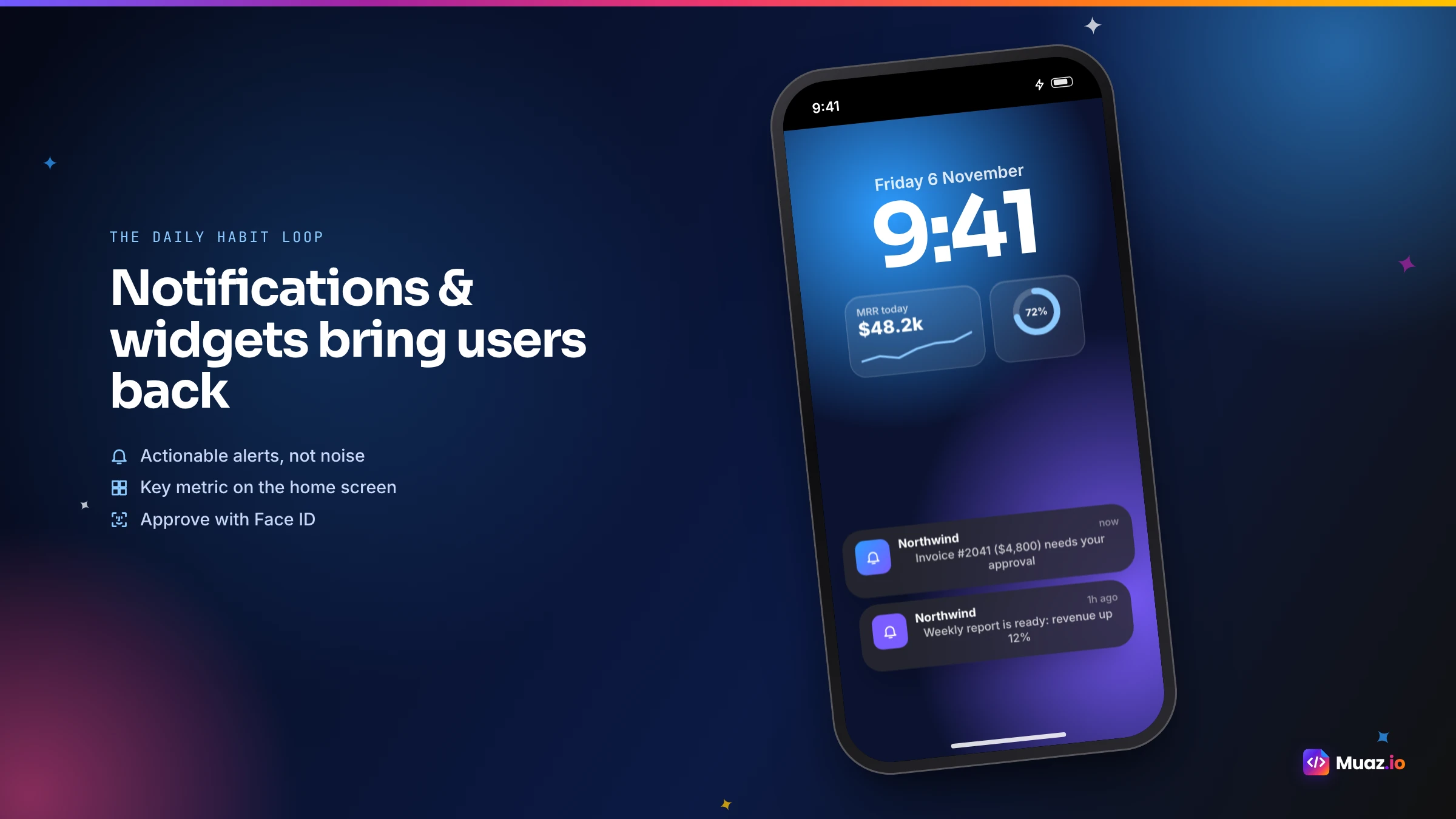
Push notifications. Register for user notifications and send alerts from your product events. Make every notification open the exact screen needed to act, and let users choose which alerts they want.
Home screen widgets. A widget with today's key number or pending approvals keeps your product visible dozens of times a day. Follow Apple's widget guidelines for sizes and refresh schedules.
Face ID. Fast, secure access for products with sensitive data.
Offline cache. Show the last loaded data with a clear "updated" time and queue actions until the connection returns.
Deep links. Links in your emails and notifications should open the right screen in the app, not a login page in a browser.
Camera and files. For products where people capture things in the field: receipts, photos, signatures, documents.
Step 6: Build it with AI, without pulling your engineers off the roadmap
Here is how the build itself works with an AI builder like Muaz.io, and why it no longer needs a dedicated mobile team.
- Paste your website URL. The Website Intelligence Agent maps your public pages and extracts your brand: colours, fonts, radii and tone.
- Run competitor research. The Discovery Engine looks at the mobile apps of competitors in your category, so you see how they handle navigation, alerts and pricing. More on that in our guide to iOS app competitor analysis.
- Approve the brief. The Product Architect turns your jobs into a screen map, tabs, features for version one and later, and the notification plan.
- Pick a design. Three original concepts on your brand, previewed on a live iPhone with a real lock screen and notifications.
- Connect your API. Add your OpenAPI definition or documentation, test with a sandbox account and approve the connection.
- Generate and test. The app is generated as a React Native and Expo project, and the QA agent runs checks on navigation, states, accessibility and App Store compliance.
- Install on your iPhone. A TestFlight build goes to you and a few design partners.
Your engineers' involvement is small and well defined: provide API access, review any missing endpoints and, if they want, review the generated code in your own repository. Everything else happens in plain language. If you want to understand what the generated code looks like and why ownership matters, read our guide to building with AI and exporting React Native source code.
Start free. Approve every step.
- Research 5, 10 or 20 competitors
- Original design, never copied
- Test on your iPhone today
- You own the code
Step 7: Test with design partners, then launch
Do not launch to everyone at once. Pick five to ten engaged customer accounts and invite them to a TestFlight beta. Ask them to use the app for a week and watch three things: which notifications they open, which actions they take and where they get confused. Short calls with a few users will tell you more than any dashboard.
Then plan the launch like a feature release: an in-product banner on the web, an email to active users, a help-centre article and an App Store listing built around the searches your customers already make. The App Store Studio prepares the icon, screenshots, metadata and privacy labels, and runs a readiness checklist before submission.
How to avoid an App Store rejection
Companion apps are approved every day, but a few mistakes cause most rejections. Here is how to stay on the right side of App Review.
| Risk | Why it happens | How to avoid it |
|---|---|---|
| Guideline 4.2, minimum functionality | The app looks like the website in a frame | Native screens, notifications, widgets or Face ID |
| Login-only app | The reviewer cannot see anything without an account | Provide a demo account in review notes |
| Missing account deletion | Users can create accounts but not delete them in the app | Add an in-app deletion flow |
| Unexplained permissions | Camera or notification prompts without context | Ask in context, with clear usage text |
| In-app purchase rules | Selling digital subscriptions inside the app without Apple's system | Sell on the web or use in-app purchase correctly |
A useful rule of thumb: if you removed your website tomorrow, would the app still be useful? If the answer is yes, App Review is rarely a problem.
Security your customers' IT teams will ask about
B2B buyers care about security, and a mobile app adds new surfaces. The generated code should follow OWASP mobile security guidance. In practice, that means tokens in the Keychain, API keys and secrets on the server behind a proxy rather than inside the app, optional certificate pinning for high-security deployments, revocable sessions, Face ID for sensitive screens and an audit log of every change made during development. If you sell to enterprises, the Muaz.io for enterprise page describes single sign-on, approval policies and data residency.
What it costs to convert a SaaS into an iOS app
Costs vary enormously by approach. MobiLoud, which sells a wrapper service, estimates on its SaaS page and cost guides that traditional native development can run from tens to hundreds of thousands of dollars per platform, while wrapper services cost a few thousand dollars upfront plus a monthly fee. A cross-platform rebuild by an agency typically sits in between.
AI builders change this equation because research, design, engineering and testing are automated. With Muaz.io, research and design concepts are free, so you can see the app before paying, and paid plans cover builds and team features. You will still pay Apple's annual developer fee. For a full breakdown with sources, read how much it costs to convert a website into an iOS app.
Measuring whether the app is working
A companion app should move your core metrics. Track a small set of numbers for the first three months.
- Mobile weekly active users as a share of your web actives.
- Notification opt-in rate, which decides how many alerts land.
- Time to action for the jobs you chose, compared with the same task on the web.
- Retention and expansion for accounts with mobile users versus similar accounts without.
The last one is the business case. Compare cohorts of similar size and tenure over three to six months. It is not a perfect experiment, because engaged customers are more likely to install, but a consistent gap is a strong signal.
Real examples of SaaS companion apps
To make this concrete, here are patterns that work across categories.
Analytics and reporting. A morning summary notification, a widget with the number that matters most and drill-down cards for metrics that changed overnight.
Project management. Approvals, comments and status changes from anywhere, plus a widget for today's tasks.
Field service. Job lists, photos, signatures and offline forms that sync when the van is back in signal.
Finance and spend. Approve expenses with one tap, snap receipts with the camera and get alerts for unusual transactions.
Customer support. Reply to urgent tickets, see queue status and get alerts when service levels are at risk.
Sales and CRM. Update deals after a meeting by voice, see today's meetings and get notified when key accounts engage.
Common mistakes to avoid
Porting every feature. The app becomes a cluttered copy of the web product. Choose the jobs and say no to the rest.
Asking for notification permission on first launch. People decline prompts they do not understand. Ask after the first moment of value, such as their first approval.
Ignoring offline. Lifts, trains and basements are where people check their phones. A blank screen is a bad experience.
Forgetting deep links. Every email link that opens a browser login page instead of the app is a lost moment.
Launching to everyone at once. A beta with design partners catches the issues that matter before your biggest customers see them.
The bottom line
Converting a SaaS website into a native iOS app used to mean hiring mobile engineers or pausing your roadmap. In 2026 it means choosing the right jobs, connecting the API and login you already have and letting AI do the heavy lifting of design, code and testing, with your team approving each step. The result is a focused, native app your customers actually use.
If you want to see what your product looks like as an iPhone app, paste your website into the Muaz.io builder. You will get competitor research and three design concepts on a live iPhone, free, and you can decide from there. For the wider context, our SaaS solutions page covers rollout plans and metrics in more depth.
Free: SaaS Mobile Companion Playbook
Which features to put on mobile, how to measure them and how to ship without distracting your core team.
We’ll email the resource and a few practical tips. Unsubscribe in one click. We never sell your data.
A 30-day plan you can copy
If you want a simple schedule, this is the one we recommend to most SaaS teams.
Week 1: Define and design. List the mobile jobs from your analytics and support tickets. Run competitor research on the mobile apps in your category. Approve a brief and pick a design concept.
Week 2: Connect and build. Share sandbox API access and documentation. Add the push token endpoint if it is missing. Generate the app and run the QA suite.
Week 3: Design partners. Invite five to ten engaged accounts to TestFlight. Watch which alerts they open and which actions they take. Fix the top three issues.
Week 4: Launch. Approve the production connection, finalise the App Store listing, submit for review and announce to active users with an in-product banner and an email.
After launch, review mobile adoption weekly for a month, then monthly with the rest of your product metrics. Add the next job to the app when users ask for it, not before.
Choosing alerts that people do not mute
Notifications are the reason most customers install a companion app, and the fastest way to lose them if you get it wrong. A few principles make the difference.
Alert on decisions and changes, not activity. "Your invoice to Northwind was paid" is useful. "Someone viewed your dashboard" usually is not. Group low-priority updates into a daily digest. Respect quiet hours and time zones. Give users a native settings screen where they can choose alert types, and default to the small set most people want. Measure opt-in rates and the share of alerts that lead to an action, and retire alert types that nobody acts on.
The best test is to imagine receiving the alert during dinner. If you would be glad to know, keep it. If you would be annoyed, it belongs in the digest.
Widgets that keep you visible
A widget is free attention. The best SaaS widgets show one thing people check often: today's revenue, open tickets, tasks due or approvals waiting. Keep them glanceable, update them on a sensible schedule and make tapping them open the relevant screen. Offer small and medium sizes so people can choose. If your product has a natural "right now" moment, such as a job in progress or a deadline approaching, consider a Live Activity on the lock screen as well.
When a wrapper is actually fine
To be fair to wrappers: there are cases where they are the right call. If your product is mostly content, your mobile web experience is already excellent and you mainly need a home screen icon and basic notifications, a wrapper can get you into the store quickly. Just go in with your eyes open about App Review and the experience your users will get. For a deeper comparison of the options, read our guide to the best website-to-app converters and our Muaz.io vs Median comparison.
Questions to ask before you start
Before you commit to a tool or an agency, answer these questions honestly. Which three jobs will the app do better than the web? Does your API cover them, or what is missing? How will users sign in, and do you need single sign-on? Which native features will you use: notifications, widgets, Face ID, offline? Who will own the app after launch? And how will you measure whether it worked? If you can answer all six, you are ready to build, and the build itself will be the easy part.
Handling multiple workspaces and roles
Many SaaS products let one person belong to several organisations, or give different users very different permissions. Plan for that early. The app should remember the last workspace used, offer a native switcher and scope notifications so people only hear about the workspaces they care about. Screens and actions should respect roles exactly as the web does, which is another reason to rely on your existing API rather than duplicating logic in the app. Agencies and consultants who work across many client accounts often find this feature alone makes the app indispensable.
Keeping web and mobile in sync over time
Your product will keep changing, and the app needs to keep up without becoming a second product to maintain. Three habits help. First, treat your API schema as the contract: when it changes, the typed client in the app flags the difference and the affected screens can be updated in one go. Second, keep design tokens in one place, so a brand refresh restyles both web and mobile. Third, release on a steady rhythm, even small updates every few weeks, with release notes drafted from the version history. Muaz.io's QA agent re-runs its checks on every update, so regressions are caught before your customers find them.

Monjur builds Muaz.io and incorporated MotionTrust Digital in September 2022, where he leads Amazon strategy across the client base. Eight years in e-commerce and marketplace marketing taught him how much growth a great mobile app unlocks, so every guide here is tested against the real product and current App Store rules before it goes live.
Questions about 2026 guide
Short, direct answers. Still curious? Ask in the builder; the assistant knows your project.
Can I turn my SaaS web app into an iOS app without rebuilding it?
You can reuse almost everything that matters: your API, your login, your data and your brand. What you rebuild is the interface, as native screens designed for the phone. With an AI builder like Muaz.io, that rebuild is generated from your website and API documentation, so it takes days rather than months.
Is a WebView wrapper good enough for a SaaS app?
Sometimes, but usually not. A wrapper reuses your web interface, which is quick, but SaaS dashboards rarely feel good on a phone, and Apple's guideline 4.2 expects apps to offer more than a repackaged website. Native screens built around a few mobile jobs give users a reason to install and keep the app.
Do my users need a new account for the mobile app?
No. A well-built companion app signs users in with the same account they use on the web, through your existing OAuth, OpenID Connect or session API, and can add Face ID for quick access.
How long does it take to convert a SaaS into an iPhone app?
With AI, a first TestFlight build is typically ready within a week for a focused companion app. The slowest parts are usually decisions and API access, not code. App Review then usually takes a day or two.
Which features should a SaaS mobile app have first?
Start with the jobs people do on the go: alerts for important changes, quick approvals or replies, a glanceable summary of key numbers and fast, secure access. Leave settings, bulk editing and complex reporting on the web.
Will Apple approve a SaaS companion app?
Companion apps are approved every day when they provide real value on the device. Push notifications, widgets, Face ID and a native, focused interface make that value clear. Apps that only show the website in a frame are the ones that struggle.
How much does it cost?
Traditional native development often starts in the tens of thousands of dollars. AI builders reduce the cost dramatically because research, design and engineering are automated. Our cost guide breaks down every option with sources.
Your SaaS already works. We build the iPhone app.
Muaz reads your web app’s routes, login and API, then five AI engines build a native iOS client you can send to TestFlight.
Your app is being built.
+ New suggestionMuaz agents start on it right away.Keep reading
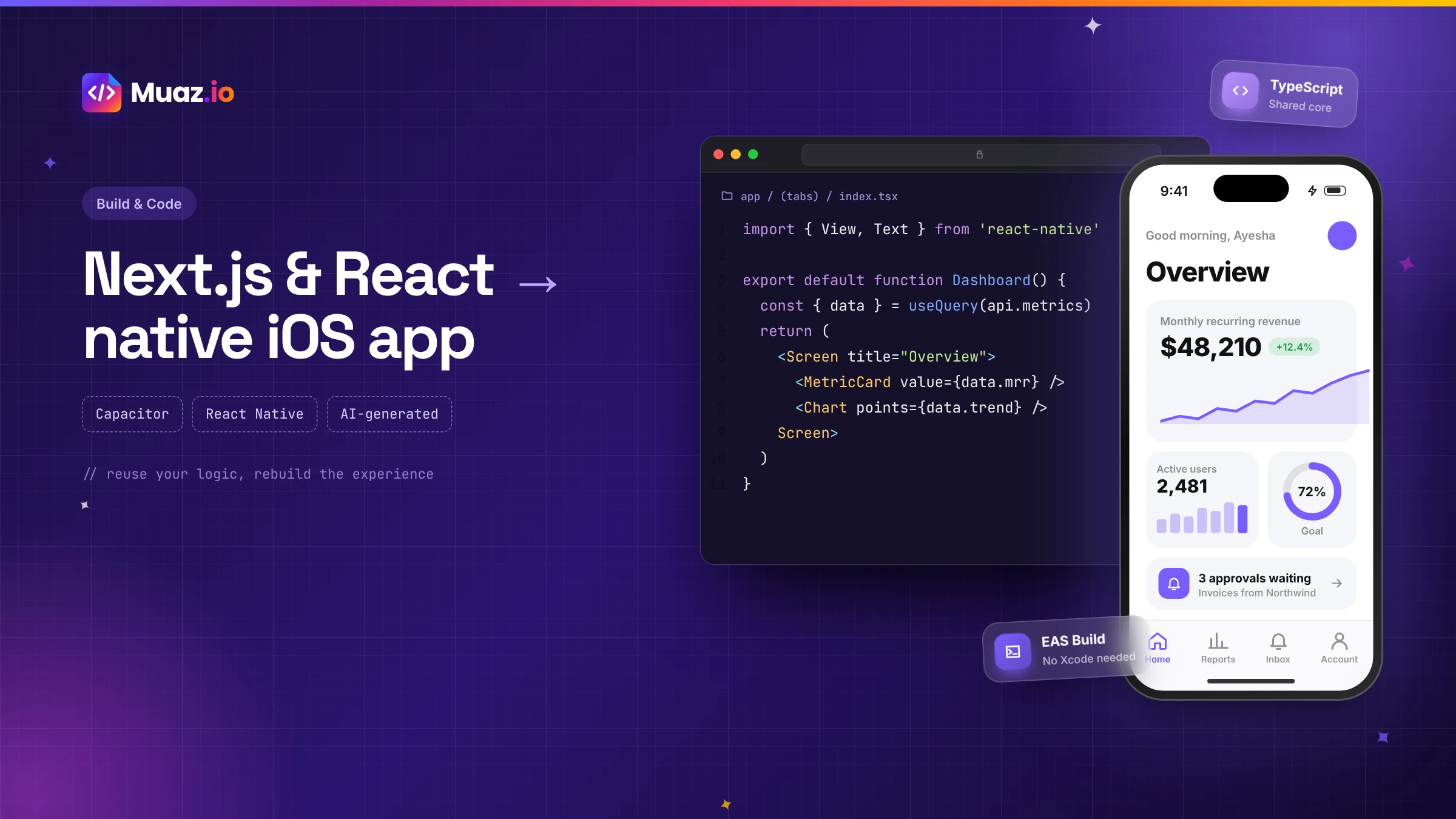 SaaS & Web Apps15 min readHow to Convert a Next.js or React Web App into a Native iOS App
Three proven ways to turn a Next.js or React web app into an iPhone app: Capacitor with a static export, a React Native rebuild sharing your logic, or an AI-generated native app. Pros, cons and steps.
Monjur Hossain·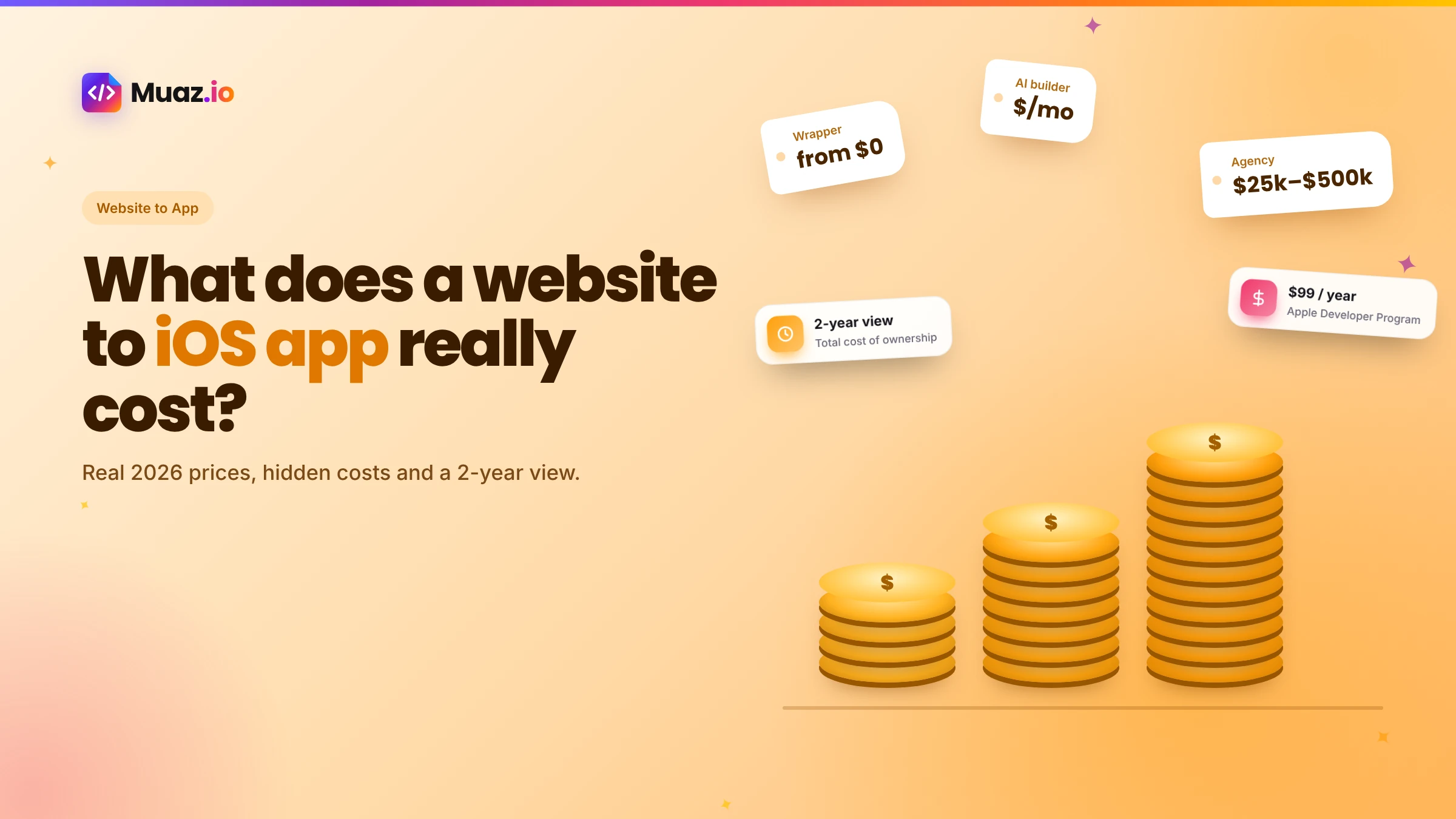 Website to App15 min readHow Much Does It Cost to Convert a Website into a Native iOS App in 2026?
Real 2026 costs for turning a website into an iPhone app: agencies, freelancers, wrappers, no-code and AI builders, plus Apple fees, maintenance and the hidden costs most guides skip.
Monjur Hossain·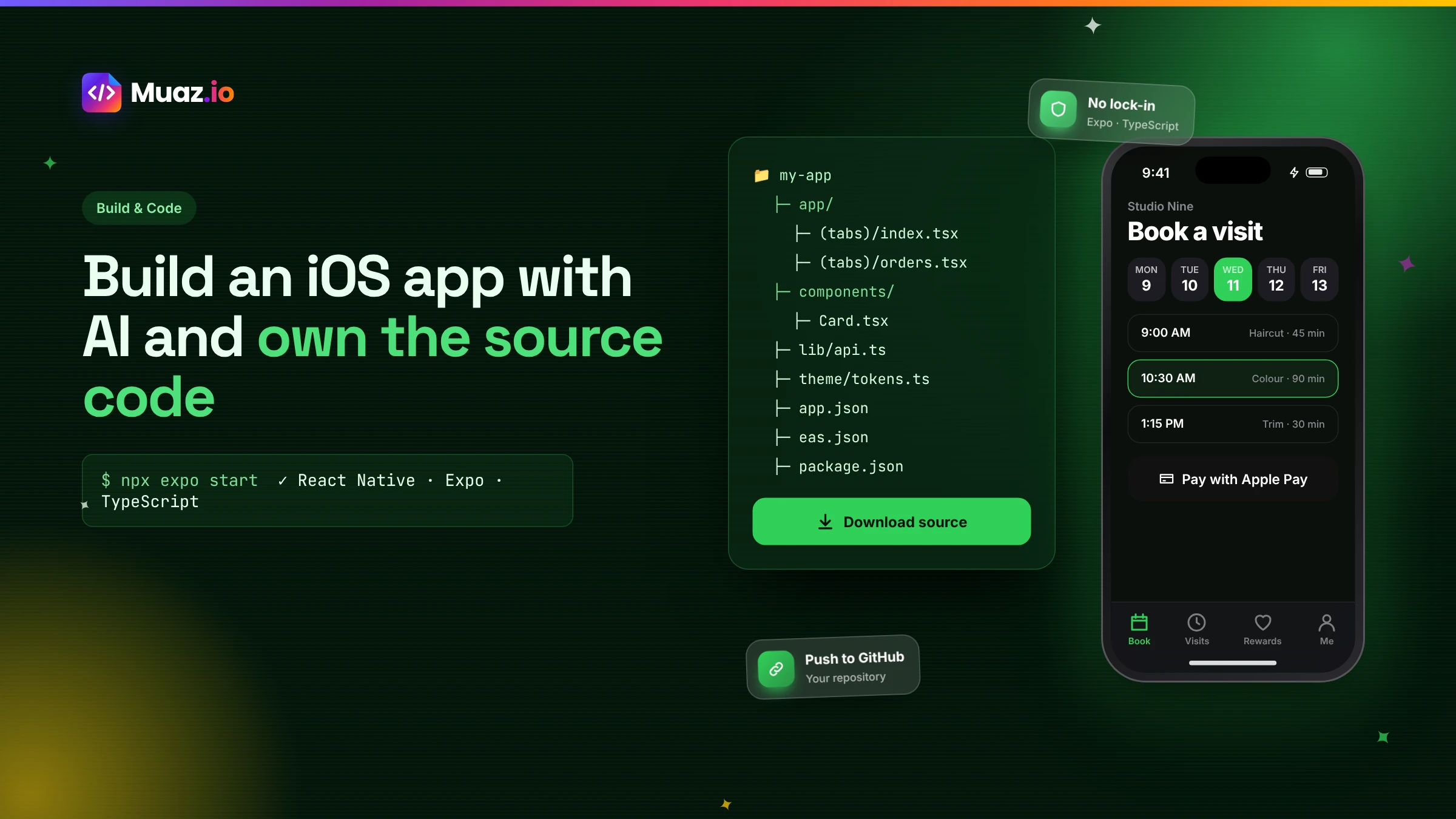 Build & Code15 min readHow to Build an iOS App with AI and Export the React Native Source Code
How AI app builders generate real React Native and Expo code, what a good exported project looks like, how to hand it to developers and why code ownership protects your app.
Monjur Hossain·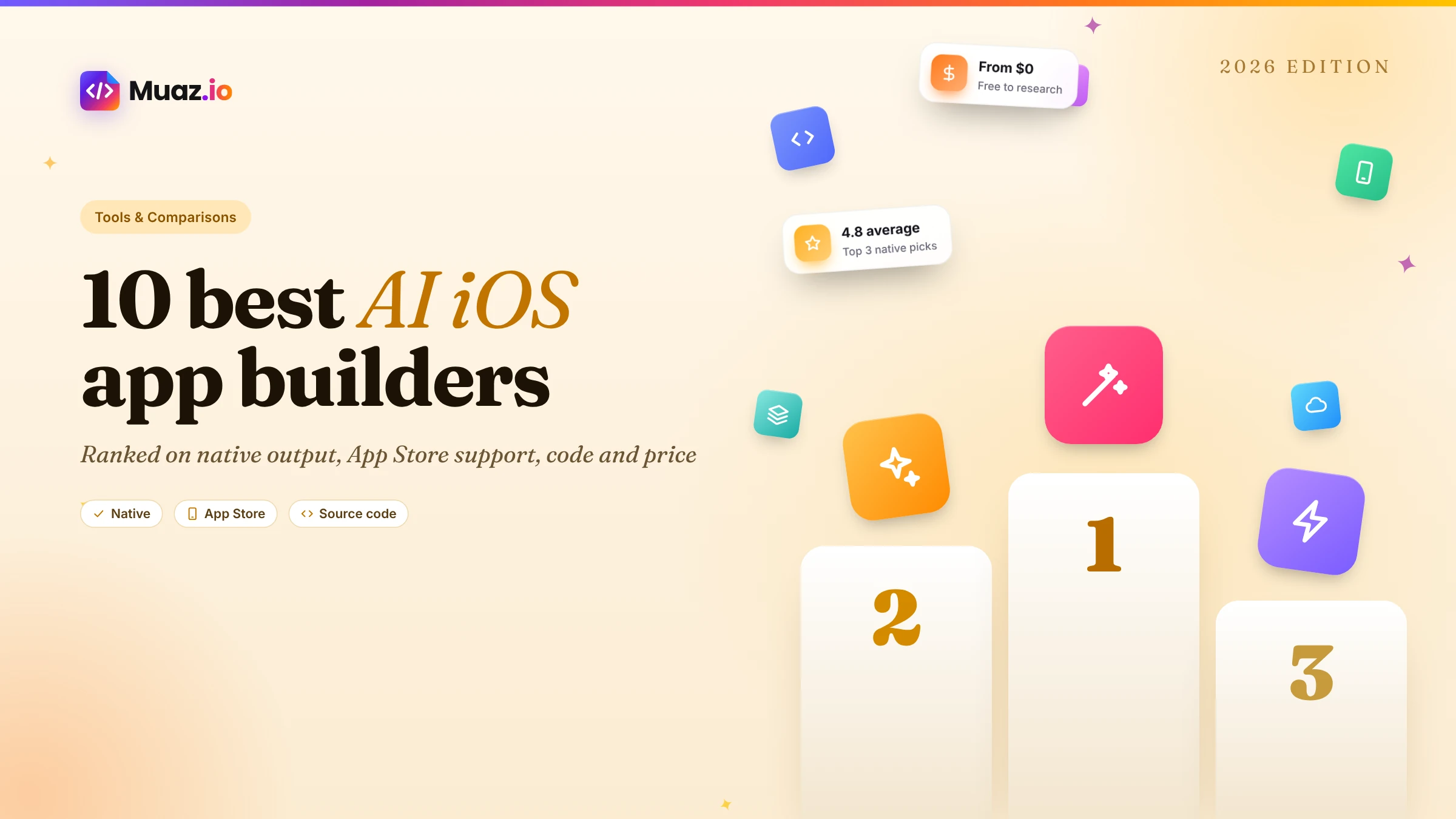 Tools & Comparisons16 min read10 Best AI iOS App Builders in 2026: Features, Pricing & Native Support
We compared 10 AI app builders specifically for iPhone apps: native output, App Store publishing, code ownership, design quality and 2026 pricing, with honest picks by use case.
Monjur Hossain·Tools and products for the next step
- Paste a URL, get three original designs
- Free research before you pay
- Same login, push alerts, widgets
- Built on your existing API
- 5, 10 or 20 App Store rivals analysed
- Review themes, pricing and gaps
Where our numbers come from
Third-party figures are estimates published by the sources below. Prices and rules change; check the source before you decide.
- Apple App Store Review Guidelines 4.2: Minimum functionalitydeveloper.apple.com/app-store/review/guidelines/#minimum-functionality
- Apple User Notifications documentationdeveloper.apple.com/documentation/usernotifications
- Apple Human Interface Guidelines: Widgetsdeveloper.apple.com/design/human-interface-guidelines/widgets
- Apple LocalAuthenticationdeveloper.apple.com/documentation/localauthentication
- OWASP Mobile Application Securitymas.owasp.org
- MobiLoud: SaaS mobile appswww.mobiloud.com/use-cases/saas-mobile-apps
- Apple Developer Forums: app rejected for WebView contentdeveloper.apple.com/forums/thread/101396
- Expo documentationdocs.expo.dev