How to build an iOS app with AI, from first sentence to App Store
A transparent, step-by-step look at how Muaz.io researches your market, designs an original app, writes the code, tests it on your iPhone and launches it, with your approval at every gate.
The short version
Building an app with Muaz.io follows ten steps grouped into five engines: Discovery, Product Architect, Design, Development and Launch. You start with a website, a typed prompt or a sentence spoken into the microphone. Muaz.io researches the competitors in your category, writes a product brief, designs three original concepts, builds a working React Native and Expo app, tests it, prepares everything Apple needs and hands you a growth plan for the first 90 days.
You stay in control the whole way. Each step ends with a gate where you review what the agents produced and decide whether to continue, change direction or go back. Nothing that costs money, touches a live system or becomes public happens without your approval.
This guide walks through every step in detail: what the agents do, what you decide and how long it typically takes. Use the interactive pipeline above to jump to any step.
Try it on your own website
No credit card. Muaz.io maps your site, studies your competitors and shows you the app first.
Step 1: Paste a website, type a prompt or say your idea
Every project begins with a single input. There are three ways in, and you can mix them.
A website URL. If your business already has a site, it is the richest starting point. The Website Intelligence Agent reads your public pages, maps the structure, extracts your brand colours and fonts, and identifies the flows that matter, such as booking, checkout or sign-up. It only reads publicly available pages and uses safeguards to avoid internal network addresses. Read the full process on the website to app page.
A typed prompt. A sentence or two describing who the app is for and what it does. "An app for my yoga studio where members book classes, get reminders and buy class packs" gives the agents enough to start.
Your voice. Tap the microphone and describe your idea out loud. The transcript appears as you speak, and you can correct any word before it is used. Building by voice is also the fastest way to make changes later.
You also choose the platform (iPhone or iPhone and iPad), the market you want to win in and how many competitors to research. Everything else can be detected or set later.
Step 2: Choose how many competitors to research
Before anything is designed, Muaz.io looks at the market. You choose 5, 10 or 20 App Store competitors. Five is fast and focused, ideal when you know your niche. Ten is the default and gives a balanced view. Twenty is for crowded categories where you need to understand the long tail.
The Discovery Engine searches the App Store for apps that match your category, keywords and market. It uses Apple's public search data, so every result is a real, current listing with its name, developer, rating, price and category.
Step 3: Read the market
For each competitor, Muaz.io gathers what can be verified: screenshots, ratings and review counts, pricing and in-app purchases, update frequency and positioning. Revenue and download estimates are shown only when a licensed provider supplies them, labelled with the provider, period and country. If no estimate is available, the dashboard says "Unavailable" instead of inventing a number.
The agents then look for patterns. How long is the typical onboarding? Which apps use a hard paywall and which are freemium? What do one-star reviews complain about? Which keywords appear in every subtitle and which ones nobody targets? These patterns become the raw material for your strategy. The competitor research page explains the method and the data sources in detail.
Step 4: Save the apps that inspire you
You review the competitor cards and save the ones whose ideas you like: a clever onboarding, a clear paywall, a beautiful home screen widget. Saving an app adds its patterns, not its pixels, to your inspiration board.
This distinction matters. Muaz.io never copies screenshots, logos, icons or proprietary text from other apps. Copying is both a legal risk and a common reason for App Store rejection under Apple's intellectual property guidelines. The Design Engine studies what makes a pattern work and then designs its own version for your brand.
Step 5: Approve the product brief
The Product Architect Agent turns your input and the research into a one-page brief. It covers the target audience, the core problem, the main user journey, the feature list split into launch and later, the screen map, the monetisation model and the design direction.
The brief also includes a short competitive positioning statement: where your app will be better than the alternatives and why someone would switch. You can edit any part by voice or text. Approving the brief is the first major gate, because everything that follows is built from it.
Free: The 10-Step App Launch Checklist
Every decision and approval from idea to App Store, as a printable checklist with time estimates.
We’ll email the resource and a few practical tips. Unsubscribe in one click. We never sell your data.
Step 6: Choose an original design
The Design Engine produces three concepts built on your brand tokens.
- Minimal Apple: clean system typography, generous white space and native controls. Feels at home next to Apple's own apps.
- Modern SaaS: bold brand colour, card-based layouts and confident typography. Great for consumer products that want personality.
- Premium Futuristic: dark surfaces, glowing accents and depth. Ideal for fintech, AI and premium subscriptions.
Each concept is shown on a live iPhone preview with a real status bar, lock screen, notifications and Dynamic Island, so you judge the design in context rather than as a flat mock-up. You can switch concepts, mix them or request changes such as "make the header bolder" or "use our deep wine as the primary colour". Every design follows Apple's Human Interface Guidelines for touch targets, contrast and Dynamic Type.
Step 7: Build the app
Once the design is approved, the Development Engine writes the app. Muaz.io generates a React Native project using Expo, a mature toolchain used by thousands of production apps. The code is organised into screens, components, navigation, state and a typed API layer, with design tokens in one place so brand changes are safe.
If your app needs data, the Backend Connector links it to your existing API, a database such as Supabase or Firebase, or a commerce platform like Shopify. Authentication, push notifications, in-app purchases, Face ID and widgets are added as native capabilities with the permission text Apple requires. Secrets such as API keys stay on the server, behind a proxy, and are never embedded in the app.
You can watch the build happen in the Development Studio, which shows the file tree, the files being written and a live preview that updates as each screen is completed.
Step 8: Test it on your iPhone
The Quality Assurance Agent runs a suite of automated checks: navigation, empty, loading and error states, accessibility labels, contrast, touch target sizes, broken links, crash-prone code paths and App Store compliance items. Results are shown as a checklist with clear pass, warning and fail states, and every failure comes with a suggested fix.
Then you test it yourself. Muaz.io creates a build you can install on your own iPhone through TestFlight. Seeing your app on real hardware, with real notifications and real network conditions, is the most important moment in the project. Ask for changes by voice and the next build is ready in minutes.
Step 9: Publish to the App Store
The Publishing Agent prepares everything Apple needs: the 1024 by 1024 app icon, screenshots in the required sizes, the name, subtitle, keywords and description, privacy nutrition labels, permission usage strings and a demo account for the reviewer. A readiness checklist covers the most common rejection reasons before you submit.
You approve the upload, and you approve the submission. The app is published under your own Apple Developer account, so the listing, the revenue and the customer relationship are yours. The App Store Studio page lists every asset and check in detail.
Step 10: Grow after launch
Launch is the beginning. The Growth Strategist Agent builds a 30, 60 and 90-day plan from your research: the keywords to target first, the screenshot captions to test, the onboarding and paywall experiments to run and the notifications that bring people back.
The plan is grounded in published benchmarks. For example, RevenueCat's 2026 subscription research found that hard paywalls convert trials to paid at roughly five times the rate of freemium models by day 35, and that trials of 17 to 32 days convert about 70% better than trials under four days. The Growth Studio uses benchmarks like these as starting points and then measures your own results.
What you approve, and when
Approvals are the backbone of the process. Here is where each one happens.
| Gate | What you review | Why it matters |
|---|---|---|
| Research | The competitor list and saved inspiration | Sets the market you are designing for |
| Brief | Audience, features, screen map, monetisation | Everything else is built from it |
| Design | One of three concepts and any edits | Defines how the app looks and feels |
| Backend | Data sources and permissions | Nothing connects to live systems without you |
| Build | The working app on your iPhone | You see it before anyone else does |
| Upload | Sending the build with your Apple account | Uses your developer credentials |
| Submit | Sending the app to App Review | Makes the app eligible to go public |
| Growth | Each experiment before it runs | Protects your users and your revenue |
How long each step takes
Speed depends mostly on how quickly decisions are made. As a guide: input and research take minutes; the brief and design concepts take minutes to an hour including your edits; a first working build takes from a few hours to a couple of days depending on screens and integrations; testing and iteration usually take a few days; App Review typically takes a day or two. Most founders reach TestFlight within their first week.
Why research comes before design
Most app builders start with a blank canvas or a template. Muaz.io starts with the market, for a simple reason: the biggest risk in a new app is not the code, it is building something nobody chooses over the alternatives. Research shows you what users already expect in your category, where competitors frustrate them and which keywords are still open. Designing with that knowledge produces apps that feel familiar enough to trust and different enough to switch to.
It also changes the conversation with investors, clients and teammates. Instead of "I think people want this", you can show the ten apps in the category, their ratings and complaints, and the specific gap your app fills.
How the agents work together
Ten specialised AI agents share the work, each with a clear role, a defined set of permissions and a time and cost budget. The Website Intelligence Agent reads sites. The Competitor Research Agent analyses the App Store. The Product Architect writes the brief. The UI/UX Designer creates concepts. The Frontend and Backend Builders write code. The QA Agent tests. The Publishing Agent prepares the release. The Growth Strategist plans what comes next. A supervisor coordinates them and checks that each output matches its expected format before passing it on.
Every agent action is written to an audit log, and any action that touches money, external systems or publishing requires a human approval. You can see the log at any time in your workspace.
A worked example
A salon owner pastes her website. Muaz.io maps eight pages, extracts a deep wine and cream brand, and detects a booking form. She chooses ten competitors; the research shows most salon apps bury booking behind a login and few offer reminders. She saves two apps for their calendar patterns. The brief proposes four tabs, Book, Appointments, Rewards and Profile, guest booking, a reminder the day before and Apple Pay deposits. She picks the Minimal Apple concept and says "make the buttons wine". The build connects to her existing booking system. She installs it from TestFlight the same evening, asks for a larger time picker by voice and approves submission two days later.
What you need to publish
Most of the work is done for you, but a few things must come from you because they are legal or account-level decisions.
- An Apple Developer Program membership in your or your company's name.
- A privacy policy URL that describes your real data practices.
- Support contact details for the App Store listing.
- A demo account for Apple's reviewer if your app requires login.
- Confirmation of your privacy labels, which Muaz.io drafts from the features you enabled.
Common mistakes the process prevents
Building before researching. Skipping research leads to apps that are hard to position. The pipeline makes research the first step.
Copying a competitor. Saving inspiration as patterns, not pixels, keeps you original and protects you from rejection.
Asking for permissions too early. The design step places each permission request at the moment it helps the user, which also improves acceptance rates.
Submitting with gaps. The readiness checklist catches missing privacy information, placeholder content and absent account deletion before Apple does.
Launching without a plan. The growth step gives you a first set of experiments so launch week is not spent guessing.
Step-by-step for teams and agencies
Teams follow the same ten steps with roles. Owners and admins approve publishing and billing; editors design and build; viewers can review and comment. Agencies run each client in a separate project with its own credentials and approvals, and can share a white-label TestFlight link for client review. The agency page explains client workflows in detail.
How Muaz.io compares to other ways of building an app
There are three common alternatives. Hiring a development agency gives you a dedicated team but usually takes months and a significant budget before you see a working app. Learning a no-code builder gives you control but leaves research, design and publishing to you. Using a code-generation tool is fast but typically starts from a blank chat with no market research, no design system and no publishing workflow.
Muaz.io combines the parts: research-first strategy, original design, real native code, testing and launch preparation, with approvals throughout. For a detailed, sourced comparison see the best AI app builders in 2026 and our head-to-head with Rork.
Start step one now
Paste your website or describe your idea in the builder at the top of this page. Research and design concepts are free, so you can see your app before you decide anything else. When you are ready to go further, every step is waiting for you in the dashboard.
What makes each step reliable
Every step in the pipeline has a defined input, a defined output and a check. The research step must produce a list of real App Store listings, each with a link. The brief must include an audience, a core journey, a screen map and a monetisation model. The design must use your brand tokens and pass contrast and touch-target checks. The build must compile and pass the test suite. The publishing step must complete the readiness checklist. If an output does not meet its check, the supervisor agent sends it back with the reason, and you see what happened in the log. That structure is what lets the agents move fast without skipping the things that matter.
Glossary of pipeline terms
Brief. The one-page product definition you approve before design starts.
Concept. One of three original design directions built on your brand tokens.
Gate. A checkpoint where a human approval is required before the pipeline continues.
Design tokens. The named values for colours, type, spacing and radii that keep the app consistent and easy to rebrand.
Audit log. The record of every agent and human action, with who approved what and when.
TestFlight build. A version of your app installed on real iPhones for testing before public release, as described on the App Store Studio page.
Questions about any step? Ask the assistant inside the builder; it knows your project.
Still have questions about how to build an ios app with ai? Ask the assistant inside the Muaz.io builder. It knows your project, your competitors and every source cited in this guide, and it answers in plain language.
Questions about 10 steps
Short, direct answers. Still curious? Ask in the builder; the assistant knows your project.
How long does it take to build an iOS app with Muaz.io?
Research and three design concepts usually take minutes. A first working build you can install through TestFlight typically takes from a few hours to a few days depending on scope and how quickly you approve each step. App Review then usually takes a day or two.
Do I need to know how to code?
No. You describe what you want in plain language, by voice or text, and approve each step. Developers on your team can open the generated React Native and Expo project at any time, but nobody has to.
What do I need before I start?
A website or a one-sentence idea is enough to begin. To publish, you will need an Apple Developer Program membership in your name or your company's name, a privacy policy URL and, if your app has accounts, a demo login for Apple's reviewer.
Can I skip steps?
You can move quickly through any step, but the order matters. Research informs the brief, the brief informs the design and the design informs the build. Muaz.io lets you accept defaults to go faster, but it will not publish anything without your explicit approval.
What happens if I do not like the design?
Ask for changes by voice or text, switch to one of the other two concepts or combine elements of each. Every change creates a version you can compare with or restore later.
Who owns the app and the code?
You do. The source code, design files and App Store listing belong to you, and the app is published under your own Apple Developer account.
Guides on this topic
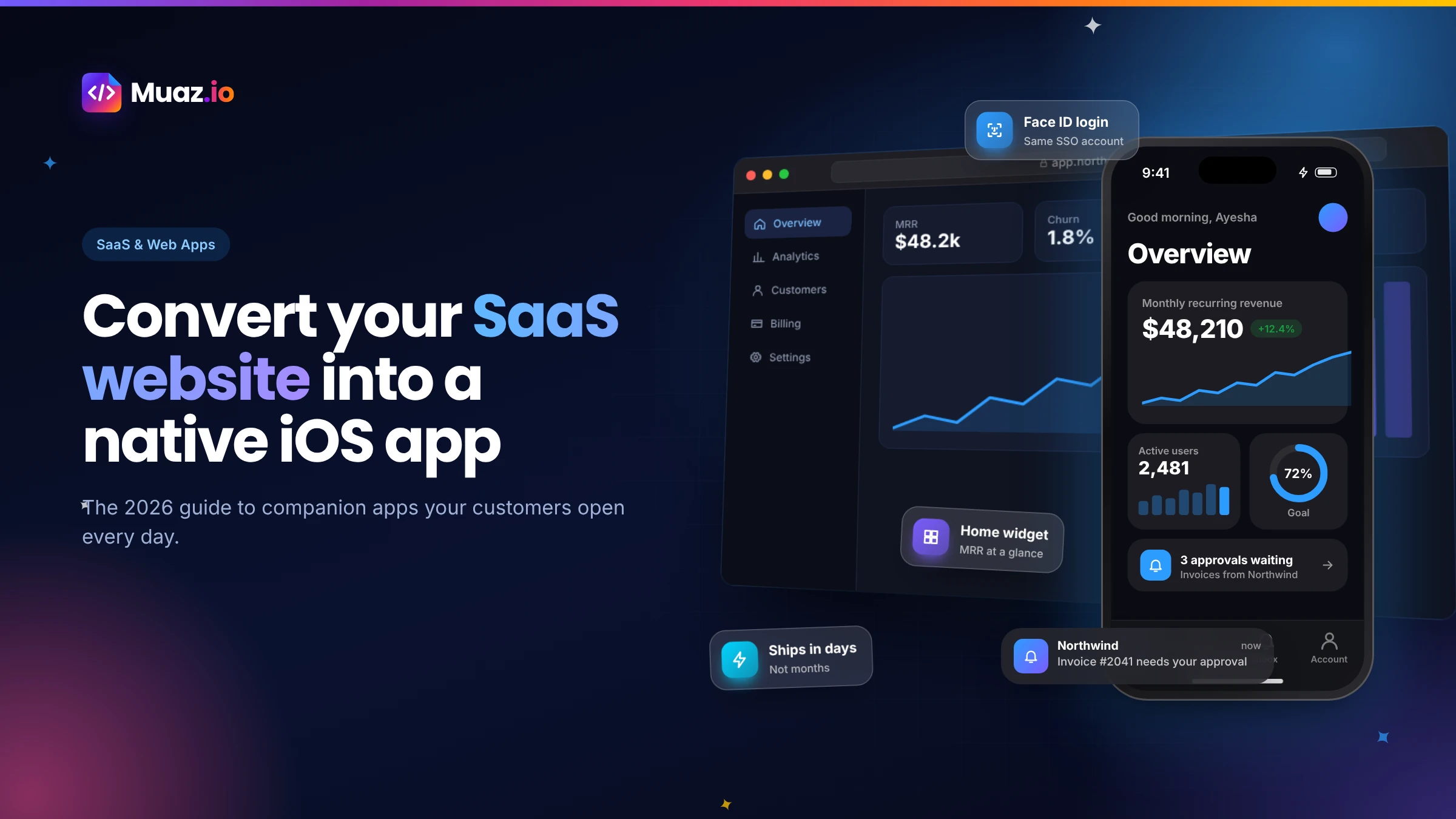 SaaS & Web Apps18 min readHow to Convert a SaaS Website into a Native iOS App Using AI (2026 Guide)
A practical, step-by-step guide to turning your SaaS web app into a native iPhone app with AI: what to build, how to connect your API and login, push alerts, App Review and cost.
Monjur Hossain·
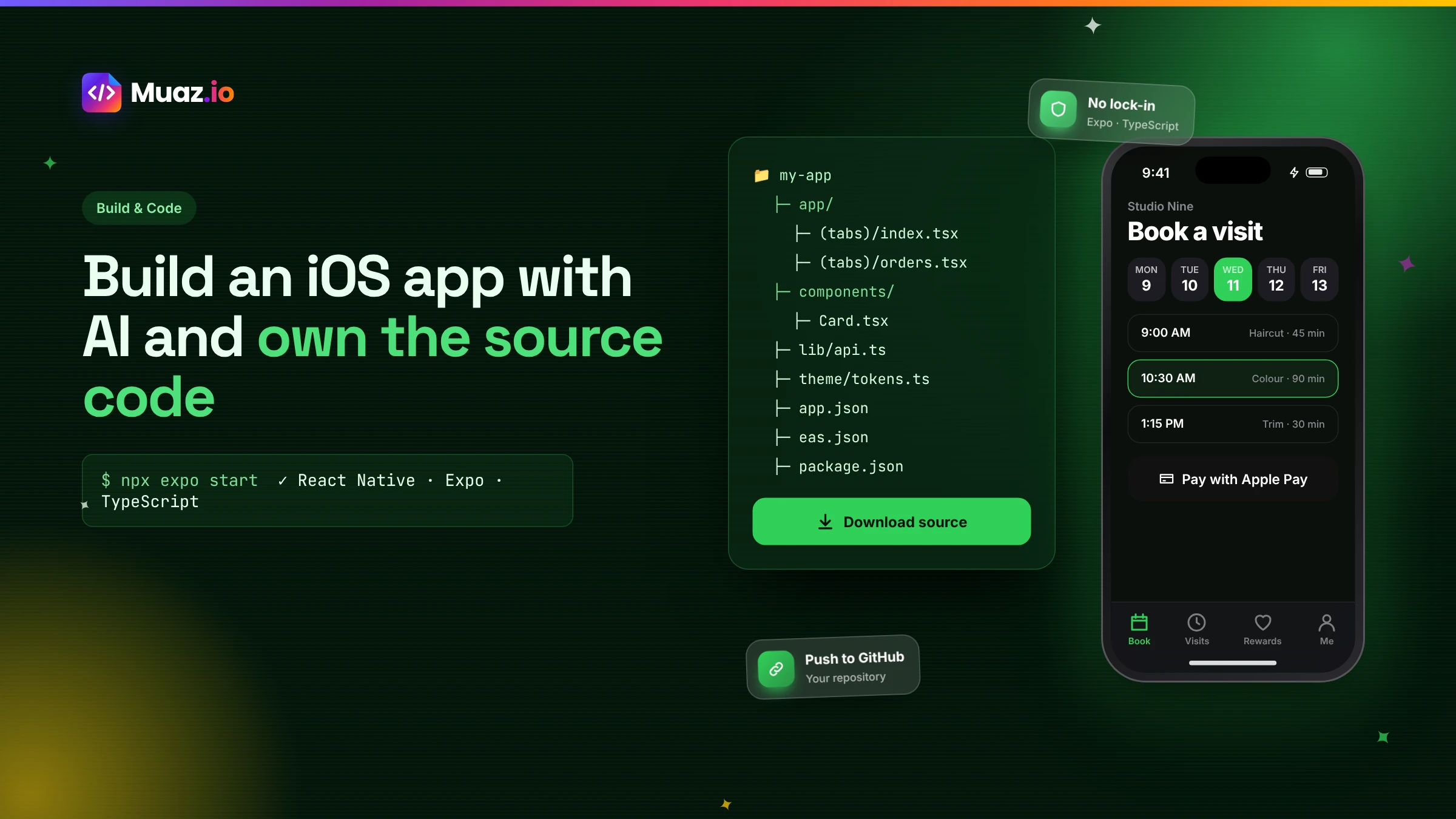 Build & Code15 min readHow to Build an iOS App with AI and Export the React Native Source Code
How AI app builders generate real React Native and Expo code, what a good exported project looks like, how to hand it to developers and why code ownership protects your app.
Monjur Hossain·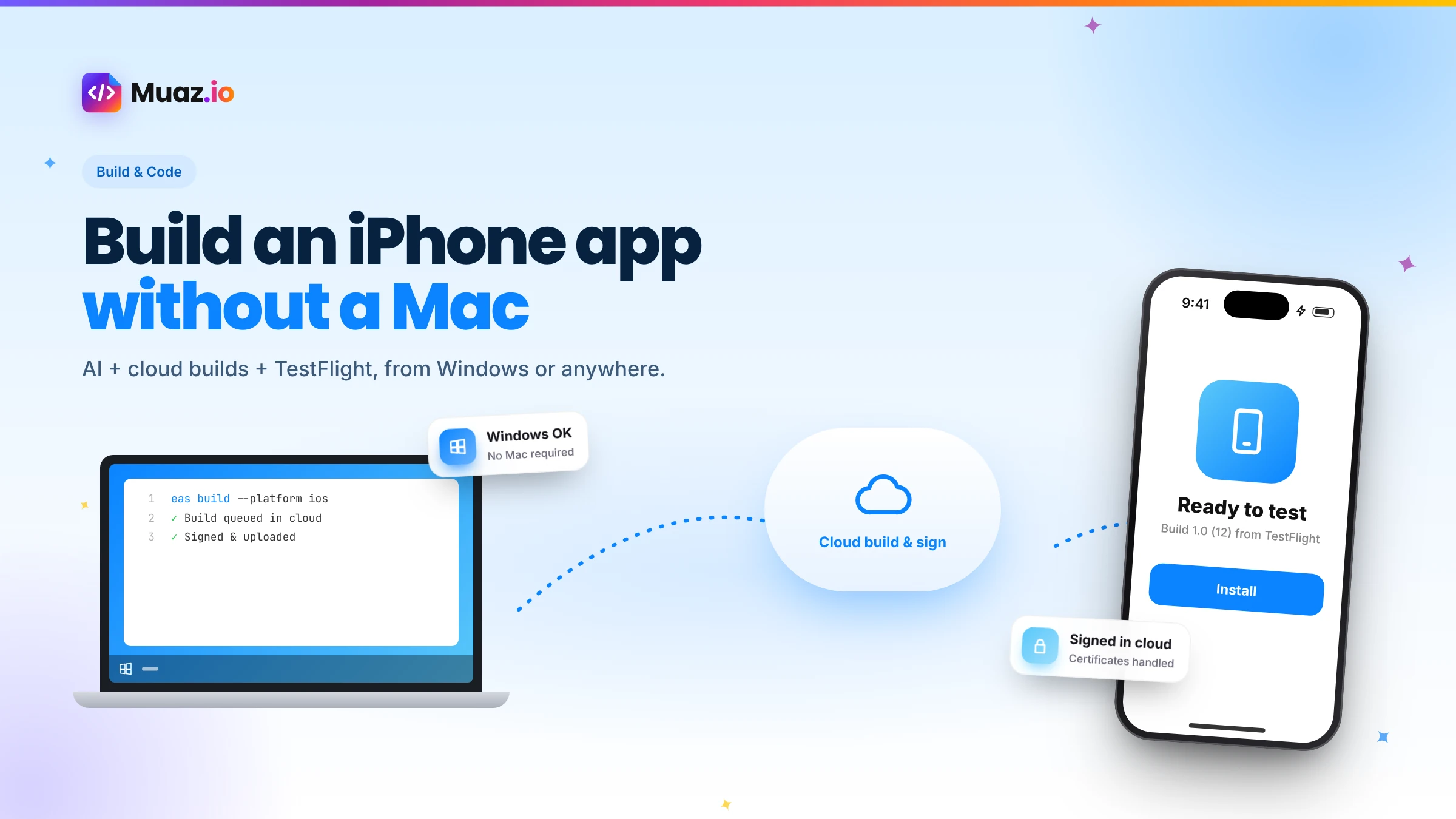 Build & Code15 min readHow to Build an iPhone App Without a Mac Using AI and Cloud Builds
You do not need a Mac to build and publish an iPhone app in 2026. Here is how AI builders and cloud services like Expo EAS compile, sign, test and submit iOS apps from Windows or Linux.
Monjur Hossain·Related guides and tools
How an AI app builder turns a website, prompt or voice note into a native iPhone app. Research, design, code, testing, App Store launch and growth, explained.
Read the guide Product · 13 min readTurn your website into a native iPhone appConvert your website into a native iPhone app with AI. Muaz.io reads your brand, pages and flows, then builds real native screens, not a WebView wrapper.
Read the guide Product · 13 min readResearch the apps already winning your categoryResearch the iOS apps winning your category before you design. Screenshots, onboarding, paywalls, pricing and ASO, with licensed estimates clearly labelled.
Read the guide Product · 13 min readPublish to the App Store without the busyworkEverything you need to publish an iPhone app: signing, TestFlight, screenshot sizes, metadata, privacy labels and an App Review readiness checklist.
Read the guide Product · 13 min readBuild your app by talking to itDescribe your app out loud and watch it appear. Muaz.io's voice app builder turns spoken instructions into native iOS screens, and every voice edit is reversible.
Read the guide Solutions · 13 min readLaunch your startup's app without waiting for a technical co-founderLaunch an MVP iPhone app without hiring developers. Research competitors, design an original app, build, test and publish with AI, and keep ownership of the code.
Read the guideWhere our numbers come from
Third-party figures are estimates published by the sources below. Prices and rules change; check the source before you decide.
- Apple App Store Review Guidelinesdeveloper.apple.com/app-store/review/guidelines
- Apple Human Interface Guidelinesdeveloper.apple.com/design/human-interface-guidelines
- Expo documentationdocs.expo.dev
- React Native documentationreactnative.dev/docs/getting-started
- Apple TestFlightdeveloper.apple.com/testflight
- RevenueCat: State of Subscription Apps 2026www.revenuecat.com/state-of-subscription-apps
Your app is one sentence away.
No credit card. Muaz.io maps your site, studies your competitors and shows you the app first.