Turn your website into a native iPhone app
Paste your URL. Muaz.io reads your public pages, extracts your brand and rebuilds your business as a native iOS app with real navigation, push notifications and Face ID.
Your website already describes your app
Most businesses that want an app already have the hardest part done. Their website explains who they serve, what they sell, how much it costs and how a customer signs up. It carries their brand colours and typography, the tone of voice that converts and the questions customers ask most. A good website to app converter treats all of that as a specification.
That is the idea behind Muaz.io's website to app engine. You paste a URL. The Website Intelligence Agent reads your public pages, builds a page map, extracts your brand system and detects the flows that matter, such as sign-up, booking or checkout. The Product Architect Agent then turns that map into a mobile screen plan, deciding what becomes a tab, what becomes a sheet and what does not belong on a phone at all.
What you get is not your website squeezed onto a small screen. It is your business, redesigned for the way people actually use iPhones: one thumb, short sessions, notifications that bring them back and features like Face ID and Apple Pay that a website cannot offer.
Try it on your own website
No credit card. Muaz.io maps your site, studies your competitors and shows you the app first.
Why not just wrap the website?
The cheapest way to put a website on the App Store is to wrap it in a WebView, a browser frame with an app icon. Some services do this well for content publishers, and it can be the right choice if you only need a store listing. But wrappers carry three costs that many businesses discover too late.
First, they feel like a website. Scrolling, navigation and loading behave like Safari, not like an app, and users notice. Second, they inherit every weakness of your mobile site, from slow pages to tiny tap targets. Third, Apple's App Store Review Guidelines state that apps should provide more than a repackaged website, and wrapper apps that add little native value are a common reason for rejection.
Muaz.io avoids all three by generating native screens. If you are weighing the options, our comparison with Median explains when a wrapper is enough and when it is not.
What the Website Intelligence Agent extracts
When you paste a URL, the agent runs a permission-aware crawl of your public site. It respects robots rules, never follows links into private areas and refuses any address on a private or internal network, a protection known as server-side request forgery prevention.
From those pages it extracts:
- Brand system: primary and secondary colours, typography, logo, corner radii and button styles.
- Information architecture: the pages you have, how they link and which ones matter most to visitors.
- Commercial content: pricing tables, plans, product grids and calls to action.
- Flows: sign-up, login, booking, checkout, contact and search.
- Trust content: FAQs, guarantees, privacy policy and support details.
- Missing pieces: private systems the app will need, such as an account API or a payment provider.
You see this as a readable report before anything is designed, and you can correct it. If the agent thinks your pricing page is a product catalogue, you tell it, and it adjusts the plan.
From page map to mobile screen map
A website and an app organise information differently. Websites are wide and shallow; apps are focused and deep. The Product Architect Agent translates one into the other using patterns that work on iPhone.
Your homepage hero becomes a home screen with the one action customers take most. Your main navigation becomes a tab bar with no more than five destinations. Long pages become cards and detail screens. Pricing becomes a paywall or a plan picker. Contact forms become native forms with validation and autofill. Your FAQ becomes a searchable help screen.
The agent also adds what your website cannot have: push notification preferences, Face ID or passcode login, a widget for your home screen and an onboarding flow that asks for permissions at the right moment instead of all at once.
Keeping your brand intact
The most common complaint about generic app builders is that every app looks the same. Muaz.io starts from your brand, not from a template. The design tokens it extracts from your website, your colours, fonts and radii, drive every component in the app. Then it offers three design directions, Minimal Apple, Modern SaaS and Premium Futuristic, so you can choose how far to push the native feel.
Because the tokens live in one place, brand changes are safe. If you refresh your website's colour palette next year, you can update the app with one command instead of redesigning it.
Connecting live data
Static content is copied into the app so it works offline and loads instantly. Live content, the things that change daily such as products, prices, bookings or account balances, comes from an API. Muaz.io's Backend Connector lets you add an API base URL, upload an OpenAPI definition or describe an existing API, choose an authentication method and map responses to screens.
Two principles keep this safe. Muaz.io never guesses or invents endpoints that are not documented, and it never connects to your production systems without your explicit approval. Secrets stay on the server side, behind a proxy, and never ship inside the app where they could be extracted.
If you run on a common platform, connection is usually quick: Shopify's Storefront API for stores, the WordPress REST API for content, Stripe for payments, Supabase or Firebase for accounts.
Website types that convert best
Some websites translate into apps more naturally than others. These are the strongest candidates.
| Website type | App opportunity | Native features that add value |
|---|---|---|
| Online store | Faster repeat purchases, saved carts, order tracking | Apple Pay, push for drops and restocks, widgets |
| SaaS product | A mobile companion for daily check-ins | Face ID, notifications, quick actions |
| Booking or services | Rebooking in two taps, reminders | Calendar integration, push reminders, location |
| Membership or community | A direct channel you own | Push, offline content, secure login |
| Content and media | Habit-forming reading or listening | Offline downloads, widgets, background audio |
If your site is mostly a static brochure with a contact form, an app may not be the best next investment, and Muaz.io will tell you that in the readiness report rather than selling you a build.
Free: Website-to-App Readiness Report
We score your site on 12 factors that decide how well it converts into a native app, and email you the report.
We’ll email the resource and a few practical tips. Unsubscribe in one click. We never sell your data.
Native features your website cannot offer
The real reason to have an app is what it can do that a browser cannot. Muaz.io adds these where they fit your business.
Push notifications bring customers back at the moment they care: an order shipped, an appointment tomorrow, a price drop. Face ID and passcode login make secure accounts effortless. Home Screen widgets keep your brand visible without opening the app. Live Activities and the Dynamic Island show progress in real time, such as a delivery on its way. Apple Pay removes checkout friction. Camera and on-device vision enable scanning, try-on or document capture. Offline support means your app works on a train.
Each one is generated as real native code with the permission strings Apple requires and an onboarding moment that explains why the permission helps the user.
Testing on a real iPhone experience
Before you approve anything, you see the app on a live iPhone preview with a working lock screen, notifications, the Dynamic Island and loading, empty and error states. You can tap through every screen, simulate a slow network and check how the app behaves when your API returns nothing.
When you are ready, the Quality Assurance Agent runs the full build pipeline, TypeScript checks, linting, automated tests and a cloud build, and you install the result on your own phone through TestFlight. The browser preview and the native build are clearly distinguished, because only a real device tells you the whole truth.
SEO and your app: do they compete?
Business owners sometimes worry that an app will cannibalise their website's search traffic. In practice they work together. Your website continues to rank in Google and capture new visitors. Your app retains them, turning one-time visitors into repeat customers through notifications and saved preferences.
You can strengthen the connection with a smart app banner on your site, universal links so that taps on your web pages open the app when it is installed and an App Store listing optimised with the same keywords your website ranks for. Our free ASO keyword tool helps you choose them, and Google's own SEO starter guide remains the best reference for the website side.
What it costs
Converting a website on Muaz.io starts on the Starter plan for the crawl, screen map, three design concepts and a live preview. A working native app with API connections is on the Builder plan, and publishing tools with TestFlight upload and App Store assets are on Pro. Compared with a traditional agency rebuild, which often runs for months, you see a working preview the same day and only pay for the depth you need.
Your Apple Developer Program membership is paid directly to Apple and gives you full control of your listing.
A worked example
Consider a virtual phone number service with a typical marketing site: a homepage that promises a second number in seconds, a country list with prices, a pricing table, a sign-up flow and an FAQ. Muaz.io maps fourteen pages, extracts a violet brand colour and detects email and Google sign-in.
The screen plan it proposes has four tabs: Numbers, Inbox, Countries and Profile. The country list becomes a searchable native list with prices. The pricing table becomes a plan picker with Apple Pay. The FAQ becomes a help screen. Push notifications deliver incoming verification codes, a widget shows the wallet balance and Face ID protects the inbox. The only things the agent cannot build alone are the number provisioning and SMS delivery, which live in the company's private API, so it flags them and waits for the API details.
That is the honest shape of website to app conversion: almost everything visible becomes native automatically, and the private systems get connected with your approval.
Common mistakes to avoid
Converting a website is fast, but a few decisions still deserve your attention.
Copying every page. An app is not a mirror of your site. Legal pages, long blog archives and team bios rarely belong in the tab bar. Keep the app focused on the two or three jobs customers come back for, and link out to the website for everything else.
Asking for every permission on launch. Requesting notifications, location and camera access the moment the app opens is the fastest way to collect refusals. Muaz.io places each permission request at the moment it helps the user, with a short explanation first.
Ignoring offline states. Websites assume a connection; phones lose it in lifts and on trains. Every screen in a Muaz.io app has a designed offline and error state, and you should check them in the preview before you publish.
Forgetting the store listing. Your App Store page is a second homepage. Plan its title, subtitle, keywords and screenshots with the same care you gave your website's hero section, using the screenshot generator and ASO keyword tool.
Start converting your website
Paste your URL in the box at the top of this page. In about two minutes you will see your page map, brand extraction and the list of private systems your app will need. A few minutes later you will be tapping through your app on a live iPhone. If you would rather read first, the ten-step guide walks through every stage, or download the readiness report to see how well your website will convert.
Platform notes: Shopify, WordPress, Webflow and custom sites
Every website platform leaves its own fingerprints, and Muaz.io uses them to make better decisions.
Shopify stores expose a clean product structure and the Storefront API, so collections, products, variants and carts map directly to native shopping screens. Discount codes, inventory and order status come through the same connection. The e-commerce solution page covers this in depth.
WordPress and WooCommerce sites often carry years of content. Muaz.io reads the menu structure to understand priorities and can connect the WordPress REST API so new posts appear in the app without a rebuild. Plugins that render content only on the server are read from the rendered page.
Webflow and Framer sites tend to have strong visual systems, which makes brand extraction precise. Their CMS collections can feed the app once you share an API token.
Custom React, Vue or Next.js applications are rendered before reading, so client-side routes and dynamic components are understood. If your product already has an internal API that powers the web app, connecting it gives the mobile app the same data with almost no extra work.
Squarespace, Wix and other hosted builders convert well for brand and content. Live features such as bookings usually come through the platform's own API or a booking service you already use.
Security and privacy of the crawl
Reading somebody's website is a responsibility, so the crawler is deliberately conservative. It only requests public URLs on the domain you provide, follows robots directives and rate-limits itself so it never strains your server. It validates every address before requesting it and refuses private IP ranges, localhost and cloud metadata endpoints, the standard defence against server-side request forgery described by OWASP.
It does not submit forms, create accounts or store personal data it happens to see. Extracted content is kept with your project, encrypted at rest and deleted when you delete the project. If you connect an API, credentials are stored server-side and used only through a proxy, so they are never embedded in the app binary where they could be recovered.
Measuring success after launch
Converting the website is the start, not the finish. Three numbers tell you whether the app is earning its place next to your site.
The first is activation, the share of installs that complete the core action within the first session: a first order, a first booking or a first saved item. The second is repeat usage, how many users come back within seven days, which is where push notifications and widgets earn their keep. The third is revenue per user compared with your web visitors, which shows whether the app's convenience is turning into money.
The Growth Studio tracks these once you connect analytics, and suggests experiments when one of them lags, such as moving a permission request, shortening onboarding or testing a new screenshot caption. Use the app revenue calculator to set realistic targets before you launch.
A quick checklist before you paste your URL
Make sure your key pages are public and load without a login, your pricing and product pages are up to date, your brand colours and logo are used consistently and any API documentation you have is to hand. If parts of your site are behind a login, note which flows matter most so the Backend Connector can request the right access. Then paste the URL into the builder, choose 5, 10 or 20 competitors and let the agents do the rest. If you want a second opinion first, run the free readiness check above or read how the App Store Studio prepares your launch.
Most teams have a first native concept on their iPhone the same afternoon.
Still have questions about website to app? Ask the assistant inside the Muaz.io builder. It knows your project, your competitors and every source cited in this guide, and it answers in plain language.
Questions about website to app converter
Short, direct answers. Still curious? Ask in the builder; the assistant knows your project.
Will my website-to-app conversion be a WebView?
No. Muaz.io uses your website as a specification, not as the app itself. It rebuilds the experience as native React Native screens with native navigation, gestures and device features. That is a meaningful difference both for user experience and for App Store review, where apps that simply repackage a website are often rejected under Apple's minimum functionality guideline.
What does Muaz.io read from my website?
Only public pages that a visitor could see without logging in. It extracts brand colours, fonts, logos, page structure, pricing tables, feature lists, FAQs and calls to action, and detects flows such as sign-up or checkout. It never tries to access admin areas, private APIs or internal networks.
Does the app stay in sync with my website?
Content that lives behind an API, such as products, articles or prices, stays in sync once you connect that API. Static marketing copy is copied into the app at build time, and you can refresh it with one click or a voice command whenever your site changes.
Can I convert a Shopify, WordPress or Webflow site?
Yes. Platform does not matter for the design and content extraction. For live data, Muaz.io can connect to platform APIs such as the Shopify Storefront API or the WordPress REST API once you provide credentials through the secure backend connector.
How long does the conversion take?
The crawl and screen map typically complete in under two minutes. A designed, interactive preview follows within a few more minutes. A tested build ready for TestFlight usually takes under an hour, excluding any time you spend connecting private systems or reviewing copy.
Do I need a developer?
Not to get a working app. You may want one later for custom backend work, and because you own the exported Expo project, any React Native developer can pick it up.
What if my site uses JavaScript heavily?
The crawler renders pages the way a browser does, so single-page apps built with React, Vue or Next.js are read correctly. If some content only appears after login, you can describe it in a prompt or connect the API that serves it.
Guides on this topic
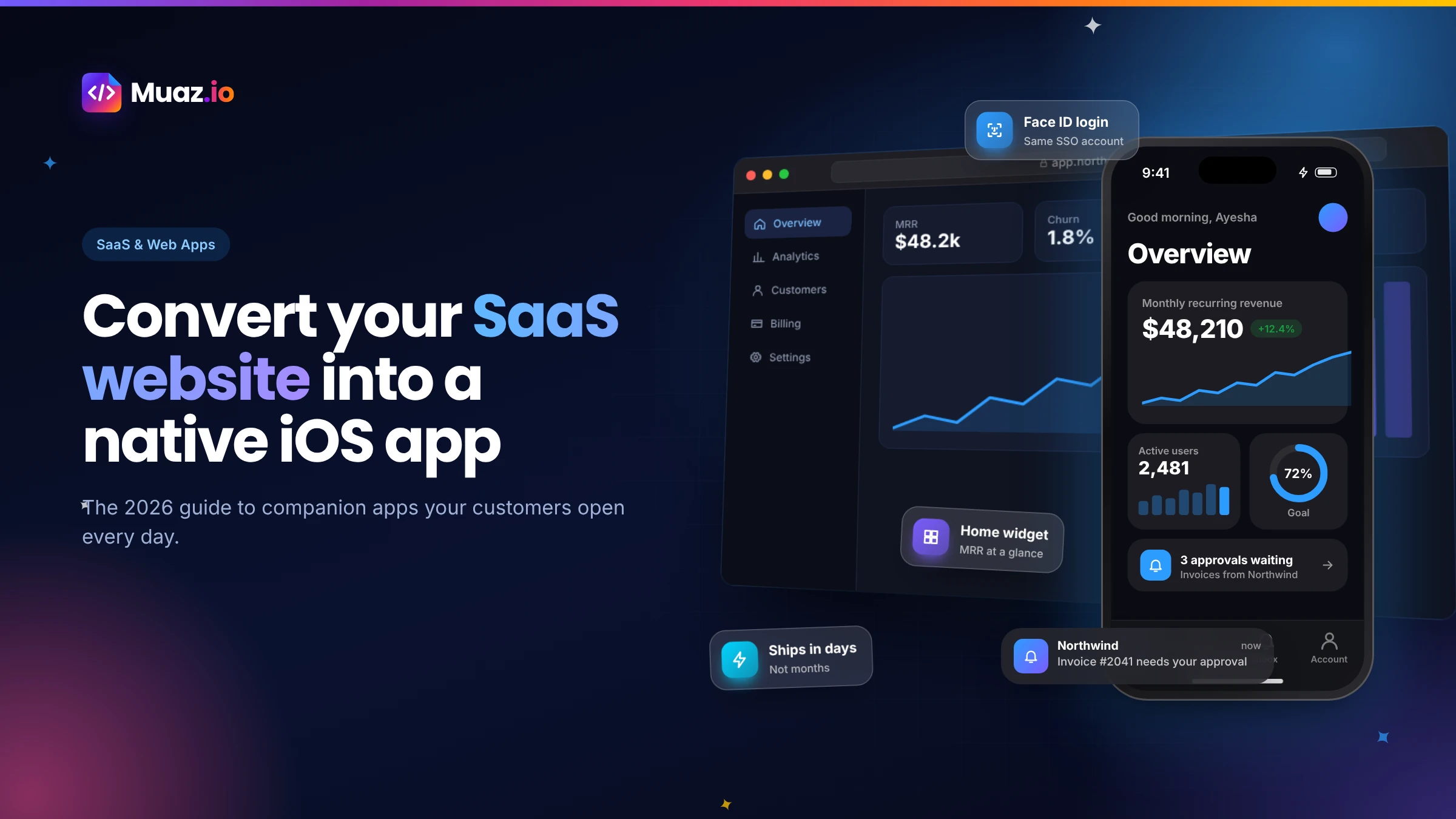 SaaS & Web Apps18 min readHow to Convert a SaaS Website into a Native iOS App Using AI (2026 Guide)
A practical, step-by-step guide to turning your SaaS web app into a native iPhone app with AI: what to build, how to connect your API and login, push alerts, App Review and cost.
Monjur Hossain·
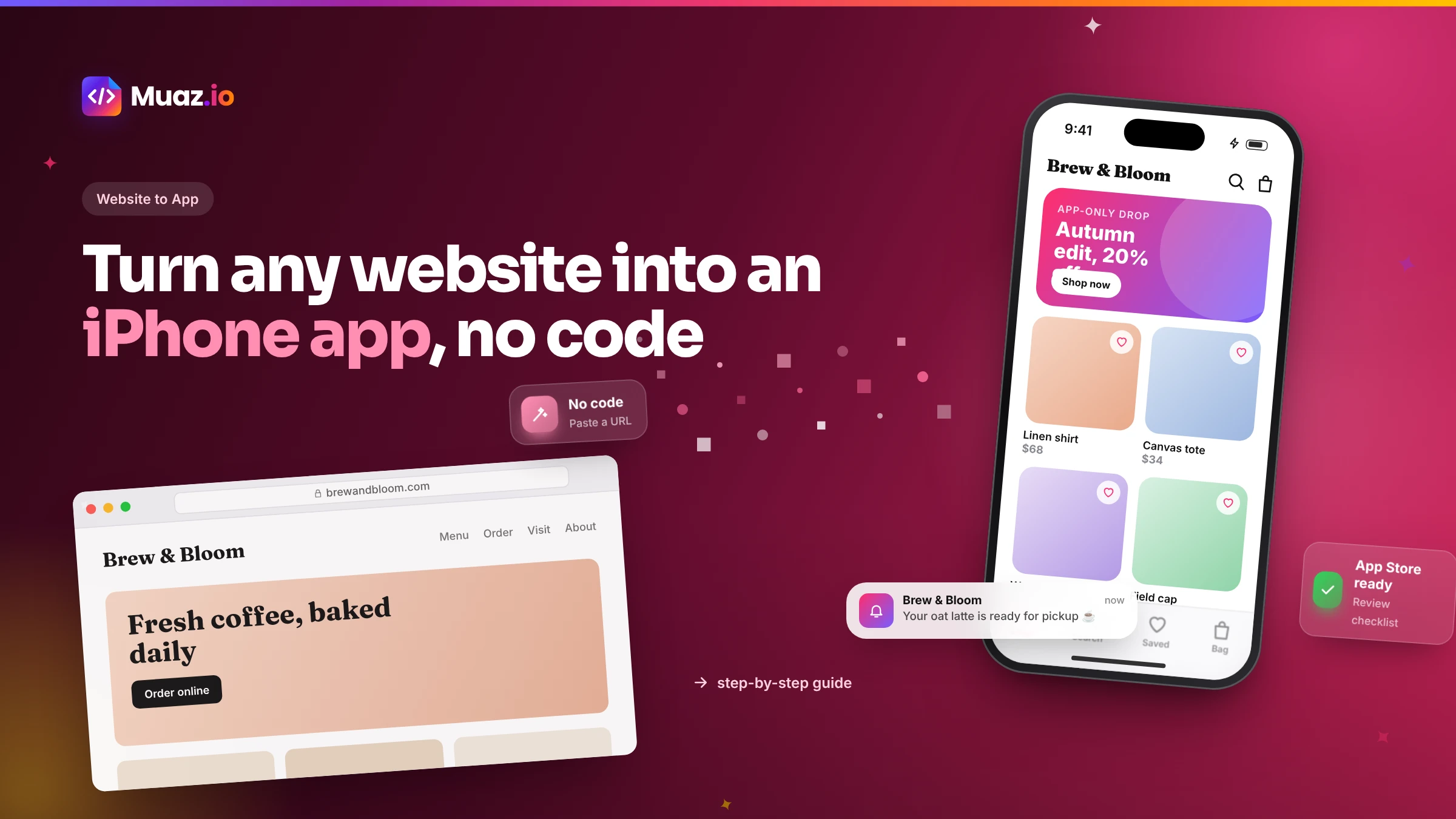 Website to App15 min readHow to Turn Any Website into an iPhone App Without Coding (Step-by-Step)
A step-by-step, no-code guide to turning your website into a real iPhone app: checking readiness, choosing native vs WebView, AI conversion, testing on TestFlight and App Store approval.
Monjur Hossain·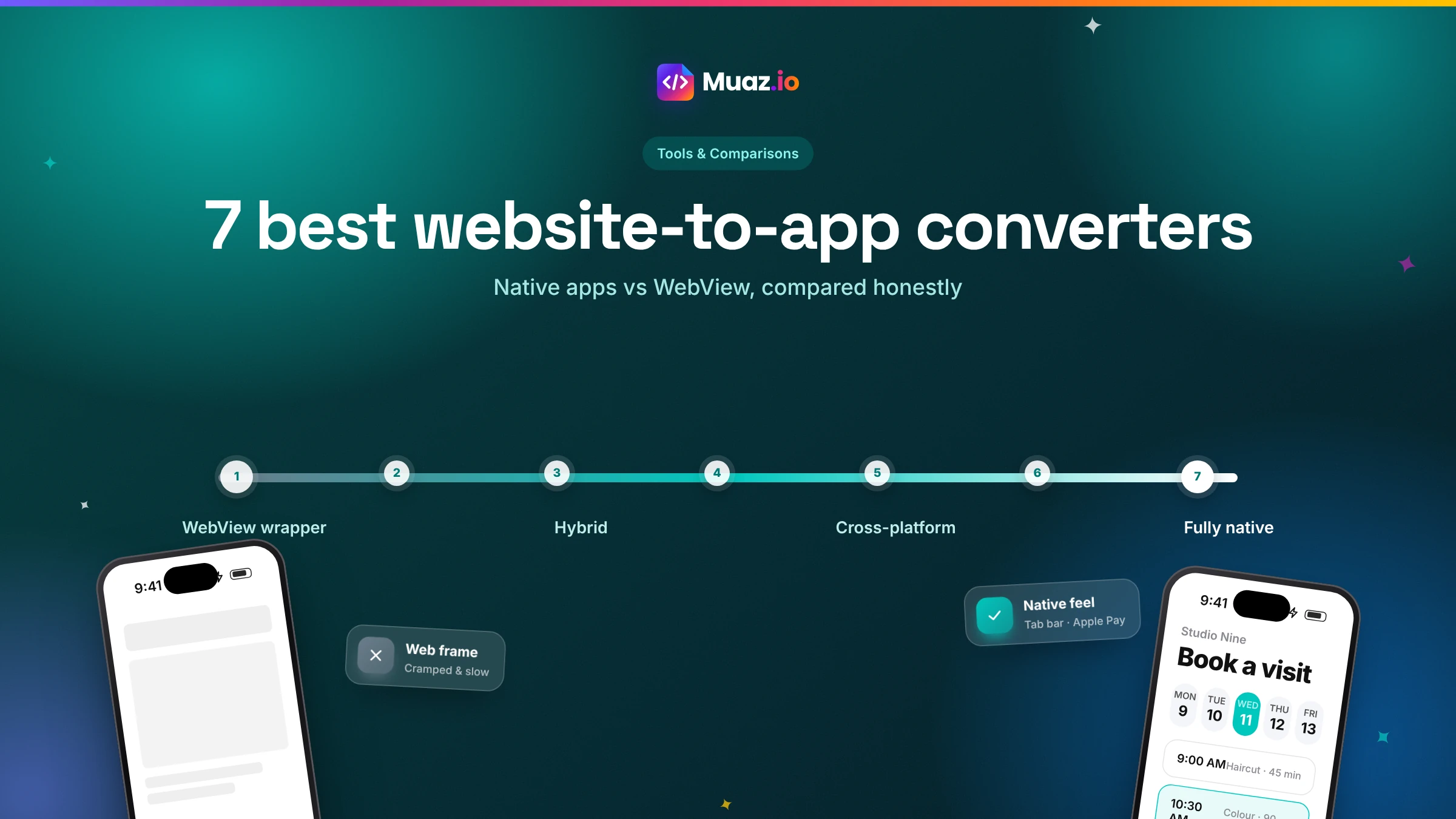 Tools & Comparisons15 min read7 Best Website-to-App Converters in 2026: Native Apps vs WebView
An honest comparison of 7 website-to-app converters in 2026, from WebView wrappers to native AI rebuilds: how each works, App Review risk, features, ownership and published pricing.
Monjur Hossain·Related guides and tools
How an AI app builder turns a website, prompt or voice note into a native iPhone app. Research, design, code, testing, App Store launch and growth, explained.
Read the guide Product · 13 min readHow to build an iOS app with AI, from first sentence to App StoreThe 10-step process Muaz.io uses to turn a website or idea into a published iPhone app: research, brief, design, build, testing, App Store launch and growth.
Read the guide Compare · 13 min readMuaz.io vs Median: rebuild your website as a native app, or package it as oneCompare Muaz.io and Median.co for turning a website into an iPhone app: native screens vs web content, App Review risk, features, pricing and ownership.
Read the guide Solutions · 13 min readTurn your store into the shopping app your best customers open every weekConvert your Shopify, WooCommerce or custom store into a native iPhone shopping app with Apple Pay, push notifications for drops and loyalty, built with AI.
Read the guide Solutions · 13 min readGive your SaaS the mobile app your customers keep asking forGive your SaaS a native iPhone app that uses your existing login and API: push alerts, widgets, Face ID and offline access, built and launched with AI.
Read the guide Product · 13 min readPublish to the App Store without the busyworkEverything you need to publish an iPhone app: signing, TestFlight, screenshot sizes, metadata, privacy labels and an App Review readiness checklist.
Read the guideWhere our numbers come from
Third-party figures are estimates published by the sources below. Prices and rules change; check the source before you decide.
- Apple App Store Review Guidelines, section 4.2 Minimum Functionalitydeveloper.apple.com/app-store/review/guidelines/#minimum-functionality
- Apple Human Interface Guidelinesdeveloper.apple.com/design/human-interface-guidelines
- Expo documentationdocs.expo.dev
- Google Search Central: SEO starter guidedevelopers.google.com/search/docs/fundamentals/seo-starter-guide
- OWASP: Server-Side Request Forgeryowasp.org/www-community/attacks/Server_Side_Request_Forgery
Your app is one sentence away.
No credit card. Muaz.io maps your site, studies your competitors and shows you the app first.