The AI app builder that researches, designs, builds and launches your iPhone app
Everything you need to know about building an iOS app with AI, from the first prompt to your first paying subscriber. Written for founders, agencies and businesses that want a real native app, not a wrapped website.
What an AI app builder actually is
An AI app builder is a platform that converts intent into software. You bring the intent: a website, a written idea or a few sentences spoken into your phone. The platform brings a team of specialised AI agents that each own one part of the job a mobile studio would normally do. One agent reads your website and extracts your brand. Another finds the apps already winning your category. Others write the product requirements, design the screens, generate the code, test it and prepare the App Store submission.
That division of labour is the difference between a modern AI app builder and the template builders of the last decade. Template tools gave you a fixed set of blocks and asked you to arrange them. Early prompt-to-code tools generated a single screen and left you to stitch the rest together. A complete AI app builder treats an app as a product with a lifecycle: research, design, development, quality assurance, publishing and growth. Muaz.io is built around that lifecycle, which is why it organises its agents into five engines rather than one chat box.
The result you should expect is a native iPhone app with real navigation, platform gestures and access to device features, plus the source code, a build that passes automated tests and the assets you need for App Store Connect. Anything less is a prototype, which is useful, but not the same thing.
Why 2026 is the year to build with AI
Two shifts happened at once. First, the models got good enough at code to read their own compiler errors and fix them, which turns AI from a code suggester into a build loop. Second, the App Store itself is growing again. According to Appfigures data reported by TechCrunch, new iOS app releases rose 80% year over year in the first quarter of 2026, with productivity, utilities, lifestyle and health and fitness among the fastest-growing categories for new launches.
The money is real too. Appfigures estimates that the ten highest-earning apps in the world made about $1.2 billion in net revenue in May 2026 alone, led by TikTok at roughly $300 million and ChatGPT at roughly $201 million. You can explore those figures in our App Store top charts page. The point is not that every app will earn millions. It is that consumers are spending more inside apps than ever, and the cost of shipping a credible native app has fallen to the point where a founder can test an idea in a weekend.
The three ways to start: website, prompt or voice
Most people start with one of three inputs, and a good AI app builder should accept all of them.
A website URL. If you already run a business online, your website is the most complete specification you have. It contains your brand colours, your typography, your pricing, your sign-up flow and the language your customers respond to. Our website to app converter crawls only your public pages, maps them to mobile screens and tells you which private systems, such as accounts or payments, it still needs access to.
A written prompt. If you are starting from an idea, a paragraph is enough. Describe who the app is for, the one job it does better than anything else and how it makes money. The product agent turns that into a brief with user roles, a screen map and a data model, then asks you to confirm anything ambiguous before it designs.
A voice instruction. Founders often think out loud. With voice to app, you can describe the app while walking, then keep editing it by voice: "make the dashboard cleaner", "add Face ID", "change the primary colour to deep wine". Every change becomes a reversible version.
Build your first app in an afternoon
Paste your website or say your idea. Muaz.io researches the category, designs an original app and puts it on your iPhone.
Research comes before design
The fastest way to build an app nobody downloads is to design in a vacuum. Before Muaz.io draws a single screen, its Discovery Engine runs competitor research on 5, 10 or 20 iOS apps in your category. It studies their screenshots, onboarding length, navigation patterns, paywall style, pricing and keyword positioning.
You then pick the patterns you like and save them to an inspiration board. The design agent learns from those patterns and generates an original interface in your brand. It never copies another app's screenshots, logos or protected visual designs into your product, which keeps you on the right side of both copyright and Apple's review guidelines.
Revenue and download figures for competitors come from licensed providers such as Appfigures and are always labelled as estimates, with the provider and date shown. When no provider covers an app, Muaz.io shows the figure as unavailable instead of inventing one. That discipline matters: decisions built on fabricated numbers are worse than decisions built on none.
How the five engines work together
Muaz.io groups its ten specialised agents into five engines that mirror a real launch team.
- AI Discovery Engine. Website intelligence, competitor discovery and market signals.
- AI Design Studio. A product brief, a screen map and three original design directions: Minimal Apple, Modern SaaS and Premium Futuristic.
- AI Development Studio. React Native and Expo code, a typed API client, authentication scaffolding and a test suite.
- AI Publishing Studio. App icon, screenshot sets, metadata, privacy labels, signing and a TestFlight upload.
- AI Growth Studio. Keyword research, paywall strategy and a 30, 60 and 90-day growth plan.
A central orchestrator coordinates the agents. Each one has a defined input and output schema, explicit tool permissions, a timeout, a retry limit and a budget. When an agent needs something consequential, such as connecting to your production API or uploading a build to Apple, it stops and asks you. You can read the full walkthrough in how it works.
Native code versus wrappers versus visual builders
There are broadly four ways to get an app onto an iPhone today, and it helps to know which one you are buying.
| Approach | What you get | Best for | Watch out for |
|---|---|---|---|
| WebView wrapper | Your website inside an app frame | Content sites that need a store presence | Apple may reject apps that feel like a repackaged website |
| Visual builder | Drag-and-drop screens, sometimes exportable code | Teams with time to design screen by screen | Learning curve, limited native features on lower plans |
| Prompt-to-code | AI writes code from a chat | Developers comfortable finishing the job | Publishing and testing are often left to you |
| Full-lifecycle AI builder | Research, design, native code, tests, publishing, growth | Founders and agencies who want a launched app | Still needs your API access and Apple's approval |
Muaz.io sits in the last row. If you want a detailed side-by-side with specific tools, read the best AI app builders in 2026 or our direct comparisons with Rork, FlutterFlow and Median.
Designing an app people actually want to use
Good mobile design is mostly restraint. The best apps in every category share a short list of habits: they reach value in under thirty seconds, they put the primary action within reach of a thumb on every tab, they use platform conventions instead of inventing new ones, and they make the paywall feel like a natural next step rather than a wall.
Muaz.io's design agent follows Apple's Human Interface Guidelines for spacing, typography, touch targets and navigation, then layers your brand on top through design tokens. Because every colour, radius and type size lives in one token file, a voice command such as "change all buttons to indigo" updates every screen at once instead of breaking half of them.
You see the result on a live iPhone preview with real notifications, a lock screen, a Dynamic Island and loading, empty and error states, so you judge the design the way your customers will experience it.
From code to a passing build
Generating code is the easy part. Making it compile, pass tests and behave on real devices is where most projects stall. Muaz.io's Mobile Development Agent writes a maintainable React Native and Expo project with reusable components, navigation, theme support, session handling and network error handling. The Quality Assurance Agent then runs a full pipeline: source validation, TypeScript checks, linting, automated test scenarios, a dependency audit and a cloud build on an isolated worker.
When something fails, the agent reads the error, proposes a fix and runs another build. Every fix is versioned, so nothing changes silently. Generated code runs only on isolated build workers with least-privilege credentials, never against your production database.
Publishing to the App Store without the busywork
App Store Connect is powerful and unforgiving. You need the right screenshot sizes, an app icon that follows Apple's rules, privacy labels, permission usage strings, a demo account for the reviewer and a description that does not overpromise. Miss one and the submission comes back.
The App Store Studio prepares all of it: icon variations, screenshot sets for the required Dynamic Island display size, metadata drafted against your keywords, an App Review readiness checklist and a TestFlight upload using your own Apple Developer account. You approve each step. Apple makes the final decision, and no honest platform can promise otherwise.
Free: The 2026 iOS App Launch Playbook
A 42-point checklist covering research, design, App Review and the first 90 days of growth.
We’ll email the resource and a few practical tips. Unsubscribe in one click. We never sell your data.
Growth after launch
An app that ships without a growth plan usually stalls at a few hundred downloads. The Growth Studio gives you a starting playbook grounded in published benchmarks rather than guesswork. RevenueCat's 2026 State of Subscription Apps report, for example, found that hard paywalls convert trials to paid at roughly five times the rate of freemium models by day 35, and that longer trials of 17 to 32 days convert about 70% better than trials under four days.
Muaz.io turns findings like these into concrete experiments: which keywords to target in your 30-character title and subtitle, whether to lead with a trial, which screenshot captions to test and when to send the first push notification. Try the free ASO keyword tool and the app revenue calculator to see how the numbers work for your idea.
Who builds with an AI app builder
The people who get the most value fall into a few groups. Founders use it to test an idea with a real app in days instead of months. Agencies use it to deliver more client apps without adding headcount. SaaS companies use it to ship a mobile companion that keeps customers engaged between desktop sessions. E-commerce brands use it to turn a store into a shopping app with push notifications and Apple Pay. Creators use it to own a direct channel to their audience, and enterprises use the API to generate branded apps at scale.
What AI still cannot do for you
Being clear about limits builds more trust than any feature list. An AI app builder cannot read a backend it was never given access to, so if your app needs live accounts, payments or messaging, you will connect an API or a service like Stripe or Supabase. It cannot guarantee App Store approval. It cannot replace knowing your customer. And it cannot make a weak idea strong, although it can help you find that out much faster and much more cheaply than a six-month agency project.
The best way to use AI is as an accelerated studio that you direct. You stay responsible for the vision, the approvals and the relationship with your users. The agents handle the research, the pixels, the code and the paperwork.
How to choose the right AI app builder
When you compare platforms, ask six questions. Does it produce native code you can export? Does it research the market before designing? Does it test the build before you see it? Does it prepare App Store assets and handle TestFlight? Does it label estimates and refuse to invent data? And does it help you grow after launch?
If the answer to all six is yes, you have found a launch partner rather than a code generator. You can start free, paste your website and see the first screens of your app in minutes.
Getting started in five minutes
Paste your website or describe your idea in the box at the top of this page. Choose how many competitors to research, pick a design direction and watch the first screens appear on a live iPhone. When you are happy, connect your API, run the build and send it to TestFlight. If you want a guided route, read how to build an iOS app with AI in ten steps or download the launch playbook below.
What it costs compared with an agency or freelancer
A custom iOS app built by an agency commonly takes three to six months and a five or six-figure budget once discovery, design, development, testing and launch support are included. A freelancer is cheaper but usually covers only part of the work, which leaves you to coordinate design, App Store assets and growth yourself. An AI app builder changes the shape of the cost: you pay a monthly subscription, you see working screens on day one and you only bring in specialists for the parts that genuinely need a human, such as a complex payment integration or a brand identity from scratch.
The most useful way to think about it is risk, not price. An idea that would have needed a large upfront investment to test can now be tested with a real app on real phones for the price of a monthly plan. If customers respond, you keep building on the exported code. If they do not, you have lost weeks rather than quarters.
Key terms you will see in this guide
Mobile development has its own vocabulary, and understanding it makes every decision easier.
- Native app: software that runs directly on iOS using platform components, rather than a website displayed inside an app frame.
- React Native and Expo: an open-source framework from Meta and the toolchain around it that let one codebase produce native iOS apps. Muaz.io generates Expo projects because they are maintainable, widely supported and easy to hand to any developer.
- TestFlight: Apple's beta testing service. You install a build on your own iPhone and invite testers before the public release.
- App Store Connect: Apple's portal for metadata, screenshots, pricing, privacy details and review submissions.
- ASO (App Store Optimization): the practice of improving an app's visibility in App Store search through its name, subtitle, keyword field, screenshots and ratings.
- Paywall: the screen where a user starts a trial or subscription. Its design is one of the biggest levers on revenue.
- Design tokens: named values for colour, spacing, radius and type that keep every screen consistent and make global changes safe.
- Topical patterns: recurring interface and business choices that successful apps in a category share, such as onboarding length or default plan.
Your next step
If you have a website, paste it into the builder and watch Muaz.io turn it into a native app preview. If you have an idea, describe it in a sentence or say it out loud. Either way, the first screens are free, the research is grounded in labelled data and the code is yours to keep. When you are ready to go further, explore the product pages linked throughout this guide or compare plans in the pricing section.
Questions about 2026
Short, direct answers. Still curious? Ask in the builder; the assistant knows your project.
What is an AI app builder?
An AI app builder is software that turns a plain-language description, a website or a voice instruction into a working mobile app. Instead of dragging components or writing code, you describe the outcome and specialised AI agents produce the product brief, screen designs, source code and tests. Muaz.io focuses on native iPhone apps built with React Native and Expo.
Can AI really build a production iOS app?
Yes, within clear limits. AI is now very good at generating screens, navigation, state management and API clients, and at fixing its own build errors when it can read compiler output. What it cannot do is invent backend access it was never given, or guarantee App Store approval. Muaz.io handles this by asking for your API details, running a full test suite before every build and leaving the final submission decision to you.
Is an AI-built app a WebView wrapper?
Not with Muaz.io. Wrapper services place your website inside a browser frame. Muaz.io rebuilds the experience as native screens with real navigation, gestures, push notifications, Face ID and widgets, which is also what Apple's review guidelines expect from an app that is more than a repackaged website.
How long does it take to build an app with AI?
A first interactive preview usually appears within minutes of pasting a URL or prompt. A tested build that is ready for TestFlight typically takes under an hour of wall-clock time on Muaz.io. Connecting a private backend, writing App Store copy and passing Apple review add time that depends on your project and on Apple.
Do I own the code?
Yes. Builder plans and above let you export the full React Native and Expo repository, so you can keep working with your own developers or any other tool.
How much does an AI app builder cost?
Muaz.io starts at $29 a month for prototypes and design, $79 for a working app, $149 for publishing and growth tools and $399 for agencies. Apple's Developer Program membership is billed separately by Apple. See the pricing section for current details.
Guides on this topic
 Tools & Comparisons16 min read10 Best AI iOS App Builders in 2026: Features, Pricing & Native Support
We compared 10 AI app builders specifically for iPhone apps: native output, App Store publishing, code ownership, design quality and 2026 pricing, with honest picks by use case.
Monjur Hossain·
 Tools & Comparisons15 min readRork vs FlutterFlow vs Adalo: Which AI App Builder Is Best in 2026?
A fair, sourced comparison of Rork, FlutterFlow and Adalo for building iPhone apps in 2026: how each works, output, publishing, code ownership, learning curve and pricing, plus who should pick which.
Monjur Hossain·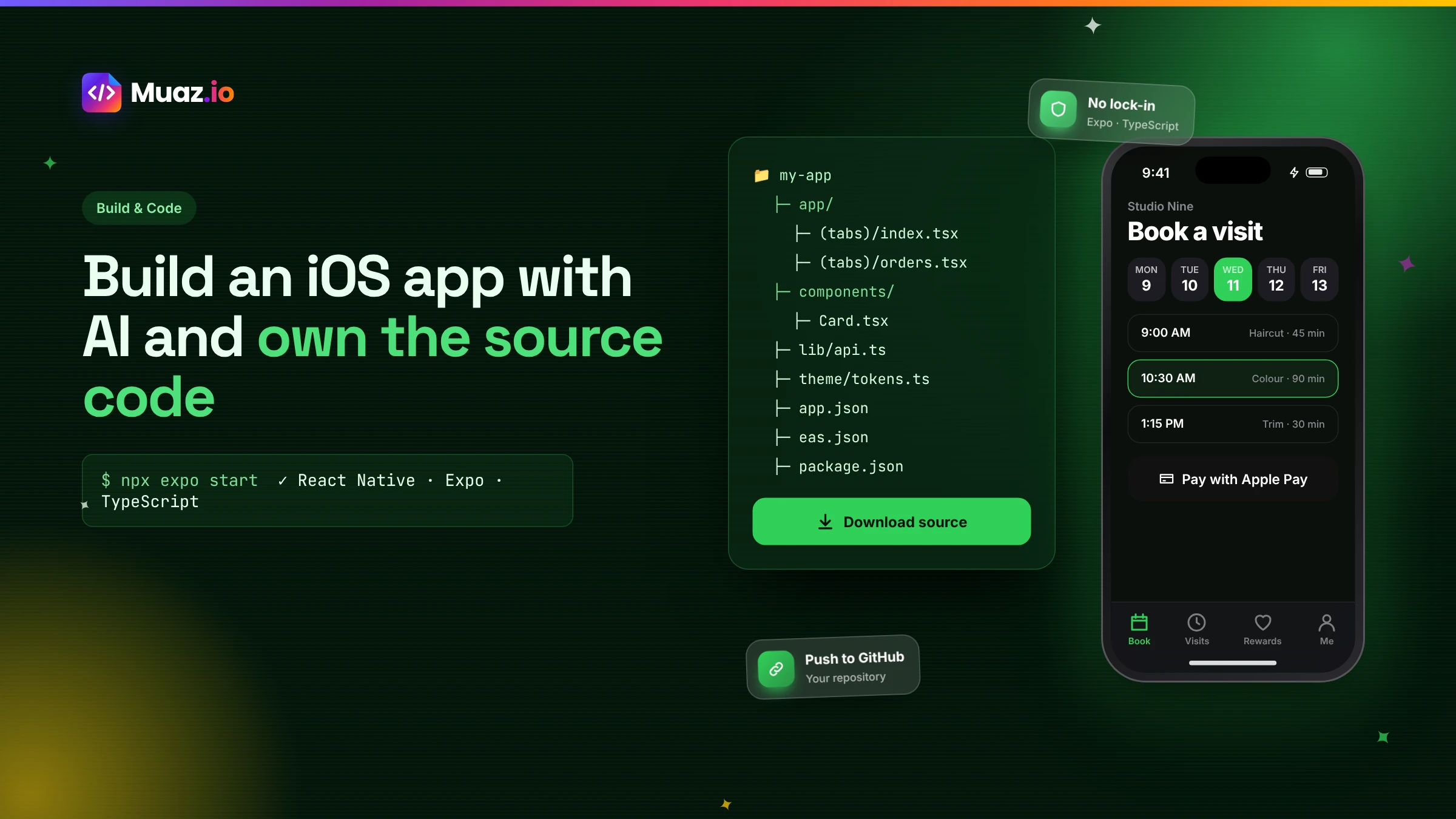 Build & Code15 min readHow to Build an iOS App with AI and Export the React Native Source Code
How AI app builders generate real React Native and Expo code, what a good exported project looks like, how to hand it to developers and why code ownership protects your app.
Monjur Hossain·Related guides and tools
Convert your website into a native iPhone app with AI. Muaz.io reads your brand, pages and flows, then builds real native screens, not a WebView wrapper.
Read the guide Product · 13 min readHow to build an iOS app with AI, from first sentence to App StoreThe 10-step process Muaz.io uses to turn a website or idea into a published iPhone app: research, brief, design, build, testing, App Store launch and growth.
Read the guide Product · 13 min readResearch the apps already winning your categoryResearch the iOS apps winning your category before you design. Screenshots, onboarding, paywalls, pricing and ASO, with licensed estimates clearly labelled.
Read the guide Product · 13 min readPublish to the App Store without the busyworkEverything you need to publish an iPhone app: signing, TestFlight, screenshot sizes, metadata, privacy labels and an App Review readiness checklist.
Read the guide Compare · 13 min readThe best AI app builders in 2026, compared honestlyA sourced comparison of the best AI app builders for iPhone apps in 2026: Muaz.io, Rork, FlutterFlow, Lovable, Bolt, Adalo, Bubble, Thunkable and Median.
Read the guide Free tools · 13 min readHow much could your app earn? Model it in a minuteEstimate 12 months of subscription app revenue from downloads, trial and conversion rates, pricing, churn and Apple's commission, using 2026 benchmarks.
Use the free toolWhere our numbers come from
Third-party figures are estimates published by the sources below. Prices and rules change; check the source before you decide.
- Apple App Store Review Guidelinesdeveloper.apple.com/app-store/review/guidelines
- Apple Human Interface Guidelinesdeveloper.apple.com/design/human-interface-guidelines
- Expo documentationdocs.expo.dev
- React Nativereactnative.dev
- RevenueCat State of Subscription Apps 2026www.revenuecat.com/state-of-subscription-apps
- Appfigures: top apps, May 2026appfigures.com/resources/insights/most-downloaded-highest-earning-apps-may-2026
- TechCrunch: the App Store is booming againtechcrunch.com/2026/04/18/the-app-store-is-booming-again-and-ai-may-be-why
Your app is one sentence away.
Paste your website or say your idea. Muaz.io researches the category, designs an original app and puts it on your iPhone.