Rork vs FlutterFlow vs Adalo: which app builder should you choose in 2026?
Three popular tools, three completely different philosophies: chat with an AI, drag components in a visual editor or assemble a simple no-code app. Here is how they really compare for iPhone apps.
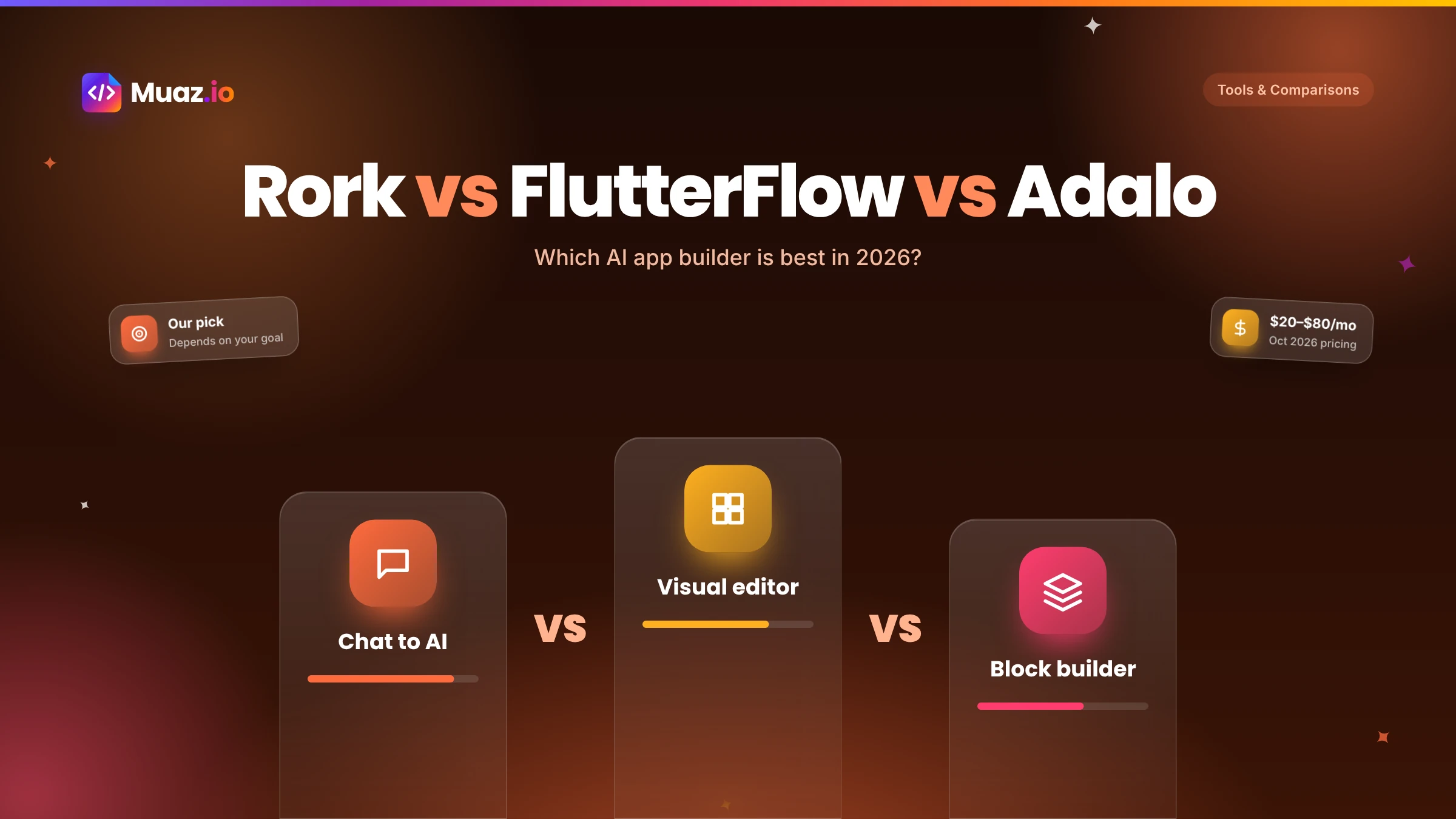
They suit different people. Rork is faster if you want to describe an app in a chat and get native code, including Swift. FlutterFlow is better if you want precise visual control and are willing to learn its editor. Neither does market research before you build, which is where Muaz.io differs.
- Adalo is good for simple apps with standard layouts, such as directories, basic booking tools or internal apps, and it publishes to the App Store.
- According to native.express in October 2026, Rork Pro starts at $20 per month, Adalo Starter at $36 per month billed annually and FlutterFlow Basic at $39 per month.
- Rork generates code. FlutterFlow offers code export on paid plans. Adalo keeps apps on its platform.
- Adalo is the easiest to learn for simple apps, and Rork is easy to start because you describe the app in words.
Rork, FlutterFlow and Adalo come up in almost every conversation about building an iPhone app without a traditional development team. They are often listed side by side, as if they were three versions of the same thing. They are not. Each represents a different idea of how apps should be made.
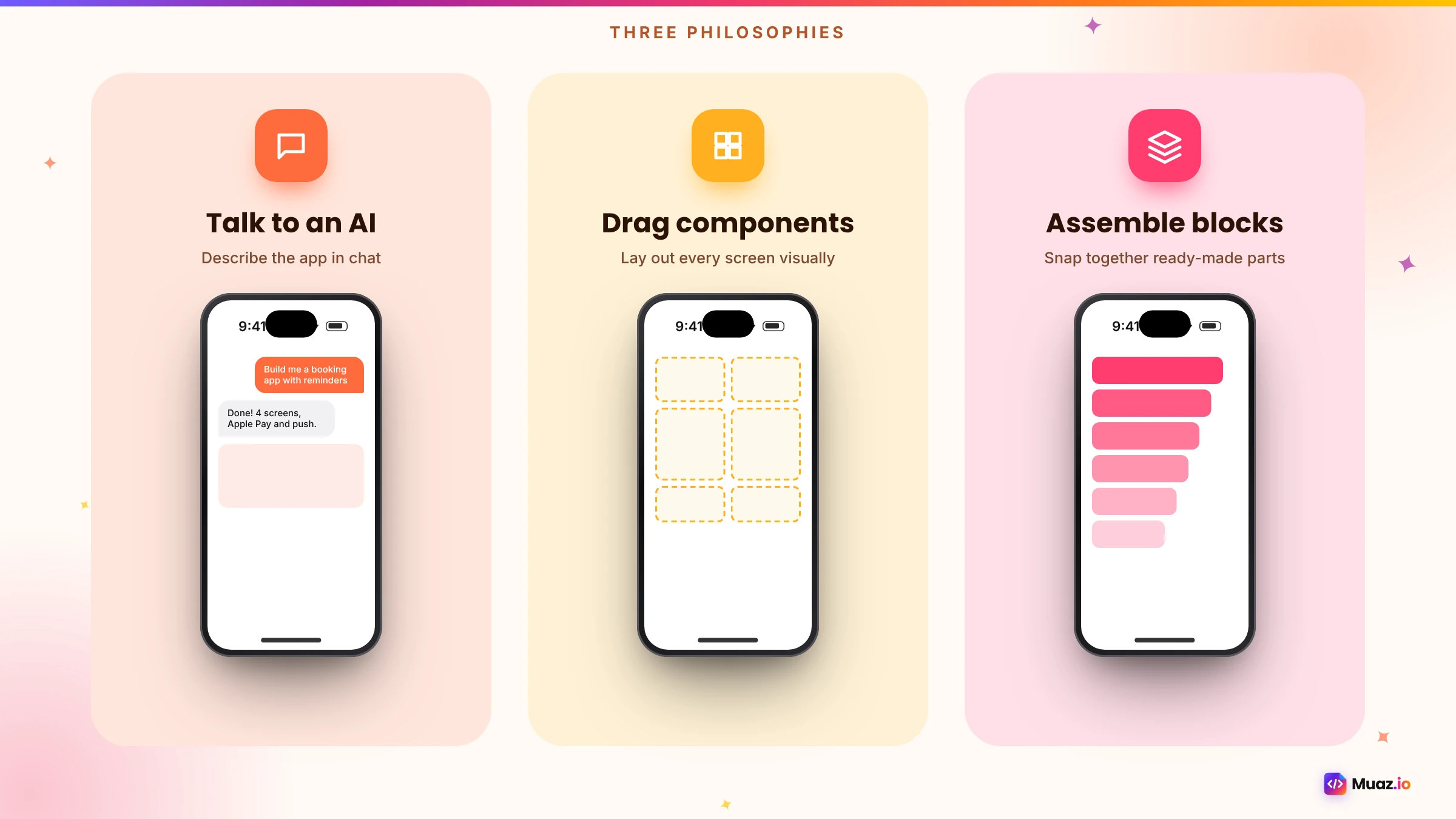
Rork says: describe the app in a conversation and let AI write it. FlutterFlow says: build it yourself, visually, with AI helping you go faster. Adalo says: keep it simple, assemble an app from ready-made components. Choosing between them is less about features and more about which way of working suits you and your app.
This comparison explains each tool's approach, what it produces, how it handles publishing and code, how hard it is to learn and what it costs in 2026. Pricing comes from native.express, which published a comparison in October 2026. We also explain where a fourth option, Muaz.io, fits, since it is published by us. We have tried to be even-handed and to cite claims about each product.
The short answer
- Choose Rork if you want the fastest path from an idea in your head to native code, you are comfortable iterating in a chat and you might want Swift, Kotlin or a game.
- Choose FlutterFlow if you want precise control over every screen, you enjoy visual tools and you are willing to invest a few weeks learning.
- Choose Adalo if your app is simple and standard, you want the gentlest learning curve and you are happy for it to live on Adalo's platform.
- Consider Muaz.io if you want the market research, brief, original design, testing and App Store preparation done for you, with approval at every step.
At a glance
| Rork | FlutterFlow | Adalo | |
|---|---|---|---|
| How you build | Chat with AI | Visual editor with AI help | No-code components |
| Output | Swift (iOS), Kotlin (Android), web | Flutter | Platform-built mobile apps |
| App Store publishing | Yes | Yes | Yes |
| Code ownership | Generates code | Export on paid plans | Stays on platform |
| Learning curve | Low to start | Medium to high | Low |
| Design control | Through prompts | Very high | Moderate |
| Best for | Fast native prototypes and apps | Polished custom apps | Simple standard apps |
| Price from (Oct 2026) | Pro $20/mo, Max from $200 | Basic $39/mo, Growth $80/mo | Starter $36/mo (annual) |
Rork: chat your way to a native app
Rork's pitch is immediacy. You describe what you want, and AI builds it. Its website lists products for Swift apps on Apple devices, Kotlin apps on Android, web apps and native games, plus a realtime backend with authentication and storage, multi-modal AI features, an AI App Store reviewer to catch rejections early and a one-click screenshot studio. Rork Max is described as letting you build, install and publish iOS apps from your phone.
What it feels like. You start with a prompt, see a working app quickly and refine it by asking for changes. It is genuinely fun, and for many people it is the first time an app idea becomes something they can hold.
Strengths. Speed, native output including Swift, games support, phone-based building and helpful publishing tools.
Weaknesses. You are the product manager. The AI builds what you ask for, but deciding what to build, how to position it against competitors and how to price it is up to you. Prompts can also become long and fragile as an app grows, and you need a clear vision to steer it well.
Pricing. According to native.express, Rork Pro starts at $20 per month and Rork Max from $200 per month. For a deeper look at how Rork compares with a research-first approach, read Muaz.io vs Rork.
FlutterFlow: build it yourself, visually
FlutterFlow is a visual builder for Flutter apps. You place widgets on a canvas, configure layouts, connect data sources such as Firebase or Supabase, define actions and logic and preview the result. AI features help generate pages and components faster, but you remain in the driver's seat.
What it feels like. Like a design tool that produces a working app. If you have used Figma, it will feel familiar, with an extra layer for data and logic.
Strengths. Fine-grained control, polished results in skilled hands, a large community and template library, many integrations and code export on paid plans, which means you can hand the project to Flutter developers later.
Weaknesses. A real learning curve. Layouts, state, queries and deployment settings take time to master, and the quality of the result depends heavily on the skill of the person building. Research, product decisions and App Store preparation are on you.
Pricing. Basic is $39 per month and Growth $80 per month, according to native.express. See Muaz.io vs FlutterFlow for how a visual builder compares with an AI pipeline.
See your app before you pay for anything
Paste your website or describe your idea. Muaz.io researches your competitors and designs an original app you can try on your iPhone.
Adalo: simple apps, assembled quickly
Adalo is a no-code builder focused on simplicity. You pick components such as lists, forms and buttons, connect them to a built-in database and publish to the app stores. It is aimed at people who want an app without learning development concepts.
What it feels like. Assembling a presentation or a simple website, with screens and links between them.
Strengths. The gentlest learning curve of the three, a built-in database, store publishing and a good fit for straightforward apps like directories, simple marketplaces, event apps and internal tools.
Weaknesses. Less design flexibility, performance limits for large or complex apps and apps that stay on Adalo's platform, so moving away later means rebuilding.
Pricing. Starter is $36 per month billed annually, according to native.express.
Head to head: the criteria that matter
Speed to a first version
Rork is usually fastest: a prompt can produce a working first version in minutes. Adalo is fast for simple apps because components are ready-made. FlutterFlow is slower at first because you build screens yourself, but experienced users move quickly.
Quality and native feel
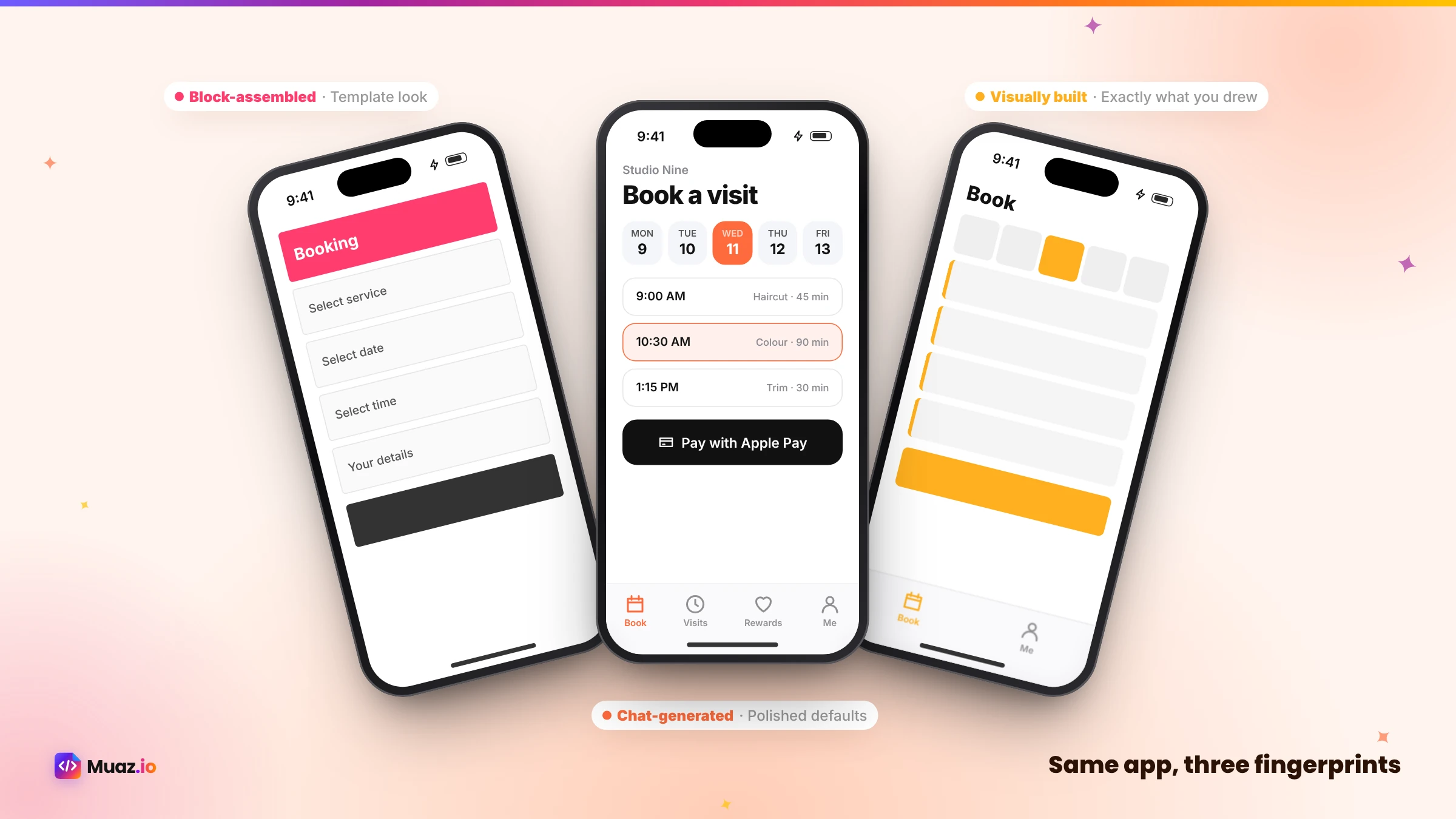
FlutterFlow can produce the most polished custom results, if you have the skills. Rork's native output feels at home on iOS, and quality depends on how well you steer it. Adalo apps are serviceable for simple use cases but less flexible for premium, highly custom experiences.
Design control
FlutterFlow wins: you control every pixel. Rork gives control through language, which is powerful but less precise. Adalo offers moderate control within its components.
Code ownership
Rork generates code. FlutterFlow exports Flutter code on paid plans. Adalo apps remain on the platform. If you might raise money, hire engineers or need custom integrations later, this matters a lot.
Publishing to the App Store
All three support publishing. Rork adds an AI App Store reviewer and screenshot studio. With all three, you still need an Apple Developer account, a privacy policy, privacy labels, screenshots and a demo account if your app requires login. Apple's review guidelines apply equally.
Learning curve
Adalo is easiest, Rork is easy to start but requires clear thinking as apps grow, and FlutterFlow requires the most investment.
Total cost
Plan prices are close enough that your time matters more. A cheaper tool that takes a month of evenings can cost more in total than a tool that gets you to a polished, approved app in a week.
Five scenarios, five verdicts
A developer prototyping a puzzle game. Rork, for its games product and chat-first speed.
A designer building a polished habit tracker with custom animations. FlutterFlow, for precise visual control.
A community organiser building an event app with schedules and speaker profiles. Adalo, for simplicity and a built-in database.
A salon owner with a website who wants bookings, reminders and Apple Pay. None of the three is ideal on its own, because she would need to define the product herself. An AI pipeline that reads her website, researches competitor salon apps and designs an original app, such as Muaz.io, removes most of the work. Our guide to turning a website into an iPhone app without coding shows how.
A SaaS company adding a companion app. A React Native app on the existing API is usually best. FlutterFlow can work; Muaz.io generates it from the API documentation. See our guide to converting a SaaS website into a native iOS app.
Where Muaz.io fits
Muaz.io is built for a different starting point. Rork, FlutterFlow and Adalo all assume you know what to build. Muaz.io starts by finding out. It researches 5, 10 or 20 App Store competitors in your category, with screenshots, ratings, pricing, review themes and sourced revenue estimates, then writes a brief that explains where your app will be better. It reads your website to extract your brand and flows, produces three original native designs on a live iPhone, generates React Native and Expo code you own, tests it, prepares every App Store asset and plans growth for 90 days. You can direct it by voice, and nothing consequential happens without your approval.
| Rork | FlutterFlow | Adalo | Muaz.io | |
|---|---|---|---|---|
| Market research before building | Not listed | Not listed | Not listed | Yes, 5–20 competitors |
| Reads your existing website | Not listed | Not listed | Not listed | Yes |
| Voice editing | Not listed | Not listed | Not listed | Yes |
| Approvals and audit log | Not listed | Team features | Not listed | Yes |
| Growth plan after launch | Not listed | Not listed | Not listed | Yes |
| Code you own | Yes | Paid plans | No | Yes |
"Not listed" means we could not find the feature described on the vendor's public site at the time of writing.
Questions to ask before you choose
- Do I know exactly what to build, or do I need help deciding?
- Do I want to build screens myself, describe them or have them designed for me?
- How important is owning the code?
- How complex will the app become in a year?
- Who will handle App Store preparation and review?
- What will I do after launch to grow it?
Your answers point clearly to one of these tools. Download the buyer's scorecard below to score them side by side.
Free: AI App Builder Buyer's Scorecard
Score any AI app builder on 20 criteria that matter after launch, not just in the demo.
We’ll email the resource and a few practical tips. Unsubscribe in one click. We never sell your data.
Common mistakes when comparing these tools
Comparing demos instead of your app. Each tool shines in its own demo. Test with your real idea.
Ignoring the long term. A simple tool can become limiting as your app grows; a powerful tool can be overkill for a simple app.
Forgetting ownership. Platform lock-in is fine for some apps and a serious risk for others. Decide consciously.
Skipping research. None of these tools will tell you whether your idea can win. Our guide to validating an app idea with competitor research shows how to check before you build.
Our verdict
There is no universal winner. Rork is the best of the three for speed and native output if you know what you want. FlutterFlow is the best for control and polish if you are willing to learn. Adalo is the best for simplicity when your app is straightforward. And if you want the strategy, design, testing and launch handled for you, an AI pipeline like Muaz.io is the shorter path.
The fairest test is to give each tool the same idea for a week and see which one gets you closest to a launched app you are proud of. Muaz.io's research and design step is free, so it is an easy one to include. Paste your idea or website into the builder above to see it on a live iPhone in minutes.
Start free. Approve every step.
- Research 5, 10 or 20 competitors
- Original design, never copied
- Test on your iPhone today
- You own the code
A closer look at maintenance after launch
Building version one is only the start. Every app needs updates: new features, bug fixes, iOS changes and App Store metadata refreshes. With Rork, you continue the conversation and regenerate code, which is quick but depends on how well the AI understands the growing app. With FlutterFlow, you or your team make changes in the editor, which is precise but takes skilled time. With Adalo, simple changes are easy, but complex new features may hit the platform's limits. Think about who will maintain the app six months from now, and choose the tool that fits that person.
A closer look at backends and data
All three tools can connect to data, but differently. Rork offers its own realtime backend with authentication and storage. FlutterFlow integrates closely with Firebase and Supabase and can call REST APIs configured in the editor. Adalo has a built-in database and supports external collections through APIs. If you already have a backend, check how easily each tool connects to it; if you do not, a built-in backend can save time but may tie you more closely to the platform.
A closer look at teams
If more than one person will work on the app, collaboration features matter. FlutterFlow supports team collaboration on paid plans, which is useful for designer-developer pairs. Rork and Adalo are oriented more towards individual builders, though both can be shared. Agencies and companies that need roles, approvals, client previews and an audit trail should look for those features explicitly; Muaz.io's agency page describes one way to handle client work.
How these tools handle App Review
App Review applies the same rules to every app, however it was built. The most common issues are thin functionality, missing privacy information, placeholder content, broken links, missing account deletion and permission requests without a clear purpose. Rork's AI App Store reviewer is designed to catch issues early. With FlutterFlow and Adalo, you are responsible for checking. Whichever you choose, read Apple's guidelines before submitting and use a readiness checklist; ours is part of the App Store Studio.
Glossary for this comparison
Chat-first builder. A tool where you describe the app in conversation and AI generates it.
Visual builder. A tool where you assemble screens on a canvas and configure logic.
No-code builder. A tool that lets you build from ready-made components without code.
Flutter. Google's framework for building apps from one Dart codebase.
Code export. Downloading your app's source code to work on it outside the platform.
What users say they value most
Across reviews, forums and conversations with founders, the same priorities come up again and again when people compare these tools. They want to see a working app quickly, so they stay motivated. They want the result to look professional, because the App Store is crowded with polished competitors. They want to be able to change their mind without starting over. They want help with the App Store paperwork, which surprises almost everyone the first time. And they want to own what they build, so a pricing change or a pivot does not mean losing their work. Rork scores well on speed, FlutterFlow on polish and control, Adalo on ease. None of the three covers all five on its own, which is why it is worth thinking about which two matter most to you before you choose.
When to switch tools
Sometimes the right move is to start in one tool and move to another. A common pattern is to prototype quickly in a chat-first tool to test an idea with friends, then rebuild properly once you know what users want. Another is to start simple in Adalo for an internal pilot, then move to a more flexible platform when the app proves its value. If you plan to switch, keep your product decisions documented, your data in a portable backend and your brand assets in your own files, so the move is a rebuild rather than a restart.
Final thoughts
Choosing an app builder is a bit like choosing how to build a house. You can describe it to an architect who draws it instantly, draw every room yourself with professional software or assemble a well-made kit. Each produces a home; each suits a different person. The right choice is the one that matches your skills, your time and how ambitious your app needs to be. Whichever you pick, start with a clear idea of who the app is for and why they will choose it over the alternatives, and the tool will do the rest.
How to run a fair one-week test
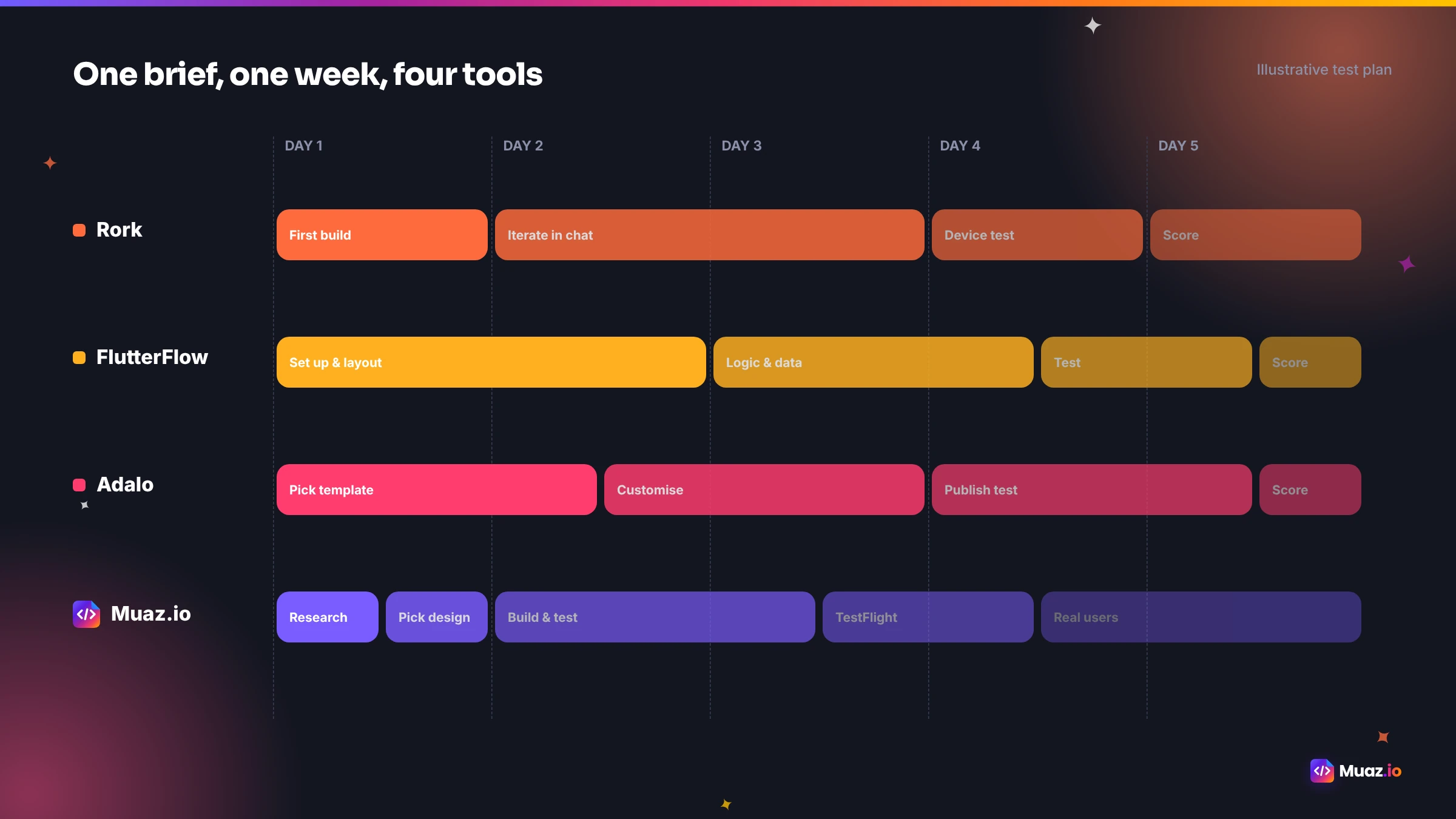
If you are torn, test all three with the same brief. Write a one-page description of your app: who it is for, the main task, three screens and one way it makes money. Then give each tool the same five days.
Day 1: First version. Enter the brief. Note how long it takes to see something usable and how much you had to specify.
Day 2: Design changes. Ask for three specific changes, such as a different colour, a reordered tab and a larger primary button. Note how easy each change was.
Day 3: Data. Connect a sample data source or create a simple database. Note whether the tool helped or got in the way.
Day 4: Device test. Install a test build on your iPhone. Use it for real. Note anything that feels unlike an iPhone app.
Day 5: Store readiness. Prepare the listing: icon, screenshots, privacy details. Note how much the tool helped.
Score each day from one to five. The tool with the highest total for your app is your answer, and you will have learned a lot about your idea along the way.
What each tool says about your app's future
The tool you choose shapes your app's path. An app built in Adalo will likely stay simple and on the platform, which is perfect for many internal tools and community apps. An app built in FlutterFlow can grow into a sophisticated product, especially if you export the code and bring in Flutter developers. An app built with Rork can move quickly and be extended with its code. An app built with Muaz.io starts with research and a brief, so its future is shaped by what the market wants, and its React Native code can grow with a development team. Think about where you want the app to be in two years, not just next week.
Pricing in context
The plan prices of these tools are similar enough that they rarely decide the choice. What does decide it is the total cost to a launched, successful app: your hours, any designer or developer help, Apple's $99 annual developer fee, backend services and the cost of fixing problems after launch. A useful exercise is to estimate your hourly value and multiply it by the hours each tool will likely take you. For most founders, the tool that saves the most hours wins, even if its plan costs a little more. Our guide to the cost of converting a website into an iOS app puts numbers on the wider options.
If you want to see what a research-first approach produces for your own idea, the free first step takes minutes, and you can compare it side by side with whatever you build in the other three.

Monjur builds Muaz.io and incorporated MotionTrust Digital in September 2022, where he leads Amazon strategy across the client base. Eight years in e-commerce and marketplace marketing taught him how much growth a great mobile app unlocks, so every guide here is tested against the real product and current App Store rules before it goes live.
Questions about head to head
Short, direct answers. Still curious? Ask in the builder; the assistant knows your project.
Is Rork better than FlutterFlow?
They suit different people. Rork is faster if you want to describe an app in a chat and get native code, including Swift. FlutterFlow is better if you want precise visual control and are willing to learn its editor. Neither does market research before you build, which is where Muaz.io differs.
Is Adalo good for iPhone apps?
Adalo is good for simple apps with standard layouts, such as directories, basic booking tools or internal apps, and it publishes to the App Store. It is less suited to complex, highly custom or performance-sensitive apps, and apps stay on Adalo's platform.
Which one is cheapest?
According to native.express in October 2026, Rork Pro starts at $20 per month, Adalo Starter at $36 per month billed annually and FlutterFlow Basic at $39 per month. Your own time and any freelancer help usually matter more than the plan price.
Can I export code from Rork, FlutterFlow and Adalo?
Rork generates code. FlutterFlow offers code export on paid plans. Adalo keeps apps on its platform. If ownership matters to you, check the current terms for your plan before you build.
Which is best for a non-technical founder?
Adalo is the easiest to learn for simple apps, and Rork is easy to start because you describe the app in words. For a founder who wants research, an original design and App Store preparation handled, an AI pipeline like Muaz.io removes the most work.
Which is best for agencies?
FlutterFlow suits agencies with designers who like visual control, and Rork suits fast prototyping for clients. Agencies that need client workspaces, approvals, white-label previews and research-led pitches will find those built into Muaz.io.
Do they all publish to the App Store?
Yes, all three support App Store publishing workflows. You still need an Apple Developer Program membership, and you remain responsible for meeting Apple's review guidelines.
Research first. Then build native.
Muaz studies 5, 10 or 20 rival apps before it designs yours, then builds it and takes it to the App Store.
Keep reading
 Tools & Comparisons16 min read10 Best AI iOS App Builders in 2026: Features, Pricing & Native Support
We compared 10 AI app builders specifically for iPhone apps: native output, App Store publishing, code ownership, design quality and 2026 pricing, with honest picks by use case.
Monjur Hossain·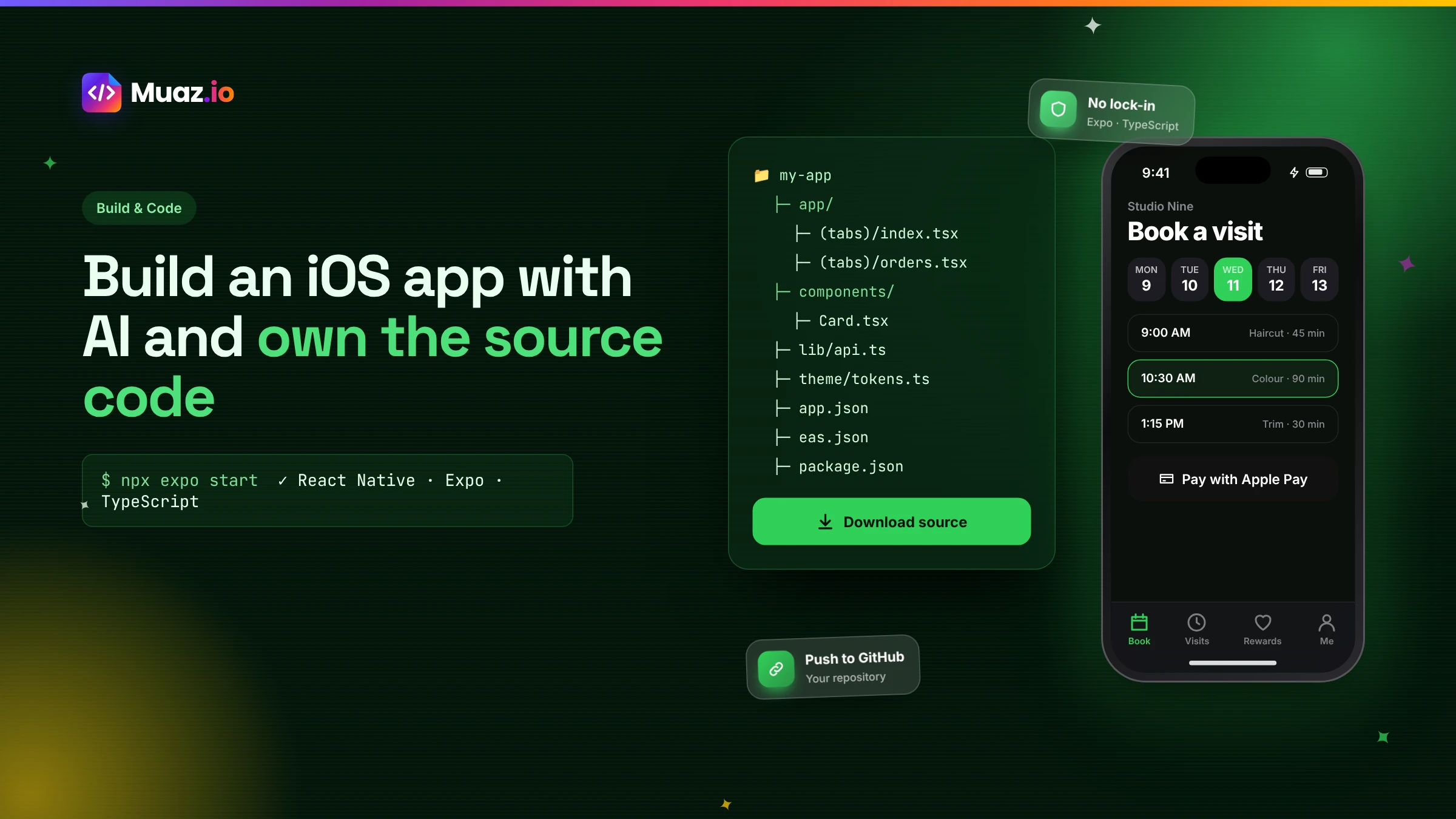 Build & Code15 min readHow to Build an iOS App with AI and Export the React Native Source Code
How AI app builders generate real React Native and Expo code, what a good exported project looks like, how to hand it to developers and why code ownership protects your app.
Monjur Hossain·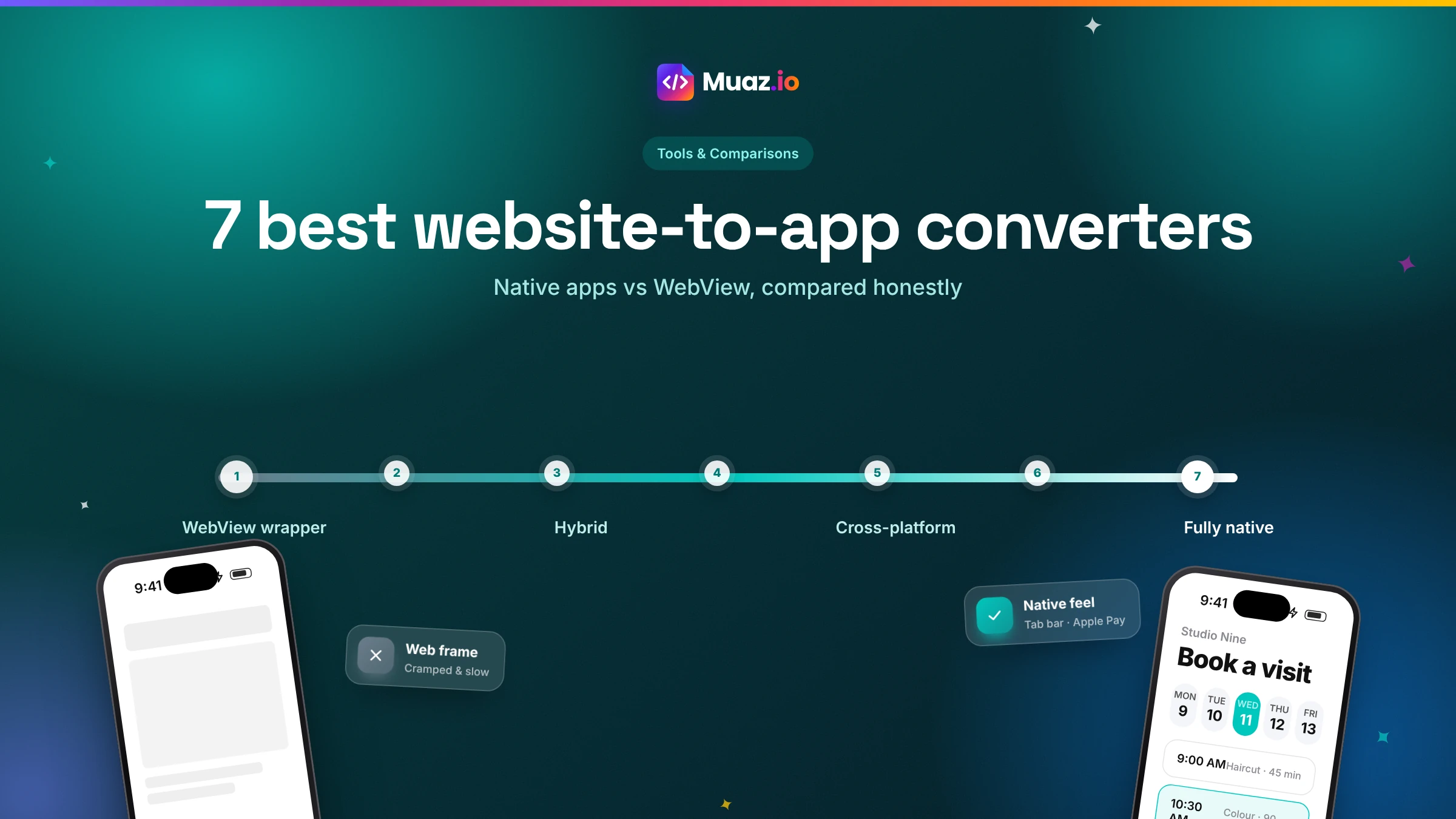 Tools & Comparisons15 min read7 Best Website-to-App Converters in 2026: Native Apps vs WebView
An honest comparison of 7 website-to-app converters in 2026, from WebView wrappers to native AI rebuilds: how each works, App Review risk, features, ownership and published pricing.
Monjur Hossain·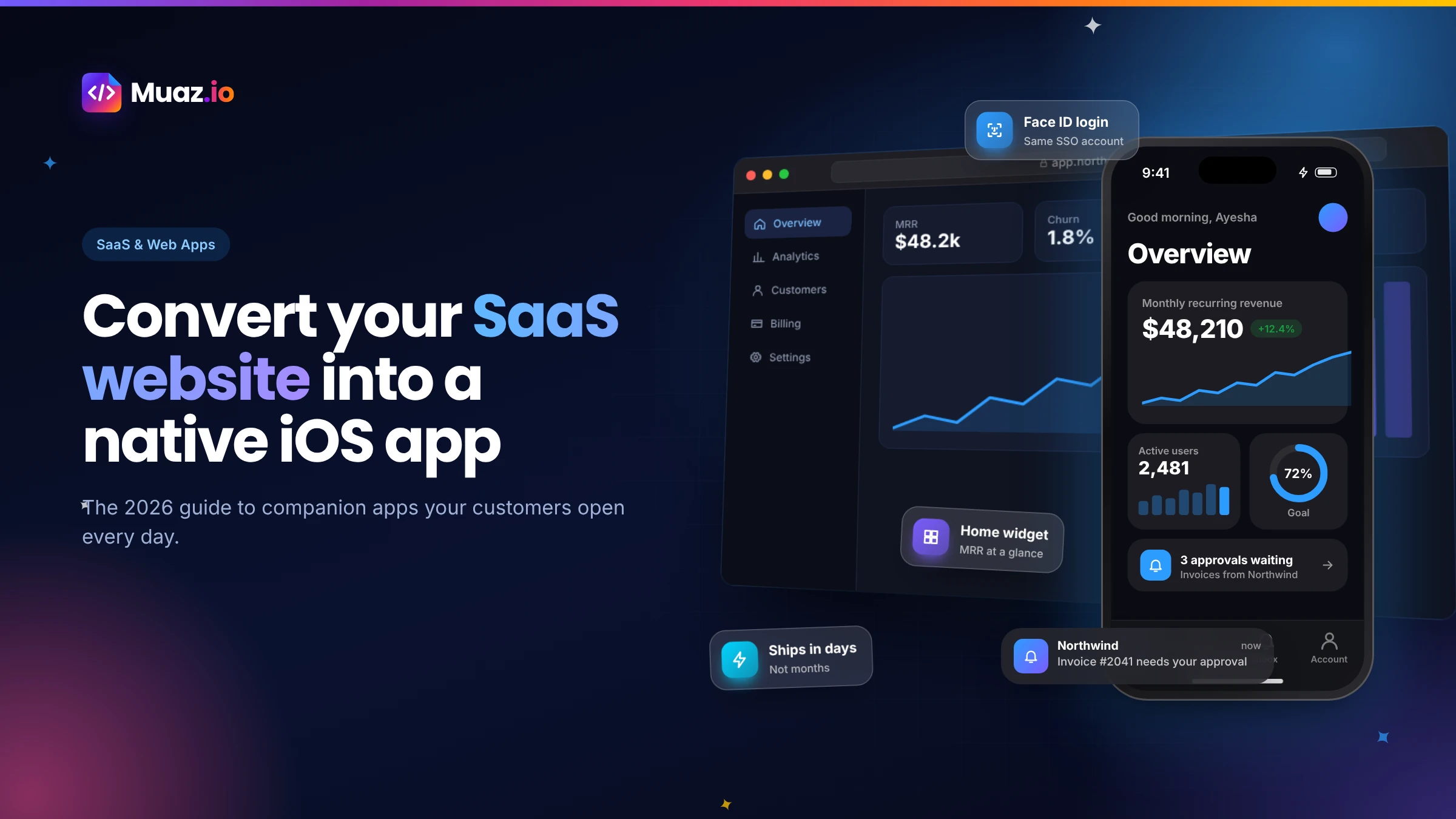 SaaS & Web Apps18 min readHow to Convert a SaaS Website into a Native iOS App Using AI (2026 Guide)
A practical, step-by-step guide to turning your SaaS web app into a native iPhone app with AI: what to build, how to connect your API and login, push alerts, App Review and cost.
Monjur Hossain·Tools and products for the next step
- Paste a URL, get three original designs
- Free research before you pay
- 5, 10 or 20 App Store rivals analysed
- Review themes, pricing and gaps
- Screenshots, metadata and privacy labels
- TestFlight and submission checklist
Where our numbers come from
Third-party figures are estimates published by the sources below. Prices and rules change; check the source before you decide.
- Rork official websiterork.com
- FlutterFlow official websitewww.flutterflow.io
- Adalo official websitewww.adalo.com
- Flutter documentationdocs.flutter.dev
- Apple App Store Review Guidelinesdeveloper.apple.com/app-store/review/guidelines